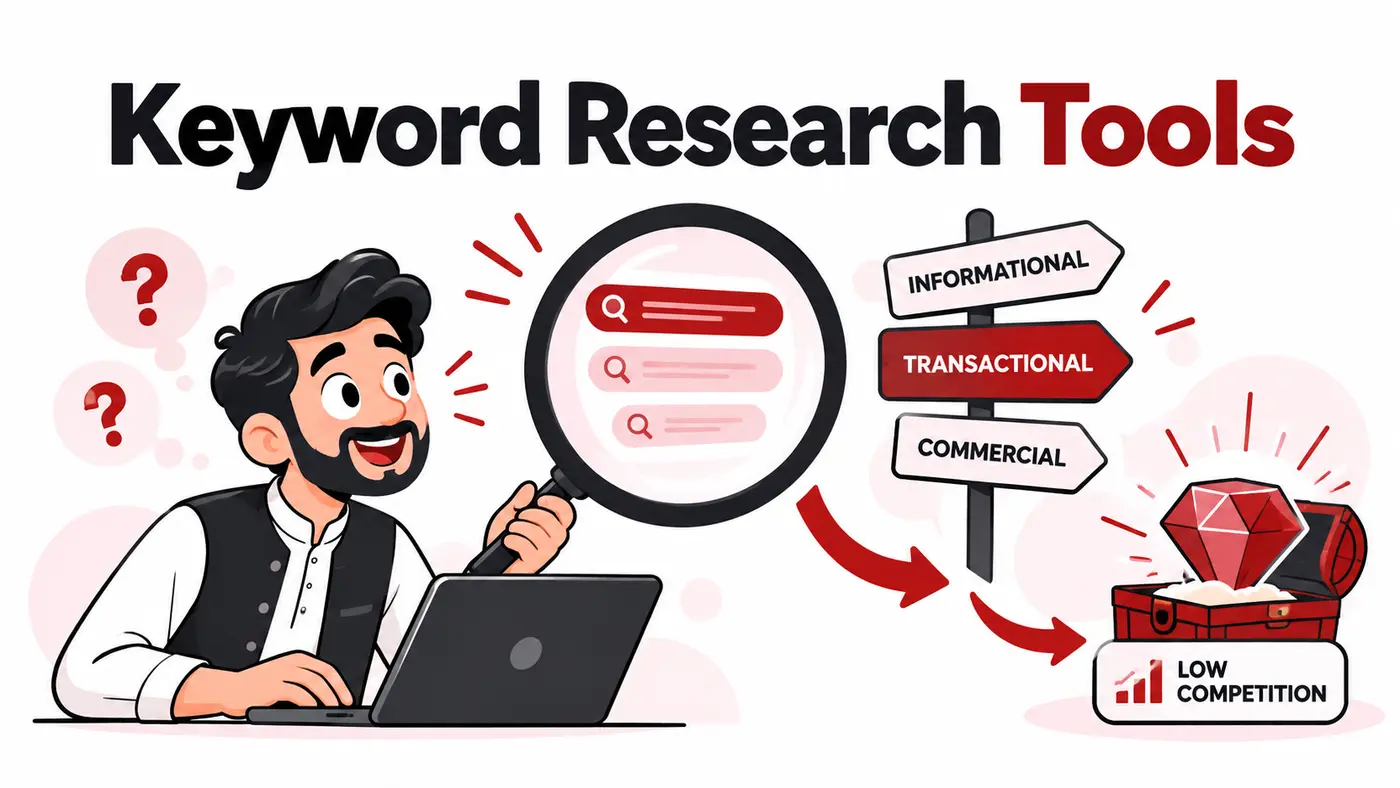
Affordable keyword research is not about finding the cheapest volume database. It is about discovering the language people use, understanding their intent and selecting a page format that can realistically compete. Pakistani freelancers often need one workflow for local queries and another for clients in the United States, United Kingdom, Gulf or Europe.
What users are actually trying to solve
Searchers want keyword ideas, estimated demand, difficulty clues, questions and competitor gaps without committing to an expensive enterprise suite. Beginners also need help moving from a keyword list to a search-intent map. No tool can replace reviewing the live results and judging whether your page can offer something better.
How these tools were evaluated
We compared seed expansion, questions, location databases, trend context, SERP inspection, competitor research, clustering support, exports, credit systems and entry cost. We gave more weight to complementary evidence than to a single difficulty score.
Quick comparison
# |
Tool |
Best for |
Main caution |
|---|---|---|---|
1 |
Improving an existing website |
No data for topics the site has never appeared for |
|
2 |
Seasonality and rising interest |
Relative interest is not exact search volume |
|
3 |
Commercial themes and advertising context |
Organic intent and exact volumes require interpretation |
|
4 |
Low-cost browser research |
Credit use can grow during broad browsing |
|
5 |
Beginner-friendly keyword discovery |
Database depth differs by market |
|
6 |
Finding weaker SERPs and long-tail ideas |
Weak competitors do not guarantee easy rankings |
|
7 |
Questions and audience language |
Many suggestions need consolidation |
|
8 |
People Also Ask relationships |
Credit limits and changing Google results |
|
9 |
Large-scale filtering and competitive projects |
A full subscription is costly for occasional use |
|
10 |
SERP and backlink context |
Premium cost and modelled metrics |
Top 10 options reviewed
1. Google Search Console
Best for: Improving an existing website
Search Console reveals actual queries, pages, countries and devices. It is the best starting point for updating content and identifying near-page-one opportunities.
Watch for: No data for topics the site has never appeared for.
2. Google Trends
Best for: Seasonality and rising interest
Trends compares direction, regions and related searches. Use it to avoid building an annual plan around a temporary spike or fading term.
Watch for: Relative interest is not exact search volume.
3. Google Keyword Planner
Best for: Commercial themes and advertising context
Keyword Planner expands seeds and shows advertiser-oriented estimates. Group ideas by task and intent instead of treating every variation as a separate article.
Watch for: Organic intent and exact volumes require interpretation.
4. Keywords Everywhere
Best for: Low-cost browser research
The extension places volume and related ideas inside common research surfaces. It is convenient for freelancers who research manually and want to control spend through credits.
Watch for: Credit use can grow during broad browsing.
5. KWFinder
Best for: Beginner-friendly keyword discovery
KWFinder presents ideas, SERP context and difficulty in a clear workflow. It is suitable for small client projects when the target market is well covered.
Watch for: Database depth differs by market.
6. LowFruits
Best for: Finding weaker SERPs and long-tail ideas
LowFruits helps inspect search results for signs of lower-authority competition. The editor must still confirm intent, quality expectations and commercial value.
Watch for: Weak competitors do not guarantee easy rankings.
7. AnswerThePublic
Best for: Questions and audience language
The tool visualises questions and phrase patterns around a topic. It is useful for FAQ and subtopic discovery, but similar questions should be answered together.
Watch for: Many suggestions need consolidation.
8. AlsoAsked
Best for: People Also Ask relationships
AlsoAsked maps question relationships that can help structure comprehensive pages. Use the questions as research prompts rather than headings copied mechanically.
Watch for: Credit limits and changing Google results.
9. Semrush Keyword Magic Tool
Best for: Large-scale filtering and competitive projects
Semrush offers extensive filters, intent labels and competitor connections. It provides value when an agency uses multiple modules and maintains enough active clients.
Watch for: A full subscription is costly for occasional use.
10. Ahrefs Keywords Explorer
Best for: SERP and backlink context
Ahrefs combines keyword ideas with SERP history, traffic potential and competitive context. It is most valuable when backlink and competitor research are already part of the workflow.
Watch for: Premium cost and modelled metrics.
Considerations for users in Pakistan
Pakistan-specific volumes can be sparse or unstable, especially in English-Urdu mixed searches. Cross-check variations, regional interest, live autocomplete, forums and actual Search Console data. For foreign clients, set the correct country database instead of researching everything from a Pakistan default.
A practical implementation workflow
Define the audience and job to be done. Collect phrases from several sources, group them by shared intent, inspect the live results, assign one primary page per intent, and record what original evidence the page will contribute. Prioritise business relevance and realistic differentiation before estimated volume.
Which option fits your situation?
Google Search Console: Shortlist it when your priority is improving an existing website. During the trial, specifically test no data for topics the site has never appeared for so the limitation does not appear after the workflow has been adopted.
Google Trends: Shortlist it when your priority is seasonality and rising interest. During the trial, specifically test relative interest is not exact search volume so the limitation does not appear after the workflow has been adopted.
Google Keyword Planner: Shortlist it when your priority is commercial themes and advertising context. During the trial, specifically test organic intent and exact volumes require interpretation so the limitation does not appear after the workflow has been adopted.
Keywords Everywhere: Shortlist it when your priority is low-cost browser research. During the trial, specifically test credit use can grow during broad browsing so the limitation does not appear after the workflow has been adopted.
A seven-day proof before committing
- Day 1: define the decision. Write one real outcome the affordable keyword research tools Pakistan must improve and record the current time, cost or error rate.
- Days 2 and 3: use representative work. Test a genuine client-sized project rather than a clean demonstration account. Include the data volume, device and collaboration conditions the team normally faces.
- Day 4: test the difficult path. Check permissions, exports, recovery, limits and the main caution identified in the comparison. A tool should be judged by the inconvenient case, not only its easiest screen.
- Days 5 and 6: involve the next user. Let the teammate or client who receives the output complete one task without coaching. Record confusion, missing context and manual steps.
- Day 7: calculate the full commitment. Compare annual cost, foreign-currency risk, setup time, required add-ons and the effort to leave. Keep the tool only when it improves a real decision or removes repeatable work.
This short proof also protects against buying several overlapping products. If an existing platform already completes the job adequately, a marginally better interface may not justify another subscription, login and data connection.
How to choose without wasting money
- Write the exact job the tool must complete.
- Choose two finalists that fit the current team, not imagined future complexity.
- Test them with one real client workflow and representative data.
- Check exports, account ownership, security and cancellation before importing everything.
- Calculate the twelve-month cost in rupees, including seats, credits, storage and taxes.
- Keep the option that improves decisions or saves measurable time.
Related guides
Frequently asked questions
Can free keyword tools be enough?
Yes for many small sites when combined with Search Console, live SERPs and customer research.
Is keyword difficulty accurate?
It is a tool-specific estimate, not a Google metric or guarantee.
Should I target zero-volume keywords?
Yes when the query represents a real, valuable need and the page can answer it better than existing results.
How many keywords belong on one page?
As many closely related phrases as share the same intent and useful answer.
Final recommendation
Start with Search Console, Google Trends and Keyword Planner for first-party signals. Add Keywords Everywhere or KWFinder for an affordable browser-led workflow, or LowFruits for focused low-competition discovery. Buy Ahrefs or Semrush only when their wider datasets will be used across enough client work.
Features, prices, plan limits and regional payment availability can change. Verify current details on the provider’s official website before purchasing.