An expense app is valuable only when it preserves evidence and explains the payment trail. Pakistani freelancers often pay in PKR and USD across bank cards, Payoneer and cash, so a clean system must capture original currency, conversion, business purpose and receipt without turning transfers between accounts into expenses.
What users are actually trying to solve
Users want to stop losing receipts, understand profit and prepare records for an accountant or FBR return. They do not need an app that guesses deductibility. A software category is not a tax ruling, and personal use must be separated from genuine business purpose.
How we evaluated these tools
We compared receipt capture, multicurrency treatment, categories, bank import, reconciliation, exports, invoicing links, project tagging, offline access, accountant collaboration and suitability from Pakistan.
Quick comparison
# |
Option |
Best for |
Main caution |
|---|---|---|---|
1 |
Receipt capture and structured expense reports |
Pakistan tax treatment still requires configuration |
|
2 |
Expenses inside full bookkeeping |
More setup than a simple tracker |
|
3 |
Accountant collaboration and mature bookkeeping |
USD cost and limited Pakistan localization |
|
4 |
Multicurrency and adviser workflows |
Relevant features may require higher plans |
|
5 |
Service invoicing plus expenses |
Client and feature limits vary |
|
6 |
Receipt scanning and team expense reports |
Card and reimbursement features vary by country |
|
7 |
Simple account and budget visibility |
Personal-finance orientation |
|
8 |
Visual budgets and shared wallets |
Accounting exports and controls are limited |
|
9 |
Free offline accounting and control |
Manual receipt workflow and backup responsibility |
|
10 |
Custom low-volume tracking |
Manual errors and weak controls |
Top 10 options reviewed
1. Zoho Expense
Best for: Receipt capture and structured expense reports
Zoho Expense provides receipt scanning, categories, reports, approvals and integrations with Zoho’s finance tools. It suits freelancers who want a dedicated capture workflow. Review scanned data and record the business purpose rather than trusting automation blindly.
Check before choosing: Pakistan tax treatment still requires configuration
2. Zoho Books
Best for: Expenses inside full bookkeeping
Zoho Books links expenses with invoices, accounts, reconciliation and financial reports. It is useful when the freelancer wants one accounting system. Configure currencies and tax categories with professional guidance.
Check before choosing: More setup than a simple tracker
3. QuickBooks Online
Best for: Accountant collaboration and mature bookkeeping
QuickBooks records expenses, receipts, vendors and bank transactions within double-entry accounts. It is strong when an accountant already uses it. Pakistani bank feeds may require CSV or manual import.
Check before choosing: USD cost and limited Pakistan localization
4. Xero
Best for: Multicurrency and adviser workflows
Xero offers reconciliation, bills, expenses and reporting in a polished accounting system. It fits freelancers growing into agencies. Check multicurrency, expense claims and bank-import requirements before selecting a plan.
Check before choosing: Relevant features may require higher plans
5. FreshBooks
Best for: Service invoicing plus expenses
FreshBooks combines invoices, time, projects and expenses for service businesses. It is approachable for consultants. Confirm export depth and how foreign-currency costs are represented.
Check before choosing: Client and feature limits vary
6. Expensify
Best for: Receipt scanning and team expense reports
Expensify focuses on capturing receipts, coding expenses and managing reports or approvals. It can work for a small agency with staff claims. Do not assume its financial products operate in Pakistan.
Check before choosing: Card and reimbursement features vary by country
7. Wallet by BudgetBakers
Best for: Simple account and budget visibility
Wallet can track accounts, categories and budgets across devices. A solo freelancer can use separate business categories or accounts for basic visibility. It is not a substitute for formal bookkeeping once the business becomes complex.
Check before choosing: Personal-finance orientation
8. Spendee
Best for: Visual budgets and shared wallets
Spendee provides wallets, categories and visual spending summaries. It suits a freelancer who mainly wants disciplined capture. Verify export format before relying on it for year-end records.
Check before choosing: Accounting exports and controls are limited
9. Manager.io
Best for: Free offline accounting and control
Manager.io’s desktop edition supports double-entry accounts and expenses without a cloud subscription. It is useful during unreliable connectivity. The user must maintain backups and design a receipt-storage process.
Check before choosing: Manual receipt workflow and backup responsibility
10. Google Sheets with Drive
Best for: Custom low-volume tracking
A structured Sheet can track date, vendor, purpose, account, currency and receipt link. It is transparent and inexpensive for a small volume. Protect formulas, restrict sharing and reconcile it monthly rather than treating it as a loose list.
Check before choosing: Manual errors and weak controls
Fields every expense needs
- Date and supplier
- Business purpose
- Original currency and amount
- PKR conversion basis where required
- Payment account
- Category and project or client
- Receipt or invoice link
- Tax or withholding evidence where relevant
Do not record transfers as expenses
Moving money from Payoneer to a bank or from one bank to another changes where money is held; it is not automatically a business cost. Record identifiable platform fees, bank charges and exchange differences separately.
Monthly close
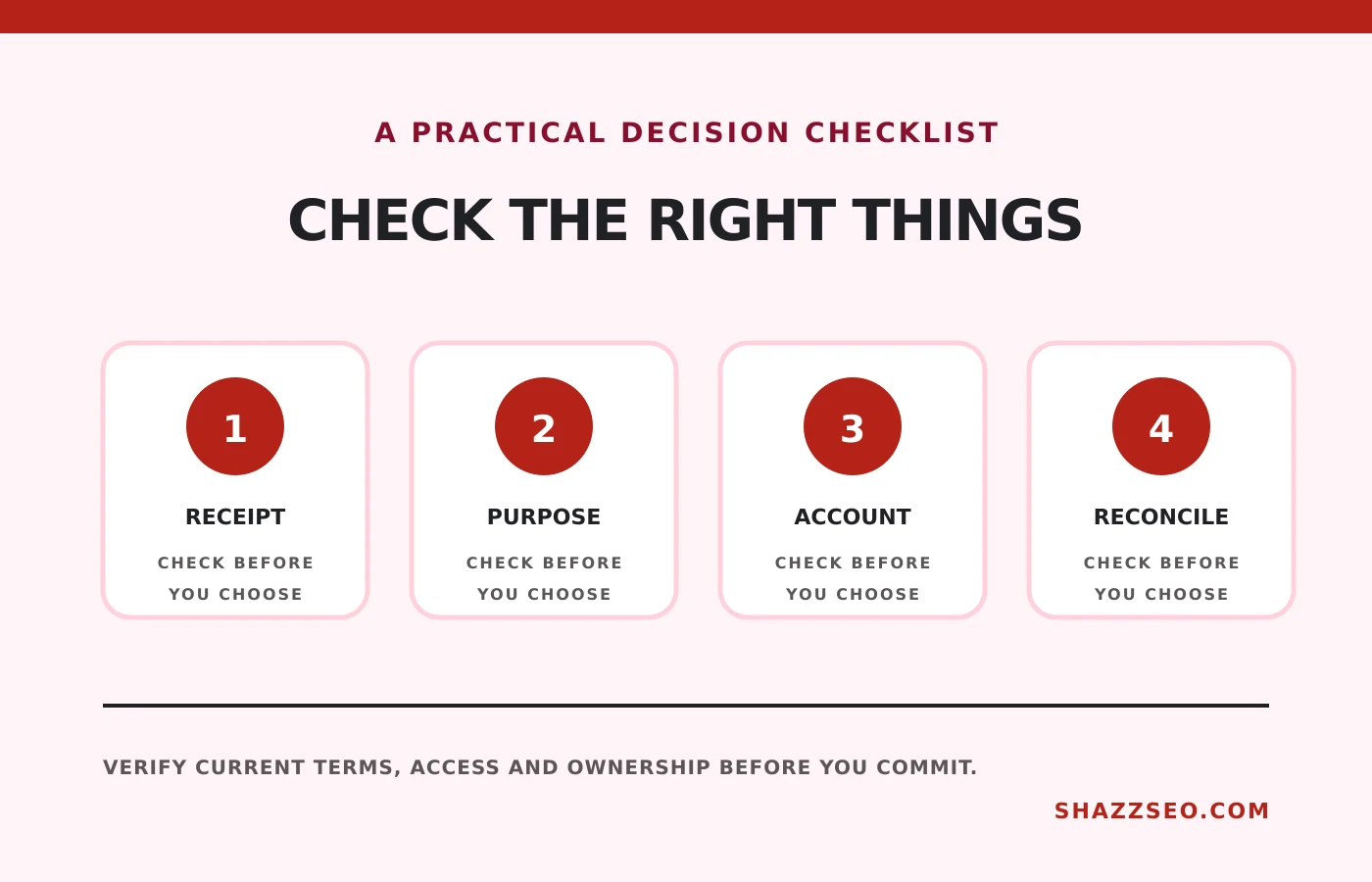
- Collect missing receipts.
- Import bank and platform transactions.
- Match receipts to payments.
- Separate personal and business items.
- Reconcile every account.
- Export a summary and backup.
Connect this workflow to the guide on accounting software for Pakistani freelancers.
How to choose without wasting money
Use a dedicated capture app when receipt volume is the main problem. Use accounting software when invoices, assets, liabilities and multiple accounts must reconcile. A spreadsheet remains acceptable for a simple operation if it is complete and reviewed.
Implementation checklist
- Create business-specific categories
- Separate personal accounts where practical
- Photograph receipts immediately
- Record original currency
- Explain business purpose
- Reconcile monthly
- Give accountant access or exports
- Back up records for the required period
Frequently asked questions
Does an app decide whether an expense is tax deductible?
No. Classification in software does not determine legal deductibility.
Can I claim internet and laptop costs?
Business use may be relevant, but mixed personal use and current tax rules require professional review.
Should Payoneer fees be recorded separately?
Yes. Separating gross income, platform fees, transfer charges and net bank credits creates a clearer trail.
Is a photo of a receipt enough?
Keep a legible image plus payment and business-purpose records. Requirements can vary.
Final recommendation
Choose Zoho Expense for dedicated capture, Zoho Books or QuickBooks for complete bookkeeping, or a controlled spreadsheet for a genuinely simple operation. Consistent monthly reconciliation matters more than the app logo.
This is software and recordkeeping guidance, not tax advice. Confirm deductibility, retention and filing treatment with a qualified Pakistani professional.