Sync is not backup. If ransomware, an accidental deletion or a compromised administrator removes a synced folder, the damage may replicate across every device. Pakistani agencies need collaboration storage for daily work and an independent recovery layer for client assets, contracts and project archives.
What users are actually trying to solve
Use a password manager for your freelance team to control access to storage accounts, and record file owners and handoffs in your agency project management system.
Agencies want fast file sharing, client permissions, version history and recovery during unreliable internet or device loss. Video and design teams also need large-file performance. The correct architecture may combine two products because collaborative storage and immutable or versioned backup solve different problems.
How we evaluated these tools
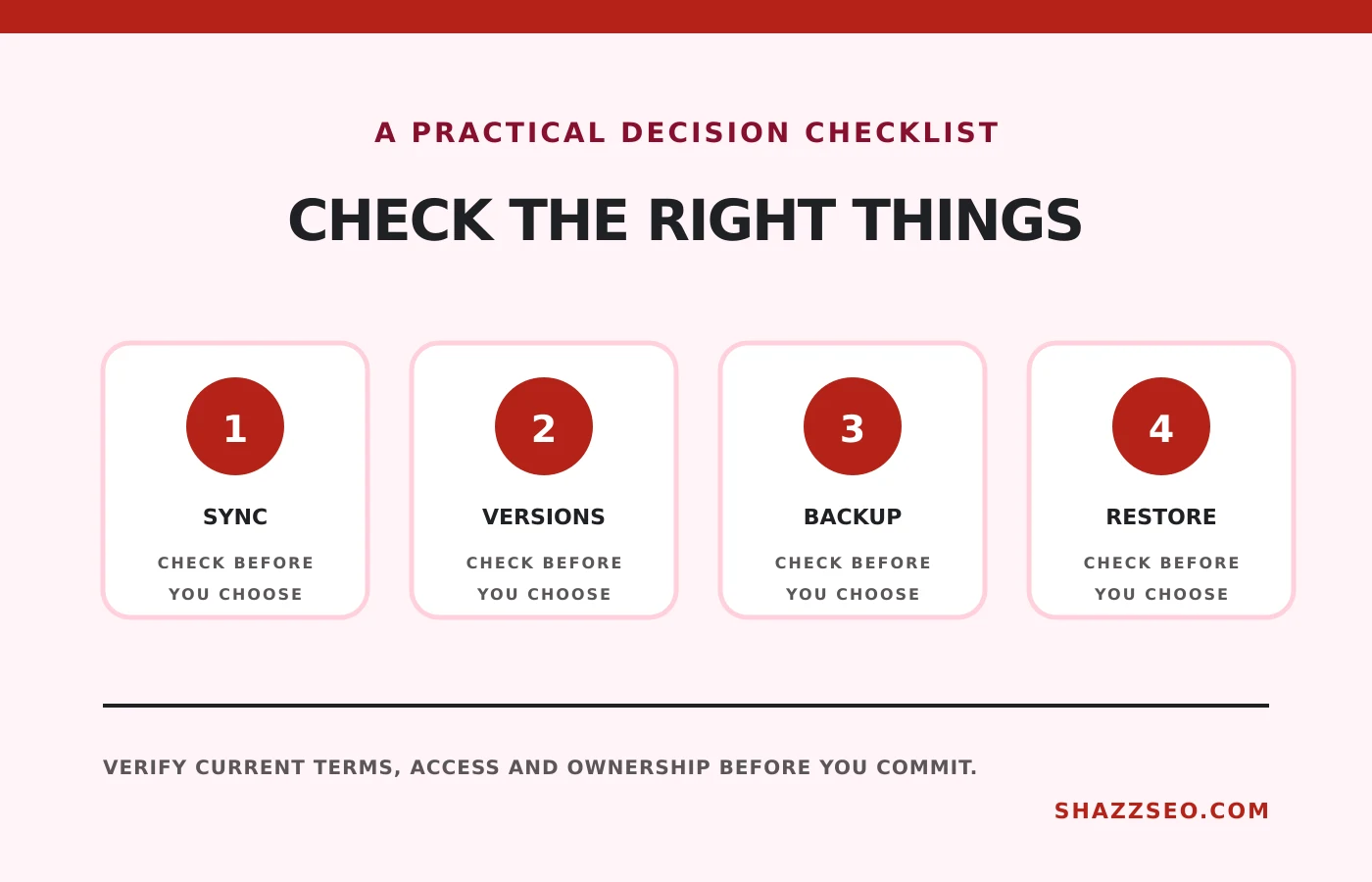
We compared sharing, team administration, version history, deleted-file recovery, desktop sync, encryption, regional availability, exports, large-file handling and suitability as either primary collaboration or backup storage.
Quick comparison
# |
Option |
Best for |
Main caution |
|---|---|---|---|
1 |
Document collaboration and Google teams |
Shared Drive governance and storage planning |
|
2 |
Microsoft 365 agencies |
SharePoint structure and sync need governance |
|
3 |
Creative files and external sharing |
Per-user cost and external-link control |
|
4 |
Controlled business content and workflows |
May be excessive for a tiny agency |
|
5 |
Privacy-led collaboration |
Workflow integrations are less broad |
|
6 |
Straightforward file storage and sharing |
Encryption and plan structure need review |
|
7 |
Privacy-focused file sharing |
Performance and integrations should be tested from Pakistan |
|
8 |
Zoho-based small agencies |
Less suitable for specialist media workflows |
|
9 |
Endpoint or independent backup |
B2 configuration and restore planning |
|
10 |
Agency archives and object-storage backup |
Minimum storage and retention policies |
Top 10 options reviewed
1. Google Drive with Workspace
Best for: Document collaboration and Google teams
Drive integrates tightly with Docs, Sheets, Gmail and Meet. Shared Drives help keep agency files under organizational ownership rather than an employee account. Administrators should control external sharing and understand retention limits.
Check before choosing: Shared Drive governance and storage planning
Best for: Microsoft 365 agencies
OneDrive handles individual work while SharePoint supports team libraries and controlled collaboration. It is powerful for Office-based agencies. Poor folder design and unrestricted sync can create confusion, so define ownership before migration.
Check before choosing: SharePoint structure and sync need governance
3. Dropbox Business
Best for: Creative files and external sharing
Dropbox is known for straightforward sync and file sharing, which suits video, design and client review workflows. Business editions add administration and recovery features. Review link expiry, watermarking and version history in the selected plan.
Check before choosing: Per-user cost and external-link control
4. Box
Best for: Controlled business content and workflows
Box emphasizes enterprise content governance, integrations and controlled collaboration. It fits agencies serving regulated or larger clients. Small teams should compare implementation effort and plan restrictions against simpler alternatives.
Check before choosing: May be excessive for a tiny agency
5. Proton Drive for Business
Best for: Privacy-led collaboration
Proton Drive provides end-to-end encrypted storage within Proton’s privacy ecosystem. It is valuable when confidentiality outweighs a large integration marketplace. Test external collaboration and recovery with actual client scenarios.
Check before choosing: Workflow integrations are less broad
6. pCloud Business
Best for: Straightforward file storage and sharing
pCloud offers desktop sync, sharing and business administration with a virtual-drive approach. It can reduce local-disk pressure. Confirm server location, encryption options and recovery terms required by client contracts.
Check before choosing: Encryption and plan structure need review
7. Sync.com Teams
Best for: Privacy-focused file sharing
Sync.com emphasizes zero-knowledge encryption and secure sharing. It can suit teams handling sensitive documents. Run upload and restoration tests from the agency’s actual connection before committing large archives.
Check before choosing: Performance and integrations should be tested from Pakistan
8. Zoho WorkDrive
Best for: Zoho-based small agencies
WorkDrive organizes team folders and integrates with the Zoho ecosystem. It is a logical option for agencies already using Zoho CRM, Projects or Mail. Confirm file size, external sharing and version requirements.
Check before choosing: Less suitable for specialist media workflows
9. Backblaze Computer Backup and B2
Best for: Endpoint or independent backup
Backblaze offers computer backup and object storage through B2. It can provide a recovery layer separate from the main collaboration service. Test a full restore and protect deletion credentials with strong authentication.
Check before choosing: B2 configuration and restore planning
10. Wasabi Hot Cloud Storage
Best for: Agency archives and object-storage backup
Wasabi provides S3-compatible object storage used by many backup applications. It suits larger archives and structured backup workflows rather than casual folder sharing. Model minimum retention, egress and software costs carefully.
Check before choosing: Minimum storage and retention policies
The 3-2-1 approach
Keep three copies of important data, on two types of storage, with one copy separate from the main environment. For an agency, that might mean active files in a managed team drive, a local working copy and a protected backup in another provider or controlled offline destination.
What belongs in backup
- Signed contracts and scope changes
- Raw creative assets and final exports
- Website backups and deployment files
- Reporting datasets and key exports
- Brand assets, templates and licenses
- Financial evidence and client approvals
Run a restore drill
A green backup status is not proof of recovery. Every quarter, restore one deleted folder, one prior version and one complete client archive to a clean destination. Record time, permissions and missing metadata.
How to choose without wasting money
Choose primary storage around daily collaboration and client sharing. Choose backup around independence, retention and restoration. Calculate bandwidth and recovery time from Pakistan, particularly for multi-gigabyte video projects.
Implementation checklist
- Use organization-owned team spaces
- Require two-factor authentication
- Restrict public links and set expiry
- Separate active work from archive
- Back up the main cloud independently
- Test version and deletion recovery
- Document employee offboarding
- Run quarterly restore exercises
Frequently asked questions
Is Google Drive a backup?
It has recovery features, but normal sync and sharing are not a complete independent backup strategy.
Should clients get folder ownership?
Agree ownership in the contract. Use controlled shared spaces and export a final handoff where required.
Which tool is fastest in Pakistan?
Performance depends on connection, routing, file size and desktop client. Test with real files.
Can I store passwords in cloud folders?
Use a business password manager rather than a document or spreadsheet.
Final recommendation
Use Drive, OneDrive or Dropbox for collaboration, then add an independent backup layer and test restoration. The best service is the one from which your team can recover after the administrator account, laptop or client folder is lost.
Storage, retention, regional availability and pricing change. Review client confidentiality and applicable data-protection obligations.