The best agency project-management tool is the one employees and clients will actually update. A feature-rich system fails when briefs stay in WhatsApp, deadlines live in voice notes and nobody trusts the dashboard. Pakistani agencies should judge tools by client access, workload visibility, documentation and total per-seat cost.
How we selected these options
We compared task structure, recurring work, forms, guest access, workload, time tracking, dashboards, automation, documentation, mobile use and USD seat pricing. We also considered a common Pakistan constraint: clients may remain in email or WhatsApp, so the tool must make external collaboration simple.
Quick comparison
# |
Option |
Best for |
Important limitation |
|---|---|---|---|
1 |
All-in-one agency operations |
Too many options without governance |
|
2 |
Marketing and operations workflows |
Reporting and portfolio features cost more |
|
3 |
Client-service agencies |
Smaller ecosystem than major general tools |
|
4 |
Small teams and simple Kanban |
Complex portfolios need add-ons or another tool |
|
5 |
Docs-first agencies |
Projects require deliberate database design |
|
6 |
Zoho ecosystem and budget-conscious teams |
Interface is less polished than some rivals |
|
7 |
Visual workflows and automation |
Minimum seats and tiered features affect cost |
|
8 |
Software and technical delivery |
Too complex for many creative clients |
|
9 |
Simple communication and flat-fee teams |
Limited resource and portfolio depth |
|
10 |
Larger multi-department agencies |
Setup and advanced tiers are heavier |
The 10 best options in detail
1. ClickUp: All-in-one agency operations
ClickUp combines tasks, documents, forms, dashboards, goals and native time tracking. Its official pricing lists Free, Unlimited and Business tiers. It fits an agency willing to standardize statuses and templates, but an ungoverned workspace quickly becomes cluttered.
Check before buying: Too many options without governance
2. Asana: Marketing and operations workflows
Asana is strong for clear ownership, dependencies, forms and repeatable cross-functional work. Its interface is easier to explain to nontechnical clients than Jira. Agencies should calculate the paid-seat cost before inviting every collaborator.
Check before buying: Reporting and portfolio features cost more
3. Teamwork: Client-service agencies
Teamwork focuses on client work, budgets, workload, time and profitability. That model suits SEO, web and creative agencies that must connect delivery to retainers. Test its client-user permissions and financial reports with a real project.
Check before buying: Smaller ecosystem than major general tools
4. Trello: Small teams and simple Kanban
Trello is quick to adopt because cards and columns match how many small teams already think. It works for a handful of repeatable pipelines. Once dependencies, resource planning and multi-project reporting become essential, its simplicity can become a constraint.
Check before buying: Complex portfolios need add-ons or another tool
5. Notion: Docs-first agencies
Notion keeps SOPs, briefs, meeting notes and lightweight project databases together. It is excellent as an agency knowledge base. Without clear templates and permissions, every team member builds a different system and reporting becomes unreliable.
Check before buying: Projects require deliberate database design
6. Zoho Projects: Zoho ecosystem and budget-conscious teams
Zoho Projects provides tasks, milestones, Gantt views, time and integration with other Zoho business apps. It is valuable when CRM, Books and Sign are already in use. Evaluate client access and regional billing before committing.
Check before buying: Interface is less polished than some rivals
7. monday.com: Visual workflows and automation
monday.com is flexible for campaign, sales and operations boards, with approachable automation. Its colourful interface helps adoption, but teams can create too many disconnected boards. Price the required seat minimum and automation quota.
Check before buying: Minimum seats and tiered features affect cost
8. Jira: Software and technical delivery
Jira is suited to backlogs, sprints, bugs and engineering workflows. A development agency can connect client requests to structured delivery, while a social-media team may find it unnecessarily rigid. Pair it with a simpler client-facing layer if needed.
Check before buying: Too complex for many creative clients
9. Basecamp: Simple communication and flat-fee teams
Basecamp organizes messages, tasks, files and schedules around projects. Its flat company pricing can become attractive for larger teams, while small teams may prefer per-seat competitors. It prioritizes simplicity over sophisticated workload planning.
Check before buying: Limited resource and portfolio depth
10. Wrike: Larger multi-department agencies
Wrike provides request forms, approvals, workload and enterprise controls. It makes sense when multiple departments share resources and formal governance matters. A five-person agency will rarely use enough of it to justify the setup.
Check before buying: Setup and advanced tiers are heavier
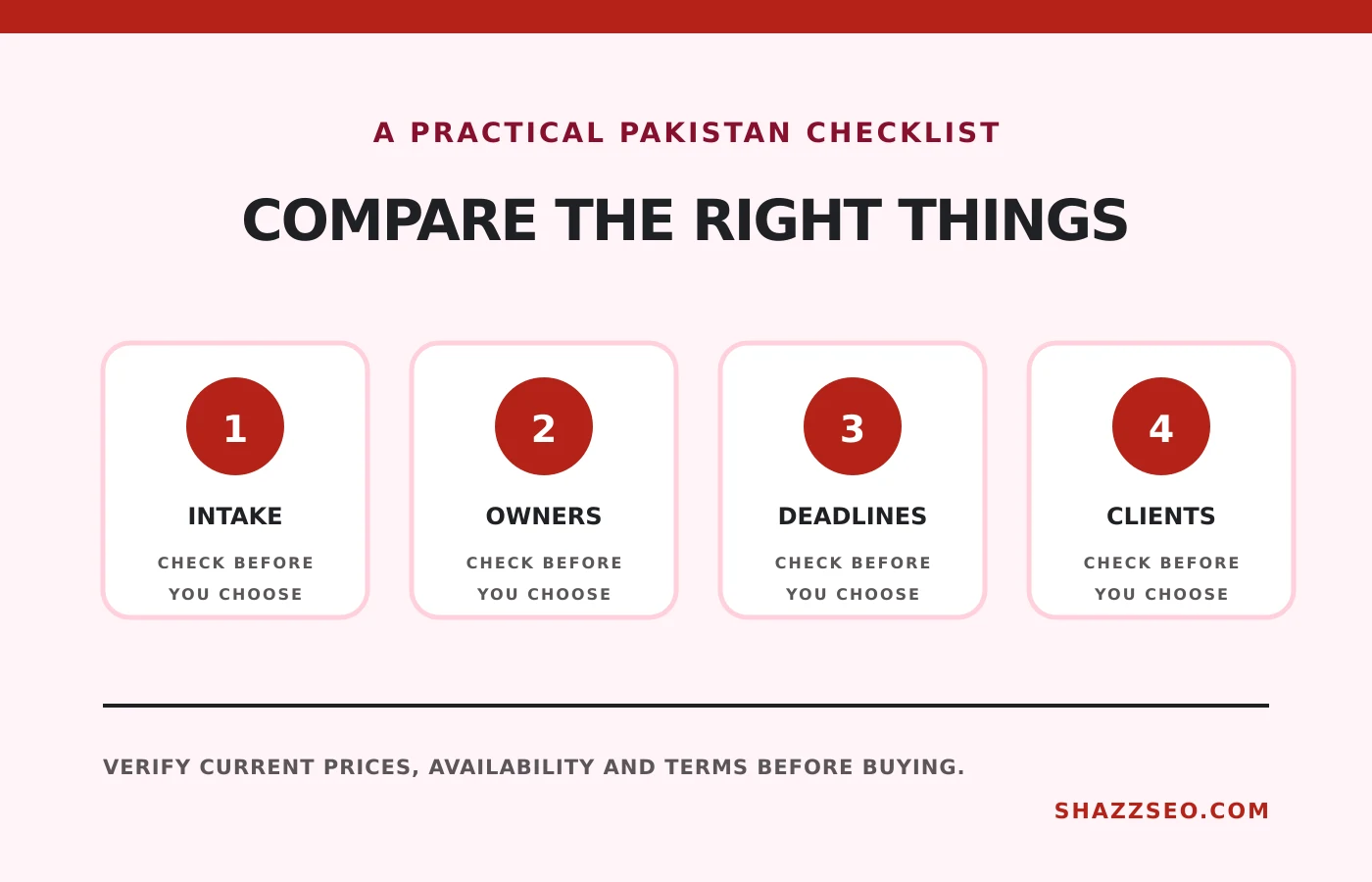
A practical agency setup
- Create one intake form for every new request.
- Use a small fixed set of statuses across teams.
- Store the approved brief on the task.
- Assign one owner and one due date.
- Track blocked work separately from late work.
- Give clients a limited view rather than internal access to everything.
Connect time only after the task structure is reliable. Our time-tracking comparison explains the trade-offs.
How to choose
A 3-person agency should prefer adoption over theoretical scale. A 20-person service agency needs workload and profitability. A software house needs issues, sprints and releases. Run the same live client project in two finalists for seven days before migrating all work.
Frequently asked questions
Can WhatsApp remain part of the workflow?
Yes, for alerts and conversation. Convert every approved request, deadline and file into the project system.
Which tool is cheapest?
Free tiers can be cheapest at first, but reporting, guests, automation and storage change total cost.
Should clients receive accounts?
Only when it reduces email and gives them a clear limited view. Do not expose internal notes or other clients.
Is AI a reason to choose a platform?
No. Reliable intake, ownership, deadlines and adoption matter more than generated summaries.
Final recommendation
Choose Trello for very simple work, ClickUp for an integrated operating system, Asana for clean workflows, Teamwork for client-service economics and Jira for development. Configure one delivery process before importing every historical task.
Pricing and plan features change. Verify guest rules, seat minimums, data controls and export options before migration.