A freelancer may control WordPress, hosting, analytics, advertising and payment accounts for several clients. Reusing one password or keeping credentials in WhatsApp turns a single compromise into a multi-client incident. A password manager creates unique credentials and revocable sharing without exposing a master list.
What users are actually trying to solve
The real need is not “remember my passwords.” It is secure generation, autofill, passkeys, two-factor code handling, controlled client sharing, breach monitoring and offboarding. Pakistani users should also verify app-store access, foreign-card payments and recovery across their actual devices.
How we evaluated these tools
We compared encryption architecture, independent security posture, multi-device support, passkeys, team vaults, audit tools, emergency access, exports, account recovery and suitability for client work. No password manager removes the need to secure the primary email and devices.
Quick comparison
# |
Option |
Best for |
Main caution |
|---|---|---|---|
1 |
Open-source value and teams |
Admin and recovery settings need deliberate setup |
|
2 |
Polished team and agency workflows |
Paid subscription for every active user |
|
3 |
Privacy-focused users and Proton customers |
Newer business ecosystem than established rivals |
|
4 |
Security controls and larger teams |
Advanced modules can increase cost |
|
5 |
User-friendly business deployment |
Product packaging and availability can change |
|
6 |
Simple deployment for small teams |
Evaluate ecosystem bundling independently |
|
7 |
Form filling and established desktop users |
Interface preferences vary |
|
8 |
Users wanting control over vault storage |
Storage architecture requires more responsibility |
|
9 |
Agencies already using Zoho |
Less polished for some external-client workflows |
|
10 |
Offline, free and technical control |
No managed cloud sharing or automatic recovery |
Top 10 options reviewed
1. Bitwarden
Best for: Open-source value and teams
Bitwarden supports cross-platform vaults, organizations, passkeys and business administration with a strong value position. It suits freelancers progressing from personal to team use. Store recovery information securely and test organization ownership before adding client credentials.
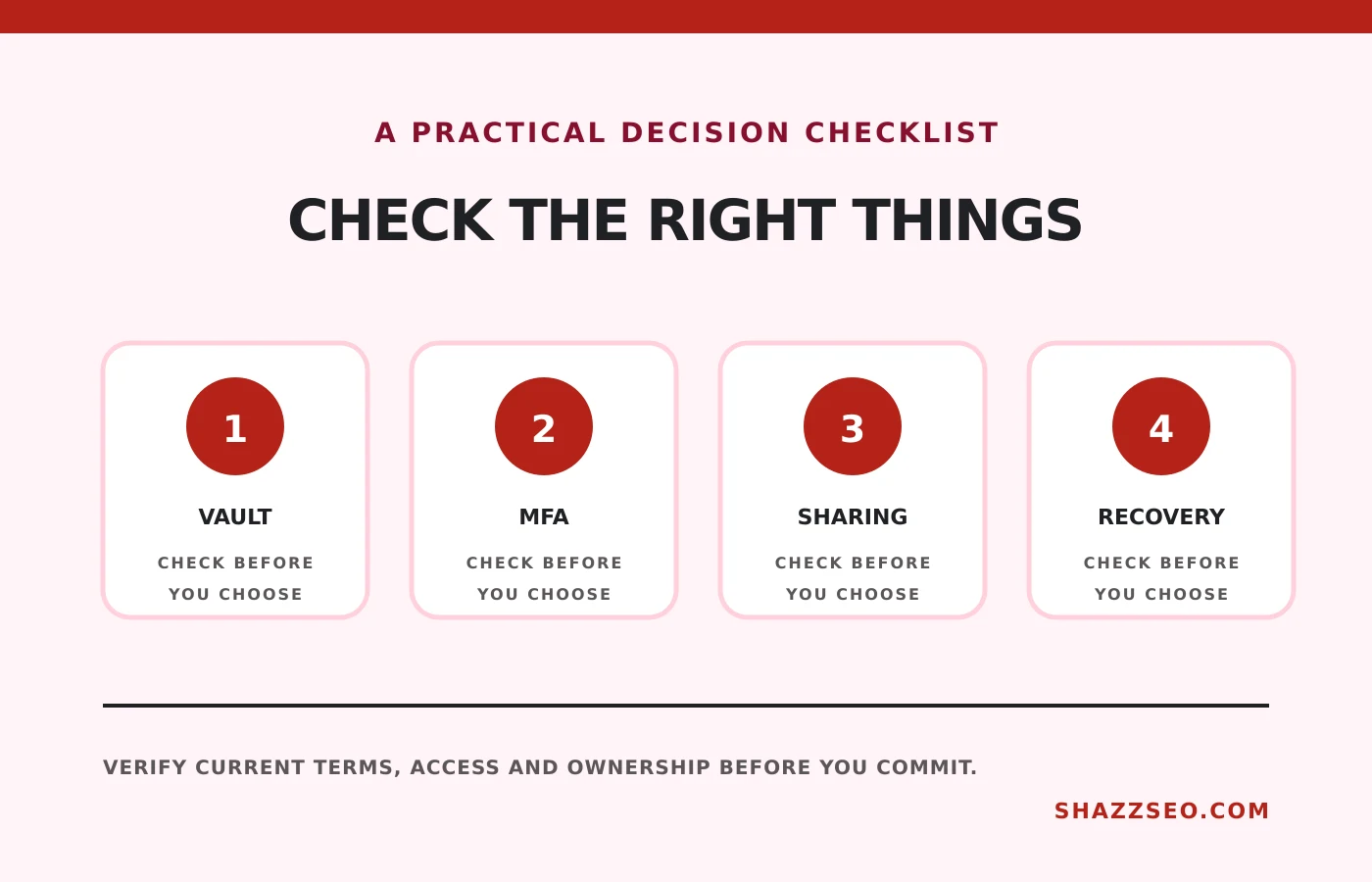
Check before choosing: Admin and recovery settings need deliberate setup
2. 1Password
Best for: Polished team and agency workflows
1Password offers well-designed vaults, travel mode, Watchtower alerts and business controls. It is easy to explain to non-technical teammates. Design vaults by client and role instead of sharing one large collection.
Check before choosing: Paid subscription for every active user
3. Proton Pass
Best for: Privacy-focused users and Proton customers
Proton Pass provides end-to-end encrypted vaults, aliases and passkey support within the Proton ecosystem. It can suit freelancers already using Proton Mail. Check team administration and recovery against your exact workflow.
Check before choosing: Newer business ecosystem than established rivals
4. Keeper
Best for: Security controls and larger teams
Keeper offers business vaults, policy controls, reporting and optional security modules. It suits agencies needing stronger centralized governance. Compare the base plan and add-ons rather than assuming every advertised feature is included.
Check before choosing: Advanced modules can increase cost
5. Dashlane Business
Best for: User-friendly business deployment
Dashlane combines credential management, security alerts and business administration. It can work for a team that values guided adoption. Confirm current platform support, plan limits and export procedures.
Check before choosing: Product packaging and availability can change
6. NordPass Business
Best for: Simple deployment for small teams
NordPass provides business vaults, sharing, policies and breach-related tools. Its interface is approachable for small agencies. Judge it on password-management needs rather than a discount attached to another security product.
Check before choosing: Evaluate ecosystem bundling independently
7. RoboForm Business
Best for: Form filling and established desktop users
RoboForm has long focused on credential capture and form filling, with centralized business administration. It may appeal to users with established desktop workflows. Trial browser, mobile and sharing behaviour before team migration.
Check before choosing: Interface preferences vary
8. Enpass Business
Best for: Users wanting control over vault storage
Enpass allows vault data to be synchronized through selected storage services rather than a single vendor cloud. That control appeals to technical teams. It also makes architecture and recovery the customer’s responsibility.
Check before choosing: Storage architecture requires more responsibility
9. Zoho Vault
Best for: Agencies already using Zoho
Zoho Vault provides business sharing, administration and reports with Zoho integration. It can be cost-effective for an agency in that ecosystem. Test sharing boundaries and client handoff before standardizing.
Check before choosing: Less polished for some external-client workflows
10. KeePassXC
Best for: Offline, free and technical control
KeePassXC stores an encrypted local database and is open source. It is suitable for a disciplined individual who controls synchronization and backups. It is easy to misuse in a team through emailed database files or conflicting copies.
Check before choosing: No managed cloud sharing or automatic recovery
Set up the vault safely
- Create a long, unique master passphrase.
- Enable phishing-resistant MFA or a security key where supported.
- Store the recovery code offline in a protected location.
- Import credentials, then remove insecure exports.
- Replace reused and breached passwords first.
- Create separate client vaults with minimum access.
Client credential policy
Prefer the client inviting your named account. When a shared credential is unavoidable, keep it in a client-specific vault, record ownership and remove agency access at offboarding. Never retain credentials “just in case” after the contract ends.
Protect the reset path
The primary email, phone SIM and device lock can bypass the vault’s strength. Secure them with strong MFA, recovery contacts and SIM protections. Review browser extensions and remove unknown devices.
How to choose without wasting money
Solo users can prioritize cross-device autofill and recovery. Agencies need role-based sharing, audit logs and rapid offboarding. Exportability matters because a security product should not trap your credentials.
Implementation checklist
- Unique master passphrase
- Strong MFA enabled
- Recovery stored offline
- One vault per client or team boundary
- No credentials sent through chat
- Shared items reviewed monthly
- Former staff removed immediately
- Encrypted backup or tested export process
Frequently asked questions
Is browser password storage enough?
It is better than reuse, but dedicated managers usually provide stronger sharing, auditing and cross-platform controls.
Should the manager store two-factor codes?
It is convenient but reduces separation. Protect critical accounts with a separate authenticator or hardware key where practical.
What if I forget the master password?
Recovery depends on the provider and plan. Configure and test recovery before a crisis.
Can a password manager be hacked?
No system is risk-free. Unique encryption, MFA, patched devices and a reputable security process materially reduce exposure.
Final recommendation
Bitwarden offers the best balance of value and transparency, while 1Password gives agencies a polished operational experience. Whichever tool you choose, separate clients, secure recovery and remove access promptly.
Security features and incident histories can change. Review current documentation and your clients’ security requirements.