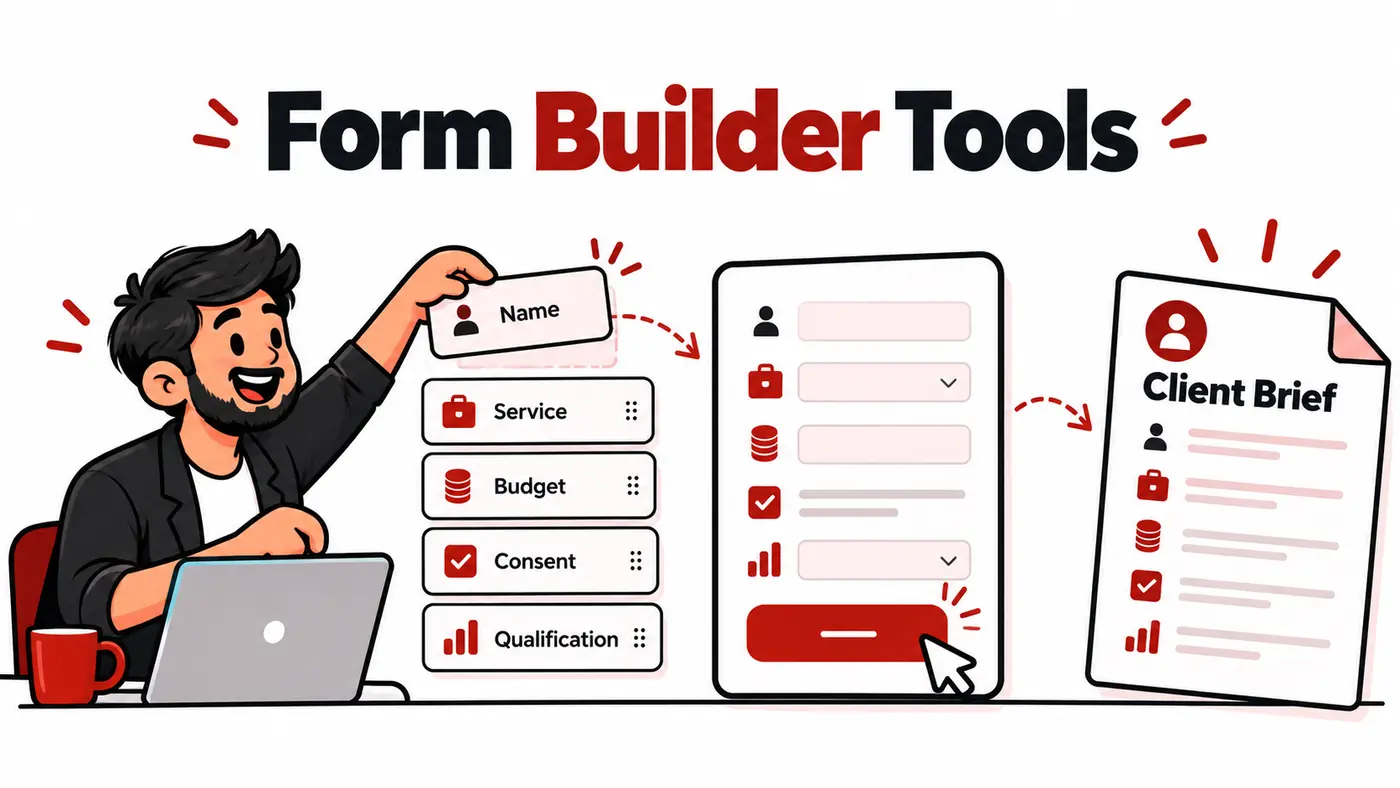
A useful form gathers enough information to make the next decision. It does not force a new lead to complete a full client onboarding questionnaire. Agencies should separate short conversion forms from detailed post-sale forms and store responses in systems owned by the business.
What users are actually trying to solve
The buyer may need a contact form, lead qualifier, audit request, proposal brief, onboarding questionnaire, file upload or payment form. These jobs have different friction and security requirements. Selecting around the hardest form can make every simple form unnecessarily complex.
How these tools were evaluated
We reviewed conditional logic, calculations, file uploads, payments, spam controls, consent, integrations, webhooks, exports, collaboration, WordPress ownership, accessibility and mobile completion.
Quick comparison
# |
Tool |
Best for |
Main caution |
|---|---|---|---|
1 |
Clean forms and generous entry features |
Advanced governance may need another platform |
|
2 |
Broad templates and integrations |
Large feature set and plan limits |
|
3 |
Conversational branded forms |
Response limits and price can rise |
|
4 |
Simple internal and low-risk forms |
Limited branding and advanced workflows |
|
5 |
Microsoft 365 teams |
Best inside Microsoft workflows |
|
6 |
Zoho business workflows |
Setup value depends on the ecosystem |
|
7 |
Fast WordPress-native forms |
The website must be secured and maintained |
|
8 |
Advanced WordPress workflows |
Paid licences and add-ons |
|
9 |
Beginner-friendly WordPress forms |
Useful capabilities vary by licence |
|
10 |
Data-driven WordPress applications |
Advanced features require more learning |
Top 10 options reviewed
1. Tally
Best for: Clean forms and generous entry features
Tally provides a document-like builder, logic and integrations with a fast setup experience. It is excellent for briefing and lead qualification.
Watch for: Advanced governance may need another platform.
2. Jotform
Best for: Broad templates and integrations
Jotform supports complex forms, approvals, payments and many integrations. It is useful when one platform must cover varied operational forms.
Watch for: Large feature set and plan limits.
3. Typeform
Best for: Conversational branded forms
Typeform presents questions in a focused experience and supports logic and integrations. Use it when the interaction benefits completion, not merely for visual novelty.
Watch for: Response limits and price can rise.
4. Google Forms
Best for: Simple internal and low-risk forms
Google Forms is quick, familiar and connected to Sheets. It suits internal questionnaires and simple onboarding, provided sensitive data requirements are modest.
Watch for: Limited branding and advanced workflows.
5. Microsoft Forms
Best for: Microsoft 365 teams
Microsoft Forms works well for organisations already using Excel, Teams and Microsoft identities. It covers straightforward surveys and operational forms.
Watch for: Best inside Microsoft workflows.
6. Zoho Forms
Best for: Zoho business workflows
Zoho Forms supports logic, approvals, payments and integrations with Zoho applications. It is practical for agencies using Zoho CRM.
Watch for: Setup value depends on the ecosystem.
7. Fluent Forms
Best for: Fast WordPress-native forms
Fluent Forms provides conditional logic, integrations and WordPress data control. It is a strong option for performance-conscious sites.
Watch for: The website must be secured and maintained.
8. Gravity Forms
Best for: Advanced WordPress workflows
Gravity Forms is established for complex WordPress forms, calculations and integrations. It suits agencies that can maintain the site and extensions.
Watch for: Paid licences and add-ons.
9. WPForms
Best for: Beginner-friendly WordPress forms
WPForms emphasises templates and approachable setup. It works well for common contact, lead and payment forms when the chosen plan includes needed integrations.
Watch for: Useful capabilities vary by licence.
10. Formidable Forms
Best for: Data-driven WordPress applications
Formidable can build calculations, directories and front-end data displays in WordPress. It is best when the form is part of a larger application workflow.
Watch for: Advanced features require more learning.
Considerations for users in Pakistan
Optimise for mobile connections and do not require large uploads before a lead is qualified. State how personal data will be used, collect only what is necessary, and restrict WordPress access to responses. Use spam protection that does not make legitimate users solve repeated puzzles.
A practical implementation workflow
Define the decision the form supports. Put easy questions first, use conditional logic for irrelevant branches, explain sensitive fields, and show a clear confirmation with next steps. Send responses into a controlled CRM or project system, test notifications, and delete data according to a retention policy.
Which option fits your situation?
Tally: Shortlist it when your priority is clean forms and generous entry features. During the trial, specifically test advanced governance may need another platform so the limitation does not appear after the workflow has been adopted.
Jotform: Shortlist it when your priority is broad templates and integrations. During the trial, specifically test large feature set and plan limits so the limitation does not appear after the workflow has been adopted.
Typeform: Shortlist it when your priority is conversational branded forms. During the trial, specifically test response limits and price can rise so the limitation does not appear after the workflow has been adopted.
Google Forms: Shortlist it when your priority is simple internal and low-risk forms. During the trial, specifically test limited branding and advanced workflows so the limitation does not appear after the workflow has been adopted.
A seven-day proof before committing
- Day 1: define the decision. Write one real outcome the best form builders lead generation onboarding must improve and record the current time, cost or error rate.
- Days 2 and 3: use representative work. Test a genuine client-sized project rather than a clean demonstration account. Include the data volume, device and collaboration conditions the team normally faces.
- Day 4: test the difficult path. Check permissions, exports, recovery, limits and the main caution identified in the comparison. A tool should be judged by the inconvenient case, not only its easiest screen.
- Days 5 and 6: involve the next user. Let the teammate or client who receives the output complete one task without coaching. Record confusion, missing context and manual steps.
- Day 7: calculate the full commitment. Compare annual cost, foreign-currency risk, setup time, required add-ons and the effort to leave. Keep the tool only when it improves a real decision or removes repeatable work.
This short proof also protects against buying several overlapping products. If an existing platform already completes the job adequately, a marginally better interface may not justify another subscription, login and data connection.
How to choose without wasting money
- Write the exact job the tool must complete.
- Choose two finalists that fit the current team, not imagined future complexity.
- Test them with one real client workflow and representative data.
- Check exports, account ownership, security and cancellation before importing everything.
- Calculate the twelve-month cost in rupees, including seats, credits, storage and taxes.
- Keep the option that improves decisions or saves measurable time.
Related guides
Frequently asked questions
What is the best form length?
The shortest form that provides enough information for the next decision.
Should lead and onboarding forms be combined?
Usually not. Ask a lead for minimal qualification, then gather delivery details after agreement.
Are WordPress forms secure?
They can be, but security depends on updates, permissions, hosting, encryption and handling of submitted data.
Should forms ask for a budget?
Ask when it changes qualification or solution design, and provide useful ranges or context.
Final recommendation
Tally is the strongest simple low-cost choice, Jotform provides broad features and integrations, and Typeform offers a polished conversational experience. WordPress users should compare Fluent Forms, Gravity Forms and WPForms when data should remain closely connected to the website.
Features, prices, plan limits and regional payment availability can change. Verify current details on the provider’s official website before purchasing.