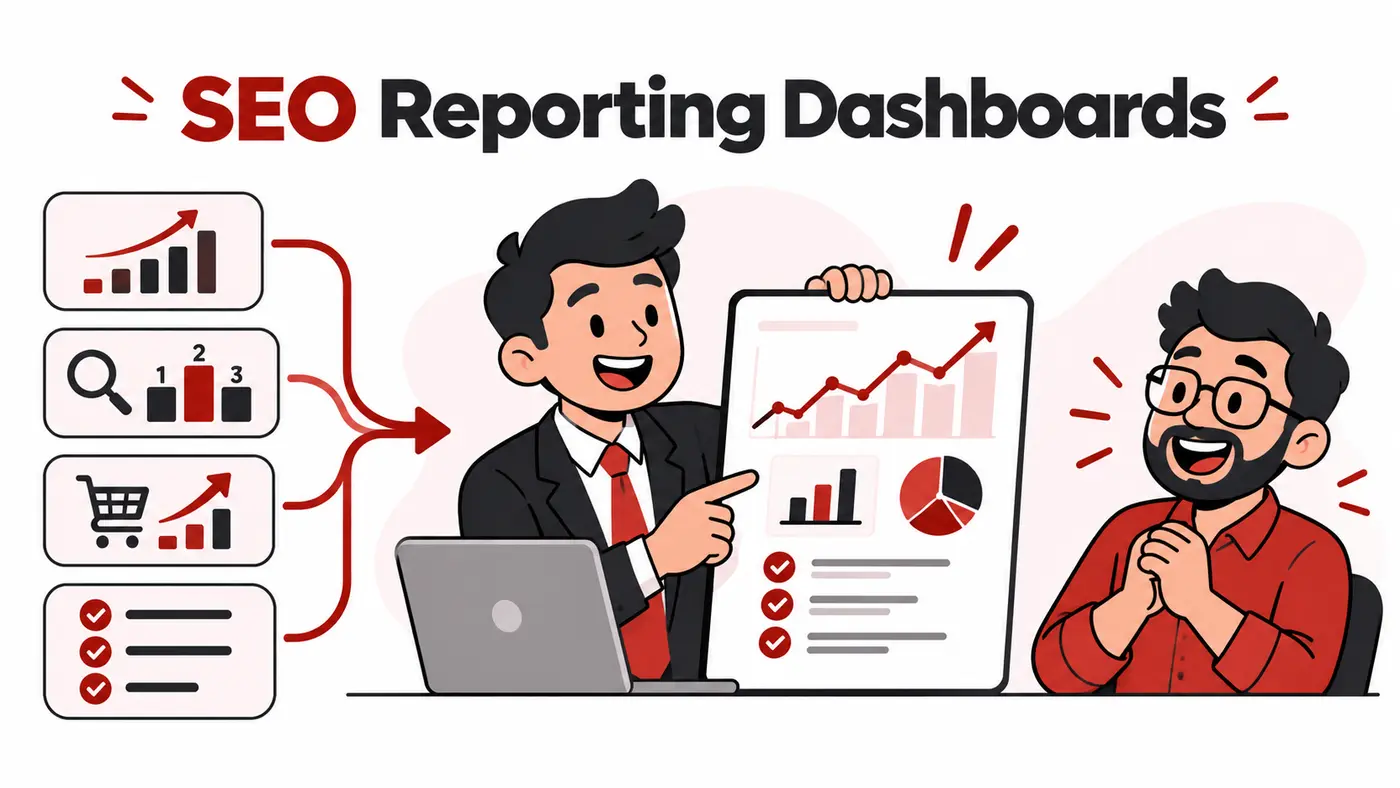
A client dashboard should answer what changed, why it matters and what happens next. More charts do not create more trust. The best SEO reporting tools reduce repetitive work while preserving human commentary, data definitions and a clear connection between search activity and business outcomes.
What users are actually trying to solve
Agencies want automated data collection, branded delivery and fewer hours spent copying screenshots. Clients want a reliable view of traffic, leads, sales, completed work and risks. The chosen platform must support both audiences without turning the report into a collection of vanity metrics.
How these tools were evaluated
We evaluated data-source coverage, Search Console and analytics connections, ranking integrations, scheduled delivery, annotations, calculated metrics, templates, permissions, branding, exports and maintainability. We favoured tools that let teams explain data quality and decisions.
Quick comparison
# |
Tool |
Best for |
Main caution |
|---|---|---|---|
1 |
Flexible low-cost Google reporting |
Connectors and report maintenance require skill |
|
2 |
Packaged multi-client agency reporting |
Per-client and feature costs can grow |
|
3 |
Cross-channel visual reports |
Cost may suit established agencies more than solo users |
|
4 |
Executive KPI dashboards |
Useful connections and history depend on plan |
|
5 |
Simple recurring marketing reports |
Less custom analysis than building from scratch |
|
6 |
PPC and SEO agency workflows |
Connector fit should be checked first |
|
7 |
Agency reports and client portals |
Feature breadth can add complexity |
|
8 |
SE Ranking users |
Best value when the wider platform is used |
|
9 |
Semrush-based SEO delivery |
External data and limits depend on plan |
|
10 |
Custom analysis and transparent calculations |
Automation and governance require setup |
Top 10 options reviewed
1. Looker Studio
Best for: Flexible low-cost Google reporting
Looker Studio can combine Google sources and partner connectors into shareable reports. It is powerful for custom agency templates, but ownership and connector credentials must be documented.
Watch for: Connectors and report maintenance require skill.
2. AgencyAnalytics
Best for: Packaged multi-client agency reporting
AgencyAnalytics brings rankings, integrations, dashboards and scheduled reports into an agency-oriented system. It can shorten setup time for recurring clients.
Watch for: Per-client and feature costs can grow.
3. Whatagraph
Best for: Cross-channel visual reports
Whatagraph focuses on multi-source marketing reporting and presentation. It is useful when SEO must sit beside paid, social and ecommerce performance.
Watch for: Cost may suit established agencies more than solo users.
4. Databox
Best for: Executive KPI dashboards
Databox supports dashboards, scorecards and alerts across business data. It works well for concise management views when metric definitions are controlled.
Watch for: Useful connections and history depend on plan.
5. DashThis
Best for: Simple recurring marketing reports
DashThis offers templates, integrations and automated distribution. It suits agencies that value repeatability and do not need complex data modelling.
Watch for: Less custom analysis than building from scratch.
6. Swydo
Best for: PPC and SEO agency workflows
Swydo provides reporting, monitoring and scheduled delivery for marketing teams. It is useful when search advertising and organic search are reported together.
Watch for: Connector fit should be checked first.
7. ReportGarden
Best for: Agency reports and client portals
ReportGarden combines reports with client-facing and workflow features. Trial the specific integrations and permissions your agency needs.
Watch for: Feature breadth can add complexity.
8. SE Ranking Report Builder
Best for: SE Ranking users
The report builder combines rankings, audits and connected sources. It can be efficient for agencies already managing campaigns in SE Ranking.
Watch for: Best value when the wider platform is used.
9. Semrush My Reports
Best for: Semrush-based SEO delivery
Semrush can turn its research modules and connected data into scheduled reports. It is convenient but should include interpretation beyond exported widgets.
Watch for: External data and limits depend on plan.
10. Google Sheets
Best for: Custom analysis and transparent calculations
Sheets remains useful for query analysis, reconciliations and custom models. Pair it with controlled imports and a dashboard rather than manually pasting numbers every month.
Watch for: Automation and governance require setup.
Considerations for users in Pakistan
Pakistani agencies should check foreign-currency billing, client count, connector charges and whether customers can view reports without paid seats. Store templates and metric definitions in an agency-owned workspace. Do not let a departing employee own the only working report or connector.
A practical implementation workflow
Agree objectives and definitions during onboarding. Show business outcomes first, then diagnostic metrics and completed actions. Annotate migrations, campaigns and tracking changes. End every report with decisions, owners and due dates. Audit connections monthly because automated dashboards can quietly display stale data.
Which option fits your situation?
Looker Studio: Shortlist it when your priority is flexible low-cost google reporting. During the trial, specifically test connectors and report maintenance require skill so the limitation does not appear after the workflow has been adopted.
AgencyAnalytics: Shortlist it when your priority is packaged multi-client agency reporting. During the trial, specifically test per-client and feature costs can grow so the limitation does not appear after the workflow has been adopted.
Whatagraph: Shortlist it when your priority is cross-channel visual reports. During the trial, specifically test cost may suit established agencies more than solo users so the limitation does not appear after the workflow has been adopted.
Databox: Shortlist it when your priority is executive kpi dashboards. During the trial, specifically test useful connections and history depend on plan so the limitation does not appear after the workflow has been adopted.
A seven-day proof before committing
- Day 1: define the decision. Write one real outcome the best SEO reporting dashboard tools must improve and record the current time, cost or error rate.
- Days 2 and 3: use representative work. Test a genuine client-sized project rather than a clean demonstration account. Include the data volume, device and collaboration conditions the team normally faces.
- Day 4: test the difficult path. Check permissions, exports, recovery, limits and the main caution identified in the comparison. A tool should be judged by the inconvenient case, not only its easiest screen.
- Days 5 and 6: involve the next user. Let the teammate or client who receives the output complete one task without coaching. Record confusion, missing context and manual steps.
- Day 7: calculate the full commitment. Compare annual cost, foreign-currency risk, setup time, required add-ons and the effort to leave. Keep the tool only when it improves a real decision or removes repeatable work.
This short proof also protects against buying several overlapping products. If an existing platform already completes the job adequately, a marginally better interface may not justify another subscription, login and data connection.
How to choose without wasting money
- Write the exact job the tool must complete.
- Choose two finalists that fit the current team, not imagined future complexity.
- Test them with one real client workflow and representative data.
- Check exports, account ownership, security and cancellation before importing everything.
- Calculate the twelve-month cost in rupees, including seats, credits, storage and taxes.
- Keep the option that improves decisions or saves measurable time.
Related guides
Frequently asked questions
What should an SEO dashboard include?
Outcomes, organic landing-page performance, conversions, important technical health, completed work and next actions.
Should rankings be the first chart?
Usually not. Begin with business outcomes and explain rankings as a diagnostic layer.
Is Looker Studio completely free?
The core product is free, but third-party connectors, storage or implementation can cost money.
How often should reports be sent?
Monthly works for many retainers, with alerts for incidents and shorter updates during major launches.
Final recommendation
Looker Studio is the best flexible free starting point for consultants who can build and maintain their own reports. AgencyAnalytics offers a more packaged agency workflow, while Whatagraph and Databox are strong for cross-channel visual reporting. Keep a short written executive summary even when the dashboard updates automatically.
Features, prices, plan limits and regional payment availability can change. Verify current details on the provider’s official website before purchasing.