To add n8n failure alerts to an SEO workflow, create an error workflow beginning with Error Trigger, connect a safe notification step and select that handler in the main workflow's settings. Test it through a controlled automatic execution, then verify that the right person actually receives a useful message. Do not send raw client data, credentials or an entire failed execution into a shared chat.
An alert is a request for a decision, not permission to retry a production write. This guide covers detection and response design for freelancers and small agencies running SEO audits, reporting or WordPress automations.
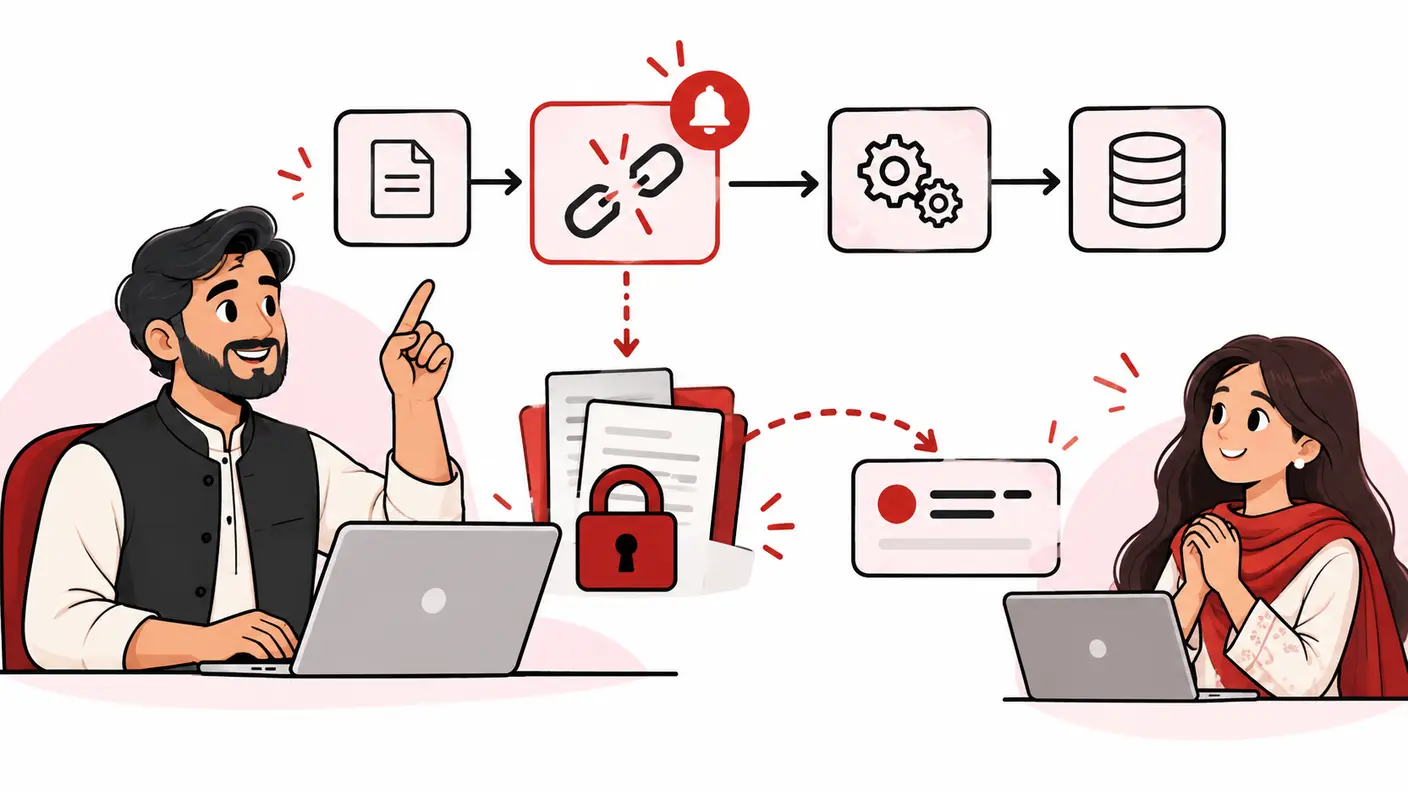
Define what “failure” means before configuring the alert
A workflow can fail technically, complete with an unusable output or never start at all. These are different situations. A notification design that covers only one should not be described as complete monitoring.
| Failure class | Illustrative example | Monitoring question |
|---|---|---|
| Execution error | An API request produces a stopping error | Did the error handler notify the owner? |
| Business validation failure | A report contains zero usable rows | Does an explicit validation gate reject the output? |
| Missing run | The scheduled job never starts | Is there an independent expected-completion check? |
| Notification failure | The alert channel's credential is invalid | Can the team detect the broken alert path? |
The last two classes are particularly easy to miss. A handler attached to a failed execution cannot by itself prove that every expected run occurred or that its own message was delivered. Keep the scope of your monitoring claim precise.
Sources, research method and prerequisites
This guide uses n8n's official error-handling, Error Trigger and workflow-settings documentation, reviewed on October 17, 2026. The severity framework, safe-message format and response checklist are original operational guidance. The worked example is hypothetical; no production workflow, uptime result or customer-data test is claimed.
Before starting, identify the installed n8n version, the main workflow owner, an authorized alert destination and a safe test environment. Document whether the workflow only reads information or also creates posts, changes metadata or sends messages.
If the publishing system does not yet have clear ownership and boundaries, begin with the broader SEO automation workflow guide. Alerts cannot compensate for an unclear business process.
Step 1: create and assign the error workflow
n8n's error-handling instructions describe creating a saved workflow with Error Trigger as its first node, then selecting it as the Error workflow in the main workflow's settings. A shared handler can serve multiple workflows. The documentation also describes Stop And Error for deliberately failing a run when a chosen condition is met.
- Create a separate handler with a descriptive name and owner.
- Start it with Error Trigger.
- Add a transformation that constructs a minimal safe summary.
- Add the authorized email or messaging notification step.
- Save the handler using the supported interface.
- Open the main workflow's settings and select the intended handler.
- Save the main workflow and record which workflows use the handler.
Use the controls available in your installed version rather than copying an old screenshot. Do not connect a production messaging credential to an unreviewed public template. Inspect every destination, expression and data field before enabling it.
Step 2: design a safe, actionable alert
An alert should explain what needs attention without becoming a new copy of confidential execution data. Prefer an allowlist of fields you intentionally send, rather than forwarding a whole object and hoping no sensitive value appears.
| Include when safe | Why it helps |
|---|---|
| Approved workflow label | Identifies the process without exposing a client's private name |
| Execution reference, if available | Lets an authorized operator locate the run |
| Failure stage | Shows whether the issue occurred before or after a write |
| Sanitized error category | Distinguishes access, validation and service failures |
| Timestamp with timezone | Supports correlation across systems |
| Owner and next action | Turns a message into a response request |
Avoid passwords, authorization headers, private document text, customer contact records, full query strings containing personal data and unrestricted execution links. Even an error message can echo submitted input. Redact or replace it before the notification step.
For a Pakistani team serving international clients, include an explicit timezone and use agreed internal labels. Do not assume a client wants operational alerts about every transient API issue, especially if the message exposes implementation detail they have not authorized you to share.
Step 3: handle missing fields safely
The Error Trigger documentation says error workflows cannot be tested by manually running the main workflow in the editor; they run for automatic workflow failures. It also describes different input shapes for trigger failures and later execution failures. Execution IDs or URLs may be absent in some cases.
Build the message so that a missing reference becomes “not available,” not a new error that prevents notification. Test with both a normal execution error and the kinds of trigger failure your process can safely reproduce.
Do not assume an example payload contains every field for every version and failure type. Inspect a sanitized sample from the relevant controlled test, then document the mapping you actually use.
Use a conceptual message contract
A safe message could say: “SEO report export failed at the data-fetch stage. Execution reference: available in the restricted operations system. Output delivery has not been confirmed. Owner: reporting lead. Next action: inspect the run before retrying. Observed time: recorded with timezone.”
This is a format example, not a paste-ready expression. Replace the placeholders with supported fields only after validating the actual input. A precise message with fewer fields is better than a broken elaborate template.
Step 4: decide which outputs must fail validation
Some upstream systems return a technically successful response containing no usable information. Design a gate before the next consequential step. For a reporting job, require the expected period, property identifier and meaningful rows; for a publishing proposal, require the approved content identifier and intended destination.
If the required condition is not met, stop or route to review according to your design. Do not quietly treat an empty report as a successful client delivery. Use an explicit failure mechanism only where its consequence is understood and tested.
The validation rule should be specific. “The content looks good” is not an executable acceptance condition. “The approved page ID is present and matches the intended destination” is a clearer boundary.
Step 5: test without risking production content
- Use a test copy or harmless read-only workflow.
- Configure an automatic trigger suitable for the controlled test.
- Introduce a deliberate, reversible failure before any production write.
- Confirm that the main run fails as expected.
- Confirm that the intended handler runs.
- Verify message delivery to the authorized destination.
- Inspect the received message for sensitive content.
- Restore the normal path and confirm a successful run does not produce a false failure alert.
Do not test by deleting a real WordPress post, revoking a client's credential without coordination or flooding a messaging channel. The test is successful when it proves the failure path with minimal consequence.
Keep a test record containing the workflow version, failure introduced, expected message, actual message, recipient check and restoration evidence. A screenshot of the handler canvas does not establish delivery.
A worked example: an agency's weekly SEO report
Imagine a Lahore agency preparing a weekly report for an overseas consultancy. The workflow reads analytics data, builds a summary and sends it for internal review. This is an illustrative design, not an observed customer system.
The team defines two failure conditions: the data request stops with an access error, or the returned dataset does not match the approved reporting period. Both must prevent the summary from being labelled ready.
The error handler sends the operations lead a safe workflow label, stage and reference. It does not forward the client's raw metrics or API response. The lead opens the restricted execution record, checks whether any delivery already occurred and records the next action.
During a controlled test, a missing execution URL initially breaks the message template. The team replaces the mandatory expression with a safe fallback and repeats the automatic failure test. It then verifies that the normal successful run reaches review without an error message.
The value is not that the workflow can “never fail.” It is that a defined failure becomes visible to an accountable person without creating another data leak or an unsafe retry.
Step 6: distinguish alerting from recovery
For read-only data retrieval, a bounded retry may be appropriate under the service's rules. For a write, first determine whether the action already succeeded. A timeout can leave the operator uncertain even though the destination changed.
An alert should identify that uncertainty. Do not attach a blind “run everything again” action to every failure. Reconcile the destination, record the result and follow the approved recovery procedure. Human review is particularly important when the failed process could create duplicate posts or repeat client messages.
Define who may authorize recovery and what evidence they need. The person receiving the notification may not have permission to change production. An operations handoff should preserve that boundary.
Execution records, redaction and retention
n8n's workflow settings documentation describes saving failed production executions and settings for execution-data redaction. Availability and permissions can depend on the deployment and current product configuration. Agree an appropriate data-retention and access policy with the responsible administrator.
Sending a sanitized alert does not sanitize the execution database. Review both surfaces: what operators can retrieve inside n8n and what gets copied into email or chat. Keep useful diagnostic evidence without retaining unnecessary client content indefinitely.
Do not publish execution URLs in a public issue tracker. If a link is included in an authorized internal alert, confirm that access still requires the intended permissions.
Prevent alert fatigue and silent monitoring gaps
Group repeated observations about the same incident where appropriate, but preserve a count and latest timestamp. Define an escalation rule based on business consequence rather than sending every message to every person.
Keep an independent expected-completion check for important scheduled work. If no run occurs, a failure handler may have nothing to react to. The check can be a simple authorized review of the completion register; it does not need to be another elaborate automation.
Also decide how the team will notice a broken notification channel. Periodic controlled delivery tests and a separate operational review are more credible than claiming the alert monitors itself perfectly.
Troubleshooting and frequently asked questions
Why does the handler not run in my manual test?
The documented Error Trigger behavior requires an automatic workflow failure. Use a controlled automatic test rather than treating an editor run as equivalent.
Why did the main workflow finish despite unusable output?
Check whether the node continued after an error or returned an ordinary result containing a business failure. Add a deliberate validation gate at the appropriate boundary and test it.
Should I send the full stack trace to Slack?
Not by default. Keep detailed evidence in a restricted system and send an allowlisted summary. Inspect traces and messages for echoed secrets or client input.
Does a received alert prove recovery?
No. Detection, acknowledgement, diagnosis, authorization and recovery are separate states. Record which one has actually occurred.
Conclusion
Reliable failure alerts combine a configured handler with safe data selection, automatic-path testing and a named response owner. Add explicit business validation and missing-run checks where needed. Most importantly, make the alert ask for the right decision—not repeat an uncertain production action automatically.
Need help applying this?
Get a practical review focused on the issue, evidence and next actions.
Contact Shahzaib