If Google shows a different SEO title from the one you entered in WordPress, first compare the live HTML title, the visible page heading and the observed search result. If the live website contains the wrong text, repair the WordPress output. If the live title is correct, investigate conflicting page signals and the age of the observation before repeatedly rewriting the title.
A Rank Math field is your editorial input, not a guaranteed rendering instruction for Google. This guide helps you separate a website configuration defect from an automatically generated search title and decide whether a change is actually useful.
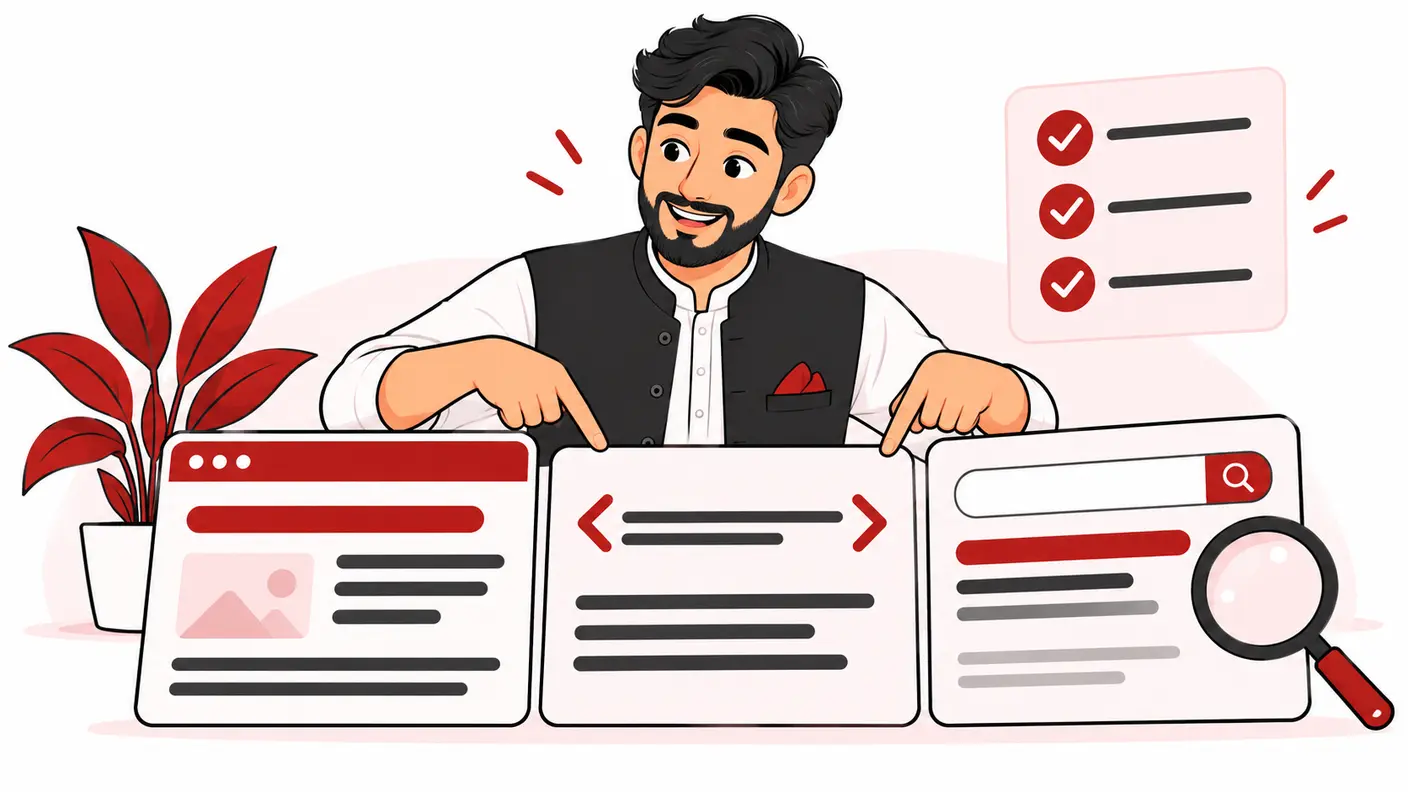
Three titles that people often confuse
Start by naming the object you are checking. The WordPress post title may generate a visible heading. An SEO plugin can supply the HTML title in the document head. The clickable title in a Google result is a third observation.
Google's title-link documentation says it generates that result text automatically from several sources, including the title element, prominent visible text and link references. Its guidance emphasizes descriptive, concise titles and a clear main heading. It also identifies stale dates, repetitive wording, inaccurate titles and language mismatches as reasons for adjustments. There is no setting that forces verbatim display.
| Object | Where to inspect it | What the observation establishes |
|---|---|---|
| Editorial SEO title | Relevant WordPress/plugin field | The intended input |
| Live HTML title | Public page source or browser developer tools | What the website currently delivers |
| Visible main heading | Actual rendered page | What a visitor sees as the page's main label |
| Search title link | Observed Google result | The result displayed for that observation |
This distinction prevents a common reporting mistake: presenting a screenshot of a saved plugin field as proof that Google ignored the website. The saved field alone does not prove what the public page served.
Research method and limits
This guide uses Google's official title-link guidance, reviewed on October 17, 2026, plus an editorial evidence-ledger framework for WordPress troubleshooting. The worked examples are hypothetical. No rewrite frequency, ranking improvement or click-through-rate uplift is claimed.
We focus on an existing page whose observed search title differs from the intended title. For broader content improvements, use the on-page SEO checklist. Avoid turning this narrow investigation into a complete site rewrite unless the evidence points to a shared template problem.
Before changing anything: capture a reproducible observation
Record the exact query, result URL, displayed wording, observation date and device. Add the search location and language where known. A colleague should be able to understand what you saw without guessing whether the screenshot refers to a homepage, a category archive or an old duplicate URL.
Copy the destination URL rather than identifying a result solely by its brand label. Two pages can look similar in search while serving different purposes. If the result leads to a different canonical page, you may be investigating URL selection rather than title generation.
Save a simple before-record. Do not change the post title, SEO title, H1 and navigation anchor simultaneously. That makes a later difference difficult to interpret and can affect labels that were already useful to visitors.
Step 1: inspect the live title outside the dashboard
- Open the intended public URL in a logged-out session.
- Confirm the final address after redirects.
- Inspect the document head and locate the title element.
- Record its full text, not only the shortened browser-tab display.
- Check whether another component produces an additional title element.
- Compare the live output with the intended SEO field.
If they differ, investigate the publishing system first. Possible layers to check include the page-specific field, a sitewide title template, the homepage configuration, another SEO component and cached output. Treat these as hypotheses; do not assume the plugin is responsible because its name appears in the dashboard.
Ask the technical owner to identify the component producing the unexpected text. Make one controlled correction, clear only the relevant cache and fetch the public page again. The useful proof is corrected live output, not a successful Save notice.
Step 2: compare the page's actual promise
Read the first screen as a visitor. What service, subject or task does it clearly identify? Compare that with the intended SEO title. A title promising a pricing guide is weakly supported if the page is primarily a sales form with no explanation of costs.
Use a “same destination promise” check: could the title and heading describe the same useful page without misleading a reader? They do not need to be identical character for character. They should agree about the subject, audience and purpose.
For a Pakistani business, avoid adding every target city to a title when the page does not substantively cover those services or locations. If the service area changed, update the page's actual information before polishing a label that no longer fits.
Look for competing headline-like elements
Review the visual hierarchy, not only a heading count. A large testimonial slogan, an oversized banner and the page title can all compete for attention. Ask a designer to make the real main title unmistakable without hiding important content.
A decorative phrase such as “Your growth starts here” can remain a supporting line. It should not make the subject of a payroll service page impossible to identify. This is a readability decision first, not a trick to control a search engine.
Step 3: check consistency across the page record
Use the following audit table for one URL before expanding to a template group:
| Check | Example discrepancy | Targeted action |
|---|---|---|
| Subject | Title says bookkeeping; body primarily discusses payroll | Decide the actual page purpose before editing |
| Date | Title promises a different edition from the visible guide | Correct the real edition and supporting content |
| Audience | Title targets agencies; examples only help retail buyers | Align the content or narrow the promise |
| Language | Title and primary content serve different language expectations | Review the intended audience and language version |
| Brand | An obsolete company name survives in a template | Correct the responsible shared configuration |
| URL | Observed result leads to a legacy page | Investigate that URL separately |
Do not manufacture a new year just to make a title look fresh. A new edition should reflect substantive review. Likewise, avoid placing unsupported “best,” “official” or guarantee language in titles that cannot defend the claim.
Step 4: choose repair, improve or observe
Repair: the website output is objectively wrong
Examples include the wrong brand name, a duplicate template label or an HTML title that fails to reflect a saved approved change. Fix the responsible source and verify the public response. Document affected templates so the same defect does not continue on other pages.
Improve: the intended title misdescribes the content
Rewrite it around the real page task. For example, a hypothetical “Complete Pakistan Tax Guide” may be inaccurate for a narrow article about one document. A title naming that document and its audience gives readers a more honest expectation.
Observe: the difference is harmless or potentially useful
If the result still describes the right page accurately, a cosmetic difference may not justify a production edit. Record the observation, monitor at a sensible interval and prioritize problems that actually confuse users or reveal a content mismatch.
The decision is not “Google changed it, therefore the page failed.” It is “Does this discrepancy reveal a fixable website defect or an inaccurate promise?” That question produces a smaller, more defensible work queue.
A worked example: a Lahore consultancy service page
Imagine a consultancy whose approved title is “Payroll Services in Lahore | Example Firm.” A search screenshot instead shows an old business name. This is an illustrative scenario, not an audit of a real listing.
The freelancer checks the public HTML and finds the old name there too. The page-specific field is correct, but a homepage-style template is being applied to service pages. This is a website-output defect, not evidence of an unexplained Google decision.
The developer corrects the template for the affected page group. The freelancer tests three service pages and one unaffected blog post, records the new title output and confirms that the visible headings still identify their services. They then allow for subsequent search processing rather than promising an immediate result change.
In a second hypothetical case, the public title and heading are correct while Google shortens the wording without changing its meaning. The freelancer records the difference and makes no production change. The same initial symptom leads to a different decision because the evidence differs.
Measure a title experiment without inventing causation
When a substantive rewrite is justified, record the change date, affected URL, old wording, new wording and any other changes shipped nearby. Choose a relevant query or page segment before looking at the result, not after finding a flattering number.
Compare periods with care. Demand, device mix, position, competing results and seasonality can affect clicks. A rising click-through rate does not by itself prove that one title edit caused the rise. A low-traffic page may not supply enough evidence for a confident conclusion.
Use the SEO KPI guide to keep search observations separate from real enquiries and business outcomes. Do not sell a cosmetic title change as a completed growth result.
Troubleshooting and common mistakes
The editor and public title still disagree
Check the actual page ID and final URL, then inspect templates and caches. A screenshot from staging or another language version is not evidence about the production page. Escalate with the exact address, time and before/after output.
The browser tab looks truncated
Read the actual title element before deciding that text is missing. Interface shortening and website output are different observations.
The team keeps changing the wording daily
Pause and assign an owner. Restore a clear evidence record and stop overlapping experiments. Constant edits create uncertainty about which version is being evaluated.
Every service page has the same problem
Investigate the shared template before editing dozens of page-level fields. Test representative pages after the narrow correction. Expand the sample if different templates behave differently.
Frequently asked questions
Must my H1 and SEO title match exactly?
No. Keep them aligned in meaning and audience. A natural visible heading can differ from a concise search-facing title without becoming a problem.
Will adding the focus keyword force Google to use my title?
No. A plugin's keyword check is not a display guarantee. Use natural, accurate wording and verify the real page.
How long should I wait for the result to change?
There is no reliable universal deadline. Separate the immediately verifiable website correction from the later search observation.
Should I change the URL too?
Not merely to address a title discrepancy. URL changes introduce a separate migration task and should have their own justification and checks.
Conclusion
Diagnose title differences in layers: observed result, final URL, live title and visible promise. Repair wrong output, improve misleading wording and leave harmless variations alone. A clear evidence record is more valuable than repeatedly editing a correct page to chase an exact search display.
Need help applying this?
Get a practical review focused on the issue, evidence and next actions.
Contact Shahzaib