A spreadsheet can track ten prospects. It becomes unreliable when an agency has several salespeople, proposals, follow-ups, retainers and renewals. The right CRM shows who owns the next action and why a deal is stalled without forcing a small Pakistani team into an enterprise implementation.
What users are actually trying to solve
Most freelancers searching for a CRM do not need predictive forecasting or a large call centre. They need a reliable lead inbox, follow-up reminders, proposal status, notes, expected value and a handoff from sale to project. Agencies need role control, shared history, reporting and automation without paying for unused marketing contacts.
Pakistan-specific friction includes USD billing, international-card acceptance, sales-tax treatment, time-zone reminders and integrations with WhatsApp or local telephony. Verify those details during a trial rather than assuming a global feature works locally.
How we evaluated these tools
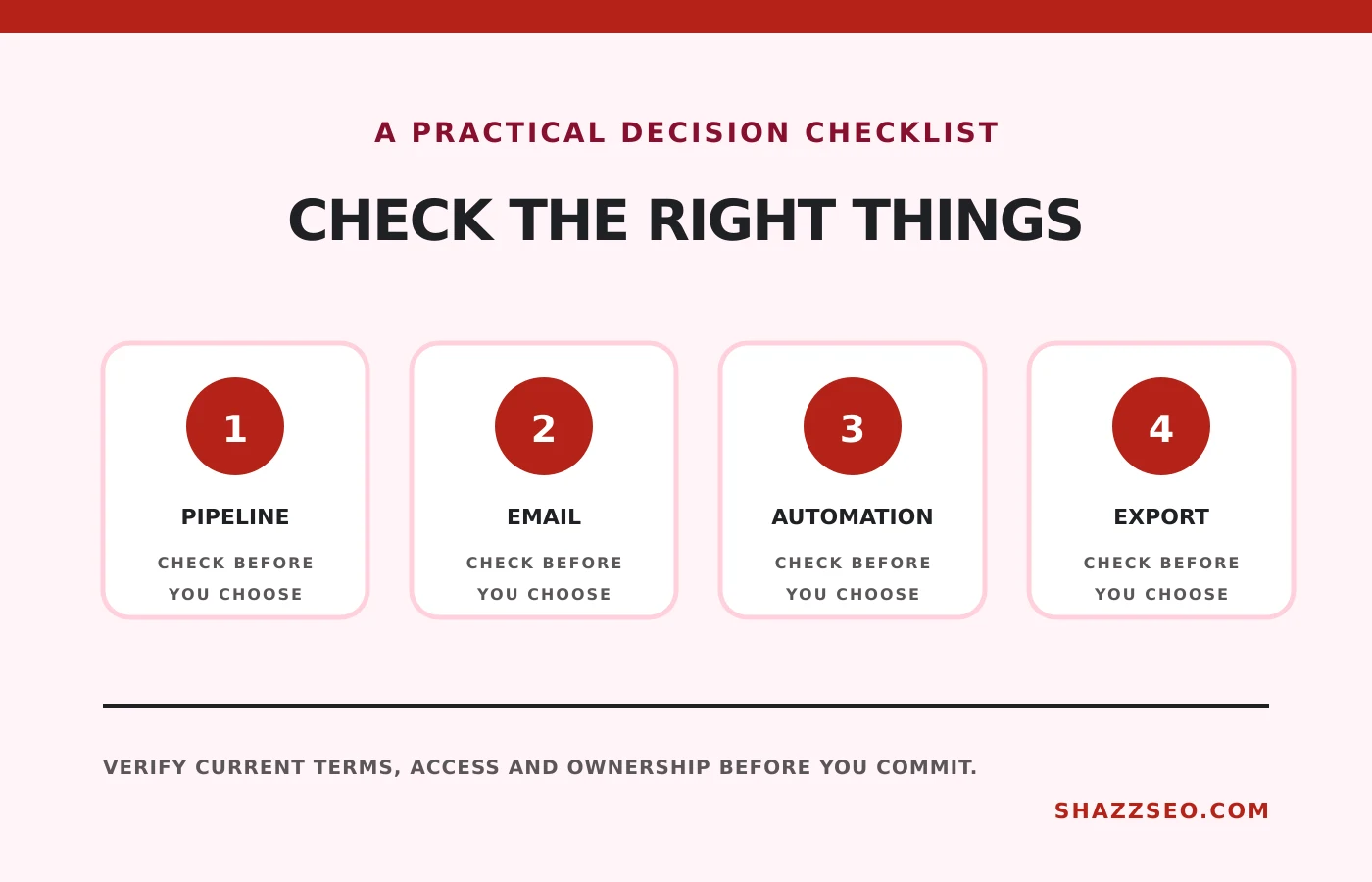
We compared pipeline clarity, email sync, forms, automation, reporting, mobile access, permissions, exports, integrations and suitability for a 1–25 person service team. We favour products that let the account owner export core contact and deal data.
Quick comparison
# |
Option |
Best for |
Main caution |
|---|---|---|---|
1 |
Free starting point and broad integrations |
Paid hubs and marketing contacts can become expensive |
|
2 |
Simple pipelines for small service teams |
Advanced CRM depth may require moving to Zoho CRM |
|
3 |
Visual deal management |
Add-ons can raise the effective per-user cost |
|
4 |
Customizable sales processes and Zoho users |
Configuration can overwhelm a very small team |
|
5 |
Email-led sales and Freshworks ecosystem |
Plan boundaries affect automation and reporting |
|
6 |
Clean contact and pipeline management |
Less extensive automation than larger suites |
|
7 |
CRM plus collaboration in one system |
Large feature set and busy interface |
|
8 |
Teams wanting sales and delivery together |
A flexible work platform, not a purpose-built CRM |
|
9 |
Businesses growing toward an integrated ERP |
Implementation and customization can become a project |
|
10 |
Gmail-centred solo freelancers |
Pipeline data lives closely inside one email workflow |
Top 10 options reviewed
1. HubSpot Smart CRM
Best for: Free starting point and broad integrations
HubSpot provides contact, company, deal and activity records with a capable free entry point. It is useful when a freelancer wants forms, meeting links and a recognizable system that can grow. Model the cost of the exact paid features before building processes around them.
Check before choosing: Paid hubs and marketing contacts can become expensive
2. Bigin by Zoho CRM
Best for: Simple pipelines for small service teams
Bigin removes much of the complexity of a full CRM while retaining pipelines, activities, forms and useful Zoho connections. It is a practical fit for a small Pakistani agency that mainly needs follow-up discipline. Check workflow, email and storage limits for the selected edition.
Check before choosing: Advanced CRM depth may require moving to Zoho CRM
3. Pipedrive
Best for: Visual deal management
Pipedrive is built around moving deals through stages and keeping the next activity visible. It works well for agencies with a repeatable consultation-to-proposal process. Review lead generation, projects, campaigns and document features separately because some are add-ons.
Check before choosing: Add-ons can raise the effective per-user cost
4. Zoho CRM
Best for: Customizable sales processes and Zoho users
Zoho CRM offers deeper modules, workflows, blueprints and reporting than Bigin. It is attractive when the agency already uses Zoho Books, Sign, Projects or Mail. Assign one administrator and document custom fields so the database does not become inconsistent.
Check before choosing: Configuration can overwhelm a very small team
5. Freshsales
Best for: Email-led sales and Freshworks ecosystem
Freshsales combines contact records, sequences, deal management and communication features. It suits teams that want a modern interface without a large implementation. Test email deliverability, calling availability and the reports included in the intended plan.
Check before choosing: Plan boundaries affect automation and reporting
6. Capsule CRM
Best for: Clean contact and pipeline management
Capsule focuses on straightforward relationships, opportunities and tasks. That restraint is helpful for a consultancy that wants adoption rather than endless customization. Confirm integration needs before choosing it over a broader platform.
Check before choosing: Less extensive automation than larger suites
7. Bitrix24
Best for: CRM plus collaboration in one system
Bitrix24 combines CRM, tasks, chat, contact centre and automation. Its bundled approach can reduce separate subscriptions for a cost-conscious agency. The trade-off is complexity, so configure only the modules the team will actually use.
Check before choosing: Large feature set and busy interface
8. ClickUp CRM Template
Best for: Teams wanting sales and delivery together
ClickUp can model leads, deals and client handoffs using custom fields and automations. It is useful when the agency already manages delivery there. It requires disciplined design to avoid mixing prospects with active project tasks.
Check before choosing: A flexible work platform, not a purpose-built CRM
9. Odoo CRM
Best for: Businesses growing toward an integrated ERP
Odoo connects CRM with sales, invoicing, projects and other operational modules. It makes sense for an agency that genuinely needs an integrated system. Solo freelancers should avoid adopting ERP complexity merely because an entry option is available.
Check before choosing: Implementation and customization can become a project
10. Streak
Best for: Gmail-centred solo freelancers
Streak adds pipelines and relationship tracking inside Gmail. It reduces context switching for a solo consultant who handles every sale through email. Teams needing independent reporting, complex permissions or multi-channel operations may outgrow it.
Check before choosing: Pipeline data lives closely inside one email workflow
A useful agency pipeline
- New inquiry
- Qualified
- Discovery booked
- Scope confirmed
- Proposal sent
- Decision pending
- Won and onboarding
- Lost with reason
Every open deal should have an owner, next action and due date. “Proposal sent” is not a next action.
Fields worth configuring
- Lead source and referring page
- Country, time zone and billing currency
- Requested service and estimated value
- Decision date and decision-maker
- Next action and owner
- Loss reason
- Contract start, renewal and notice dates
Data migration warning
Clean duplicates before import, map fields on a sample and export a backup after setup. Never make a paid CRM the only place where contracts or critical evidence exist.
How to choose without wasting money
A solo freelancer should value speed and reminders. A five-person sales team needs ownership and reporting. A larger agency may need automation, service handoff and financial integration. Trial two finalists using real sample deals and calculate the cost at today’s headcount plus the next twelve months of growth.
Implementation checklist
- Define stages and exit criteria
- Import only cleaned contacts
- Set required owner and next-action fields
- Connect one approved business mailbox
- Create lost reasons
- Test mobile access and exports
- Train the team using three real scenarios
- Review unused records monthly
Frequently asked questions
Does a freelancer need a CRM?
Not for a handful of active prospects. It becomes useful when follow-ups, renewals or team visibility are being missed.
Is HubSpot really free?
It has a free CRM entry point, while advanced features and other hubs are paid. Confirm current limits.
Can a CRM replace project management?
Usually not. A CRM manages the commercial relationship; project software manages delivery. Some products combine both imperfectly.
Should WhatsApp messages be copied into the CRM?
Record important commitments with appropriate consent and privacy controls. Avoid uncontrolled personal-account integrations.
Final recommendation
Bigin is the strongest simplicity-first choice, HubSpot is the broadest free starting point and Pipedrive is excellent for a visible sales process. Choose the smallest system your team will consistently update.
Features, plans, taxes, integrations and payment acceptance change. Verify them with the provider before purchase.