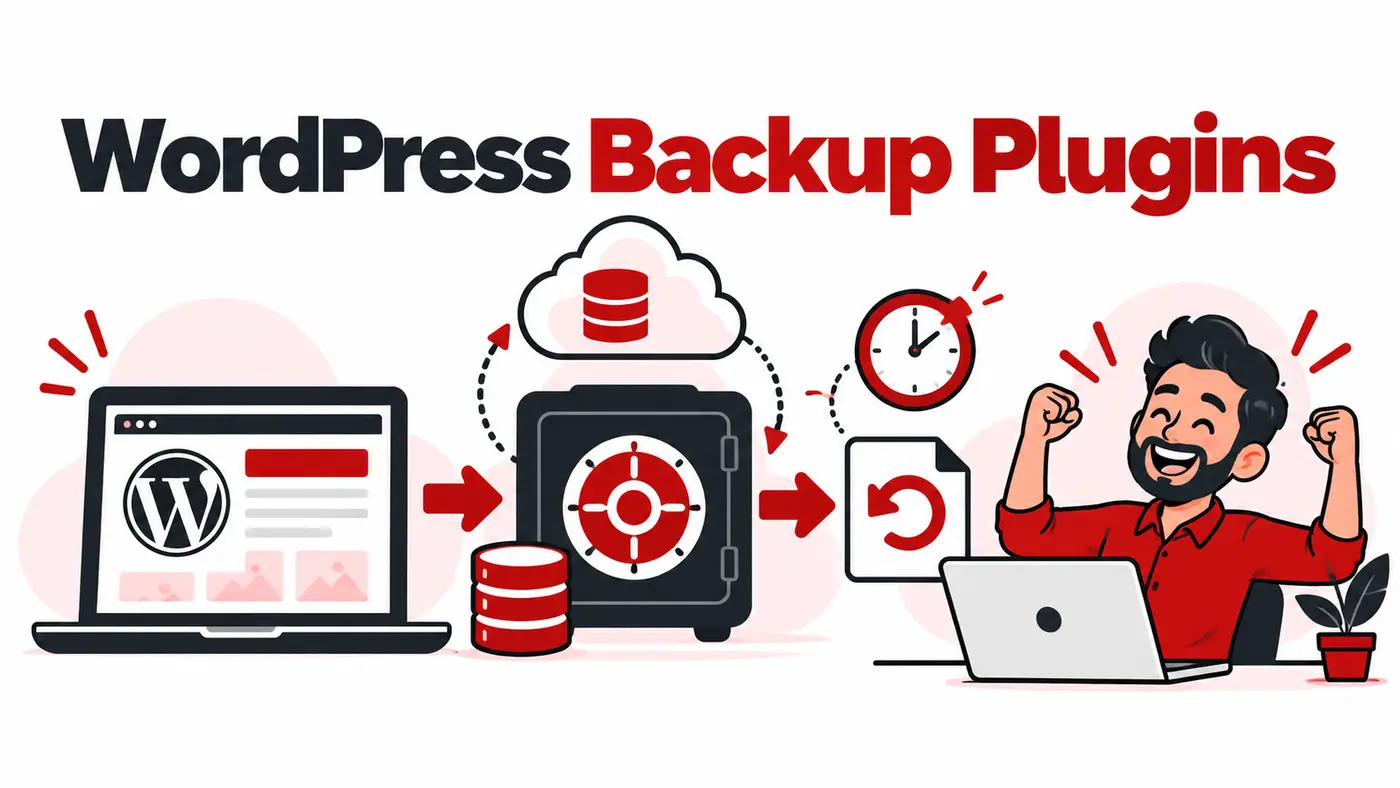
A backup is useful only when it is complete, stored away from the website and tested through restoration. Freelancers managing client WordPress sites need more than a ZIP file in the same hosting account. They need schedules, retention, off-site copies, clear ownership and evidence that recovery works.
What users are actually trying to solve
The buyer wants automatic protection, easy recovery and possibly migrations across several client sites. The real decision is between a plugin that sends archives to storage you control and a managed service that operates its own backup infrastructure. Hosting backups should remain an additional layer, not the only one.
How these tools were evaluated
We compared backup destinations, schedules, incremental or real-time capability, retention, one-click restore, staging, migrations, multisite support, encryption, central management, account ownership and recovery documentation.
Quick comparison
# |
Tool |
Best for |
Main caution |
|---|---|---|---|
1 |
Flexible scheduled backups to external storage |
Configuration and storage ownership require care |
|
2 |
Managed off-site backups and staging |
Recurring per-site service cost |
|
3 |
Backups plus migrations |
Large sites need correct server and storage settings |
|
4 |
Real-time managed WordPress backups |
Subscription cost and ecosystem dependence |
|
5 |
Established scheduled WordPress backups |
Verify current plan and storage arrangement |
|
6 |
Value-focused backups and migrations |
Advanced features vary by edition |
|
7 |
Scheduled archives to remote destinations |
Restore and premium capabilities depend on edition |
|
8 |
Central management across client sites |
Platform concentration and paid add-ons |
|
9 |
Simple exports and site moves |
Extensions and server limits affect large sites |
|
10 |
Incremental backups to owned cloud storage |
Requires compatible storage and ongoing service |
Top 10 options reviewed
1. UpdraftPlus
Best for: Flexible scheduled backups to external storage
UpdraftPlus is widely used and supports common remote destinations, schedules and restoration. It is a strong baseline when the agency controls the storage account.
Watch for: Configuration and storage ownership require care.
2. BlogVault
Best for: Managed off-site backups and staging
BlogVault performs backups through its managed platform and includes restore, migration and staging features. It suits agencies that value central oversight.
Watch for: Recurring per-site service cost.
3. Duplicator
Best for: Backups plus migrations
Duplicator packages WordPress sites for backup, migration and cloning. Its installer workflow is valuable for developers moving sites between environments.
Watch for: Large sites need correct server and storage settings.
4. Jetpack VaultPress Backup
Best for: Real-time managed WordPress backups
VaultPress Backup provides cloud backups and guided restores through Jetpack. It is attractive for transactional sites where recent changes matter.
Watch for: Subscription cost and ecosystem dependence.
5. Solid Backups
Best for: Established scheduled WordPress backups
Solid Backups, previously associated with BackupBuddy, supports schedules, destinations and restoration workflows. Review the current product packaging before adoption.
Watch for: Verify current plan and storage arrangement.
6. WPvivid
Best for: Value-focused backups and migrations
WPvivid provides scheduled backups, remote storage and migration functions. It is a practical option for freelancers managing smaller portfolios.
Watch for: Advanced features vary by edition.
7. BackWPup
Best for: Scheduled archives to remote destinations
BackWPup can create database and file backups and send them to external storage. Test the complete restore procedure for your chosen plan.
Watch for: Restore and premium capabilities depend on edition.
8. ManageWP Backup
Best for: Central management across client sites
ManageWP allows agencies to oversee backups and other maintenance from one dashboard. It improves operational visibility but needs strong account security.
Watch for: Platform concentration and paid add-ons.
9. All-in-One WP Migration
Best for: Simple exports and site moves
The plugin is popular for exporting and importing WordPress installations. It is useful for migrations and manual recovery copies, with extensions needed for some destinations or sizes.
Watch for: Extensions and server limits affect large sites.
10. WP Time Capsule
Best for: Incremental backups to owned cloud storage
WP Time Capsule focuses on incremental changes and staging while using supported cloud accounts. It can reduce repeated full-archive work.
Watch for: Requires compatible storage and ongoing service.
Considerations for users in Pakistan
Upload bandwidth and hosting limits matter when sites create large local archives. Send backups directly to independent storage and limit retained copies according to risk. The client should know who owns the storage, how long backups remain available and whether service continues after the maintenance contract ends.
A practical implementation workflow
Inventory files, database, media and external dependencies. Set daily or more frequent database protection according to change rate, plus regular full-site backups. Keep at least one off-site copy with separate credentials. Test a restore to staging every quarter and before risky migrations or updates.
Which option fits your situation?
UpdraftPlus: Shortlist it when your priority is flexible scheduled backups to external storage. During the trial, specifically test configuration and storage ownership require care so the limitation does not appear after the workflow has been adopted.
BlogVault: Shortlist it when your priority is managed off-site backups and staging. During the trial, specifically test recurring per-site service cost so the limitation does not appear after the workflow has been adopted.
Duplicator: Shortlist it when your priority is backups plus migrations. During the trial, specifically test large sites need correct server and storage settings so the limitation does not appear after the workflow has been adopted.
Jetpack VaultPress Backup: Shortlist it when your priority is real-time managed wordpress backups. During the trial, specifically test subscription cost and ecosystem dependence so the limitation does not appear after the workflow has been adopted.
A seven-day proof before committing
- Day 1: define the decision. Write one real outcome the best WordPress backup plugins freelancers must improve and record the current time, cost or error rate.
- Days 2 and 3: use representative work. Test a genuine client-sized project rather than a clean demonstration account. Include the data volume, device and collaboration conditions the team normally faces.
- Day 4: test the difficult path. Check permissions, exports, recovery, limits and the main caution identified in the comparison. A tool should be judged by the inconvenient case, not only its easiest screen.
- Days 5 and 6: involve the next user. Let the teammate or client who receives the output complete one task without coaching. Record confusion, missing context and manual steps.
- Day 7: calculate the full commitment. Compare annual cost, foreign-currency risk, setup time, required add-ons and the effort to leave. Keep the tool only when it improves a real decision or removes repeatable work.
This short proof also protects against buying several overlapping products. If an existing platform already completes the job adequately, a marginally better interface may not justify another subscription, login and data connection.
How to choose without wasting money
- Write the exact job the tool must complete.
- Choose two finalists that fit the current team, not imagined future complexity.
- Test them with one real client workflow and representative data.
- Check exports, account ownership, security and cancellation before importing everything.
- Calculate the twelve-month cost in rupees, including seats, credits, storage and taxes.
- Keep the option that improves decisions or saves measurable time.
Related guides
Frequently asked questions
Are hosting backups enough?
No. They can fail with the same account or have limited retention. Maintain an independent copy.
How often should WordPress be backed up?
Match frequency to acceptable data loss. Ecommerce and membership sites may need real-time or frequent database backups.
Should backups be stored on the same server?
Not as the only copy. A server failure or compromise can remove both production and local archives.
How do I know a backup works?
Restore it to an isolated environment and verify pages, forms, logins, media and critical transactions.
Final recommendation
UpdraftPlus is the best familiar general-purpose option, BlogVault is strong for managed off-site backups and staging, and Duplicator combines backup with excellent migration workflows. Jetpack VaultPress Backup is suitable for users wanting real-time cloud protection, while WPvivid offers useful value for smaller portfolios.
Features, prices, plan limits and regional payment availability can change. Verify current details on the provider’s official website before purchasing.