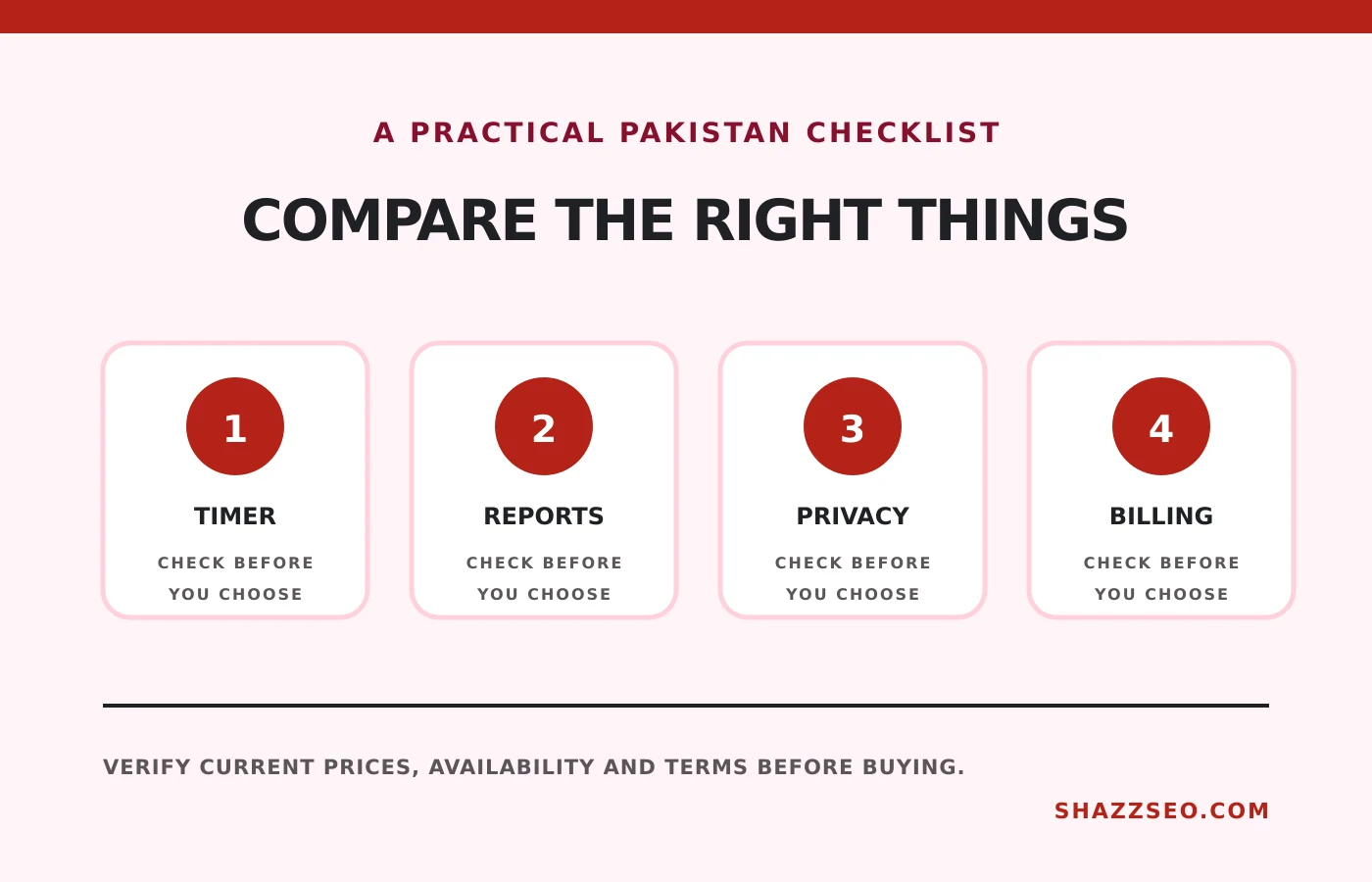
Time tracking is valuable when it answers a business question: which client, service or task actually produces profit? It becomes harmful when it collects screenshots and activity scores without a clear agreement. Pakistani freelancers should choose a tracker based on billing evidence, offline reliability, client reporting and privacy rather than the longest feature list.
How we selected these options
We compared free-plan usefulness, manual and timer entry, offline capture, billable rates, reports, approval, invoice support, project integrations and monitoring intrusiveness. Prices are generally billed in USD, so Pakistani teams should also account for card availability, foreign-transaction charges and withholding.
Quick comparison
# |
Option |
Best for |
Important limitation |
|---|---|---|---|
1 |
Free teams and basic reporting |
Advanced approvals and controls are paid |
|
2 |
Solo freelancers and clean UX |
Team and billing controls require paid tiers |
|
3 |
Time-to-invoice workflow |
Free use is narrow for multiple clients |
|
4 |
Distributed teams and field operations |
Screenshots and activity data require consent |
|
5 |
Managed remote production teams |
Monitoring can feel excessive for senior staff |
|
6 |
Asana, ClickUp and monday.com users |
Value depends on the connected PM system |
|
7 |
Budget and attendance reporting |
Interface depth can slow a solo user |
|
8 |
Small service agencies |
Automation and integrations vary by plan |
|
9 |
Automatic private work capture |
Higher cost and AI review still needs judgment |
|
10 |
Upwork hourly contracts |
Designed for Upwork work, not a full business system |
The 10 best options in detail
1. Clockify: Free teams and basic reporting
Clockify offers a generous free core for timers, timesheets, projects and reports. It is the easiest recommendation for a small Pakistani agency testing structured time records. Keep project names and tags disciplined or free data quickly becomes unusable.
Check before buying: Advanced approvals and controls are paid
2. Toggl Track: Solo freelancers and clean UX
Toggl Track minimizes friction when switching among clients and tasks. Its reporting is clear enough to share with clients without exposing invasive surveillance. It is especially suitable for consultants billing retainers or hourly work.
Check before buying: Team and billing controls require paid tiers
3. Harvest: Time-to-invoice workflow
Harvest connects time, budgets, expenses and invoices in a coherent workflow. It is useful when client billing is the main reason for tracking. Confirm how its invoices and payment options fit Pakistani banking rather than assuming every embedded payment method is locally available.
Check before buying: Free use is narrow for multiple clients
4. Hubstaff: Distributed teams and field operations
Hubstaff adds scheduling, productivity signals, locations and payroll-oriented workflows. Those features help a remote agency, but they can damage trust when introduced without a written monitoring policy. Use the least intrusive setting that solves the operational problem.
Check before buying: Screenshots and activity data require consent
5. Time Doctor: Managed remote production teams
Time Doctor is built for organizations that want attendance, activity and application visibility. It can help BPO-style operations, but it is a poor cultural fit for outcome-based consultants. Explain exactly what is collected and who can view it.
Check before buying: Monitoring can feel excessive for senior staff
6. Everhour: Asana, ClickUp and monday.com users
Everhour places timers, estimates and budgets inside popular project tools. Agencies can compare planned and actual effort without asking staff to maintain a separate project structure. Check that your chosen integration exposes every feature you need.
Check before buying: Value depends on the connected PM system
7. TimeCamp: Budget and attendance reporting
TimeCamp combines automatic tracking, projects, attendance and reporting. It suits teams that need a wider operational record, while an individual freelancer may find Toggl or Clockify faster.
Check before buying: Interface depth can slow a solo user
8. My Hours: Small service agencies
My Hours emphasizes project budgets, billable rates, reports and approvals. Its free allowance has historically been friendly to small teams, but verify the current user limit and export features before migrating.
Check before buying: Automation and integrations vary by plan
9. Timely: Automatic private work capture
Timely records activity privately and lets the user decide what becomes a timesheet. That is more respectful than manager screenshots and useful for professionals who forget timers. Automatic categorization should still be reviewed before invoicing.
Check before buying: Higher cost and AI review still needs judgment
10. Upwork Desktop App: Upwork hourly contracts
For an Upwork hourly contract, the platform’s tracker supports the work diary and payment-protection process. Use it where required, but keep separate business-level reporting if you also serve direct clients.
Check before buying: Designed for Upwork work, not a full business system
A privacy rule for Pakistani agencies
Before enabling screenshots, app tracking or activity scores, write down the business reason, collection schedule, retention period, access rights and dispute process. Client security can justify evidence, but continuous surveillance is not a substitute for good project scope and management.
Turn hours into useful data
Review effective hourly rate by client each month: revenue minus direct costs, divided by actual delivery hours. A “high-paying” fixed project can be your least profitable work when revisions are not tracked.
How to choose
Choose Clockify for a free team system, Toggl for simple solo tracking, Harvest for billable work, and Hubstaff or Time Doctor only where managed monitoring is genuinely required. Agencies using a project platform should test its native timer before buying a second subscription.
Frequently asked questions
Should fixed-price freelancers track time?
Yes, internally. It shows whether the scope and price are profitable even when the client is not billed hourly.
Can a client demand screenshots?
A marketplace or contract may require them. Agree on monitoring before work begins and avoid capturing unrelated private material.
What should appear in a client report?
Date, task, duration, output and any approved notes are normally more useful than raw activity scores.
Which tool works during an outage?
Several desktop tools cache activity offline, but the exact behaviour varies. Test offline capture before depending on it.
Final recommendation
Start with Clockify or Toggl, create consistent client and project names, and review profitability after one month. Add monitoring only when a contractual or operational need clearly outweighs the privacy cost.
Plans, limits and prices change. Verify current billing, privacy settings and offline behaviour before deployment.