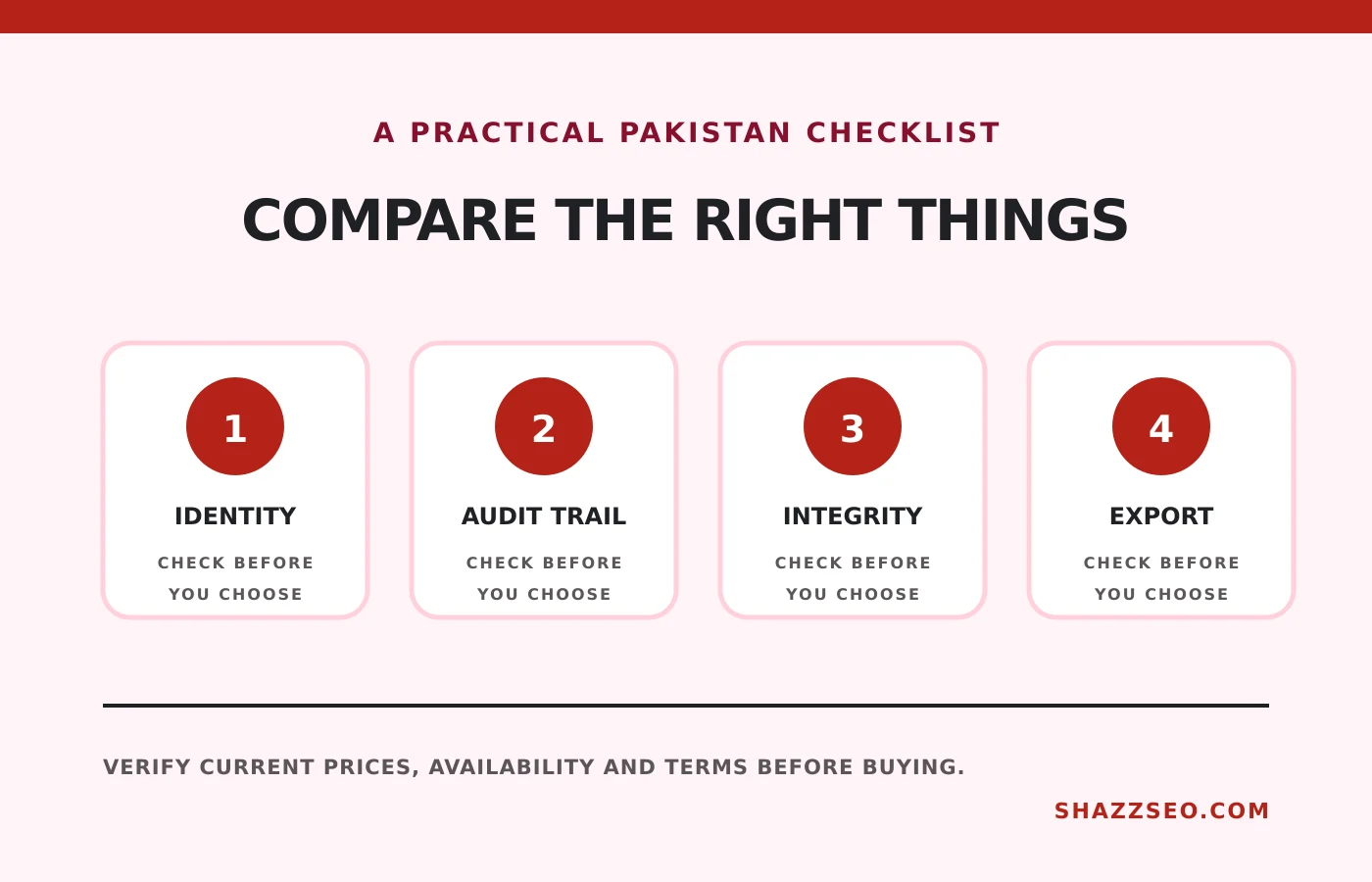
An electronic signature tool should prove who signed, what they signed and whether the document changed afterward. For Pakistani freelancers and agencies, international client acceptance, audit trails, signer authentication, data handling and USD subscription cost matter more than a decorative signature image.
How we selected these options
We compared sending limits, audit trails, templates, authentication, team controls, integrations, API access and the ability for a Pakistani sender to work with overseas clients. Free plans are evaluated as trial or occasional-use options, not assumed to be sufficient for a growing agency.
Pakistan’s Electronic Transactions Ordinance, 2002 recognizes electronic documents and signatures in broad terms, but legal effect depends on document type, evidence and any excluded or specially regulated instrument. High-value, property, family, government or notarized matters require Pakistani legal advice.
Quick comparison
# |
Option |
Best for |
Important limitation |
|---|---|---|---|
1 |
Value for freelancers and small teams |
Advanced controls require paid plans |
|
2 |
Simple recurring agreements |
Document limits and integrations vary by plan |
|
3 |
Enterprise client acceptance |
Higher tiers can become expensive |
|
4 |
PDF-heavy workflows |
Adobe plans and Sign entitlements can be confusing |
|
5 |
Proposals, quotes and contracts together |
More complex than a basic signing tool |
|
6 |
Developer API and cost control |
Less familiar to some clients |
|
7 |
Occasional and simple signing |
The free plan has a low monthly document limit |
|
8 |
Team signing and document routing |
Feature packaging needs close comparison |
|
9 |
Forms that become signed documents |
Best value depends on wider Jotform usage |
|
10 |
Mobile-first small business use |
Verify limits on templates and sends |
The 10 best options in detail
1. Zoho Sign: Value for freelancers and small teams
Zoho Sign combines templates, reminders, audit trails and integrations with Zoho CRM, Books and other apps. It fits Pakistan-based freelancers who already use Zoho or need a lower-cost business workflow without building contracts inside a sales suite.
Check before buying: Advanced controls require paid plans
2. Dropbox Sign: Simple recurring agreements
Dropbox Sign keeps the sending experience uncomplicated and integrates naturally with common storage and productivity tools. It works well for NDAs, retainers and service agreements where the document is already prepared and only routing and proof are needed.
Check before buying: Document limits and integrations vary by plan
3. DocuSign: Enterprise client acceptance
DocuSign is often the easiest choice when a multinational client already uses it. Its strengths are templates, reminders, reporting and a mature audit trail. A solo freelancer should not pay for enterprise capabilities unless client requirements justify them.
Check before buying: Higher tiers can become expensive
4. Adobe Acrobat Sign: PDF-heavy workflows
Adobe is a natural fit when contracts begin and end as PDFs and the team already pays for Acrobat. Confirm whether the selected plan includes the sending volume, web forms and team administration you need rather than assuming every Acrobat subscription is identical.
Check before buying: Adobe plans and Sign entitlements can be confusing
5. PandaDoc: Proposals, quotes and contracts together
PandaDoc adds document creation, reusable content, pricing tables, approvals and CRM integrations. It suits agencies selling packaged services. For a freelancer sending three fixed PDFs per month, the extra workflow may add cost without improving evidence.
Check before buying: More complex than a basic signing tool
6. BoldSign: Developer API and cost control
BoldSign focuses on e-signature workflows and API value. It is worth considering for SaaS products or agencies that want signatures inside their own process. Check data location, authentication and API limits against client requirements.
Check before buying: Less familiar to some clients
7. SignWell: Occasional and simple signing
SignWell removes much of the setup complexity and offers a small free allowance for occasional documents. It is suitable for a freelancer validating an e-sign workflow before subscribing, but a regular sales pipeline needs a paid plan.
Check before buying: The free plan has a low monthly document limit
8. signNow: Team signing and document routing
signNow offers templates, team features and document routing at pricing often positioned below large enterprise platforms. It fits operations teams that need repeatable signing rather than proposal design.
Check before buying: Feature packaging needs close comparison
9. Jotform Sign: Forms that become signed documents
Jotform Sign is useful when a client first completes an intake form and the answers populate an agreement. That makes it attractive for agencies, consultants and service businesses already collecting structured onboarding data.
Check before buying: Best value depends on wider Jotform usage
10. SIGN.PLUS: Mobile-first small business use
SIGN.PLUS provides web and mobile signing with a relatively simple workflow. It can suit a mobile consultant or small team, but compare identity verification, audit exports and team administration with the stronger enterprise options.
Check before buying: Verify limits on templates and sends
What makes an electronic contract stronger?
- Correct legal names and addresses.
- A clear service scope, price, currency and payment schedule.
- Signer authentication appropriate to the risk.
- A tamper-evident completed PDF and audit certificate.
- Records of delivery, acceptance and later amendments.
- A governing-law and dispute clause reviewed for important agreements.
An e-signature platform proves process; it does not repair a vague or unlawful contract.
How to choose
Use a basic tool for occasional NDAs and retainers. Choose proposal software when reusable pricing and approval are central. Enterprise tools make sense where clients demand SSO, advanced authentication, data controls or standardized procurement.
For overseas sales, connect signed agreements to the invoicing process described in our freelancer invoicing-tools guide.
Frequently asked questions
Are electronic signatures legal in Pakistan?
Pakistan’s Electronic Transactions Ordinance provides recognition for electronic records and signatures, but not every instrument or evidentiary situation is identical.
Is a pasted signature image enough?
It is weaker than a platform process with authentication, timestamps and an audit trail.
Can an overseas client sign without an account?
Most platforms allow invited signers to complete a document through a secure link, but verify the chosen authentication settings.
Which documents need a lawyer?
High-value, equity, employment, intellectual-property, property and regulated agreements deserve professional review.
Final recommendation
Zoho Sign is the practical starting point for a cost-conscious freelancer, Dropbox Sign for straightforward documents, and DocuSign or Adobe when the client ecosystem requires them. Select the contract and evidence process first, then the tool.
This comparison is not legal advice. Pricing, document limits and Pakistani law can change. Obtain legal review for important or regulated instruments.