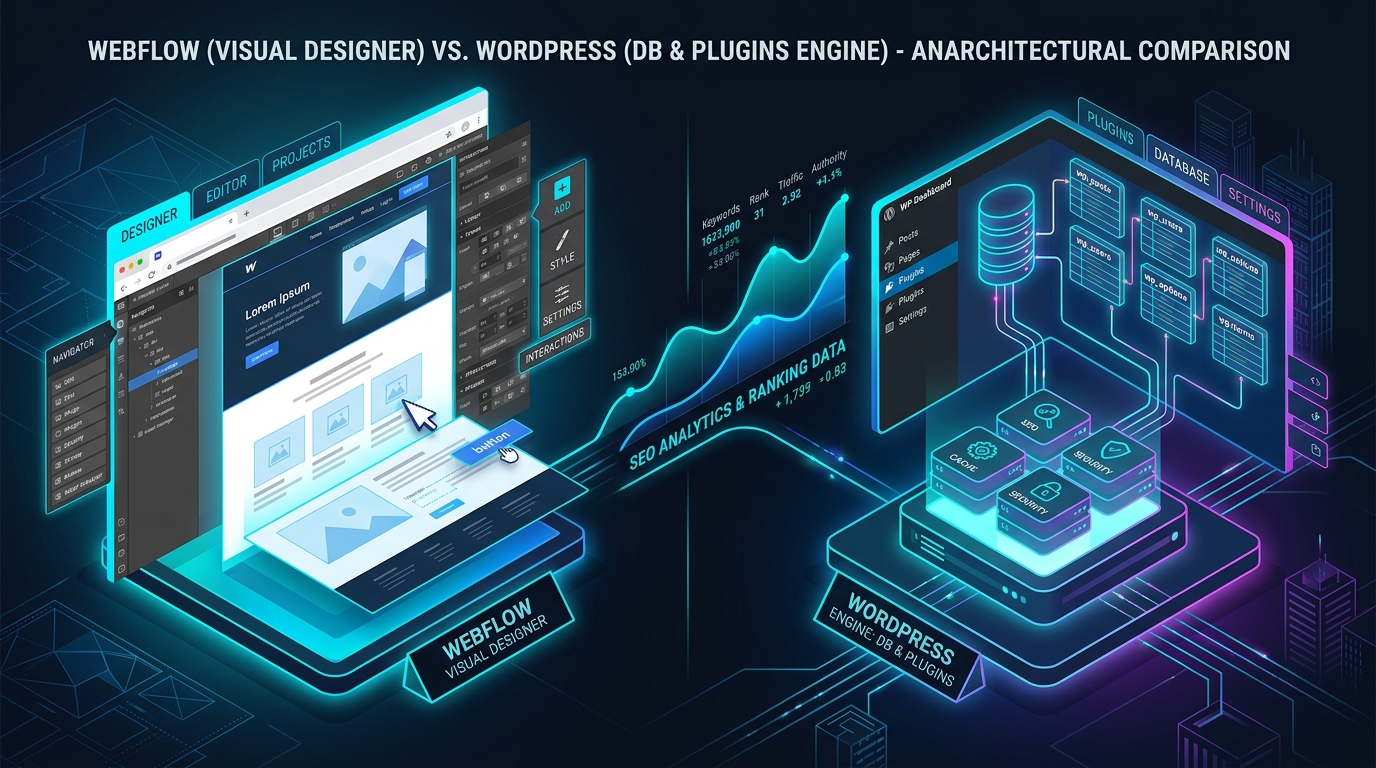
When launching a new digital product, redesigning a company website, or scaling a high-traffic content engine, one question inevitably divides digital marketers, developers, and founders: “Should we build on Webflow or WordPress for maximum SEO performance?”
For over twenty years, WordPress has been the undisputed king of organic search, powering over 40% of the web. But Webflow’s enterprise visual development platform, pristine visual CSS output, and fully managed AWS/Fastly hosting have made it a formidable contender for modern organic growth.
In this in-depth, unbiased 2026 comparison, we benchmark Webflow vs. WordPress across 6 critical SEO dimensions to determine which CMS helps you rank faster, scale smoother, and convert more organic traffic.
Head-to-Head Comparison: Webflow vs. WordPress for SEO
Dimension |
Webflow |
WordPress |
Winner |
|---|---|---|---|
Code Cleanliness & Semantic HTML |
Zero bloat, hand-crafted semantic HTML5/CSS generated directly from visual canvas. |
Varies widely depending on theme, page builders (Elementor/Divi), and plugins. |
Webflow |
Hosting Speed & Core Web Vitals |
Fully managed AWS infrastructure + Fastly multi-region CDN out of the box. |
Requires premium hosting (LiteSpeed/Kinsta) + caching plugins (WP Rocket). |
Webflow |
Content Scale & Programmatic SEO |
CMS collection limits (typically 2,000 to 10,000 items depending on enterprise tier). |
Infinite scalability; handles 100,000+ posts and custom databases with ease. |
WordPress |
Technical Flexibility & Custom Schema |
Custom code embed blocks for JSON-LD; no server root (.htaccess) access. |
Total backend control (PHP, custom rewrite rules, Rank Math / Yoast Pro). |
WordPress |
Maintenance & Security Moat |
Zero plugin updates, zero database vulnerabilities, enterprise SOC2 compliance. |
Requires frequent core, plugin, and theme updates; vulnerability risks. |
Webflow |
Cost of Ownership & Flexibility |
Monthly subscription scaling with traffic and CMS records. |
Open source software; you control server costs and vendor dependencies. |
WordPress |
Deep-Dive: When Webflow Wins on SEO
Webflow is the superior choice when your primary goal is design excellence, brand authority, and lightning-fast page experience without managing server infrastructure:
- SaaS & Tech Startups: Marketing sites (10 to 500 pages) requiring slick interactive product showcases that load instantly.
- Design-First Agencies: Eliminates the “developer bottleneck” where marketing teams wait weeks for engineers to adjust meta tags or landing page layouts.
- Zero Technical Debt: No broken plugin updates, database bloat, or server configuration conflicts causing sudden 500 errors.
Deep-Dive: When WordPress Wins on SEO
WordPress remains the indisputable powerhouse when your business model relies on massive editorial scale, complex directories, or advanced programmatic SEO:
- Publishers & High-Volume Blogs: If you publish multiple articles per day and maintain an archive of 5,000+ posts, WordPress handles database queries with unmatched cost efficiency.
- Ecommerce & Multilingual Giants: Native WooCommerce integrations, WPML/Polylang multi-language setups, and custom custom post types (CPTs).
- Granular Technical Control: Total freedom to manipulate server headers, modify
.htaccess, and integrate custom MCP / AI automation agents directly into the database.
The Verdict: Which CMS Ranks Faster in 2026?
For new websites under 1,000 pages: Webflow ranks faster out of the box because its pristine code structure and managed edge CDN ensure perfect Core Web Vitals without technical configuration.
For large content hubs, programmatic SEO, and enterprise publishing: WordPress wins on long-term scalability and technical flexibility.
Frequently Asked Questions (FAQ)
Can I migrate from WordPress to Webflow without losing rankings?
Yes, provided you map all 301 redirects perfectly, match your URL slug structures, export full content metadata, and configure identical canonical tags during the migration window.
Do I need SEO plugins on Webflow?
No. Webflow has native controls for title tags, meta descriptions, OpenGraph cards, 301 redirects, and sitemaps built directly into the core designer.
Conclusion: Choosing the Right Tool for Your Growth Stage
Neither CMS will magically rank your website on page one without high-quality, authoritative content and strong topical relevance. Choose Webflow if you value design speed, rock-solid security, and effortless Core Web Vitals. Choose WordPress if you require infinite content scale, deep database customization, and complete ownership of your stack.
The migration risk matters more than the CMS label
Neither platform receives a ranking bonus. A fast, crawlable Webflow site can outperform a poorly maintained WordPress build, and the reverse is equally true. For an established site, the deciding factor should include migration risk: URL changes, lost redirects, altered headings, missing schema, changed internal links and JavaScript-rendered content can outweigh theoretical performance gains.
Choose Webflow when visual publishing, managed hosting and a controlled marketing-site structure are the priority. Choose WordPress when the project needs deep editorial workflows, flexible data models, large content archives or extensive integrations. Before migrating either way, export every indexable URL, metadata field, canonical, redirect and image reference. Crawl the staging site and compare it with production before DNS changes.