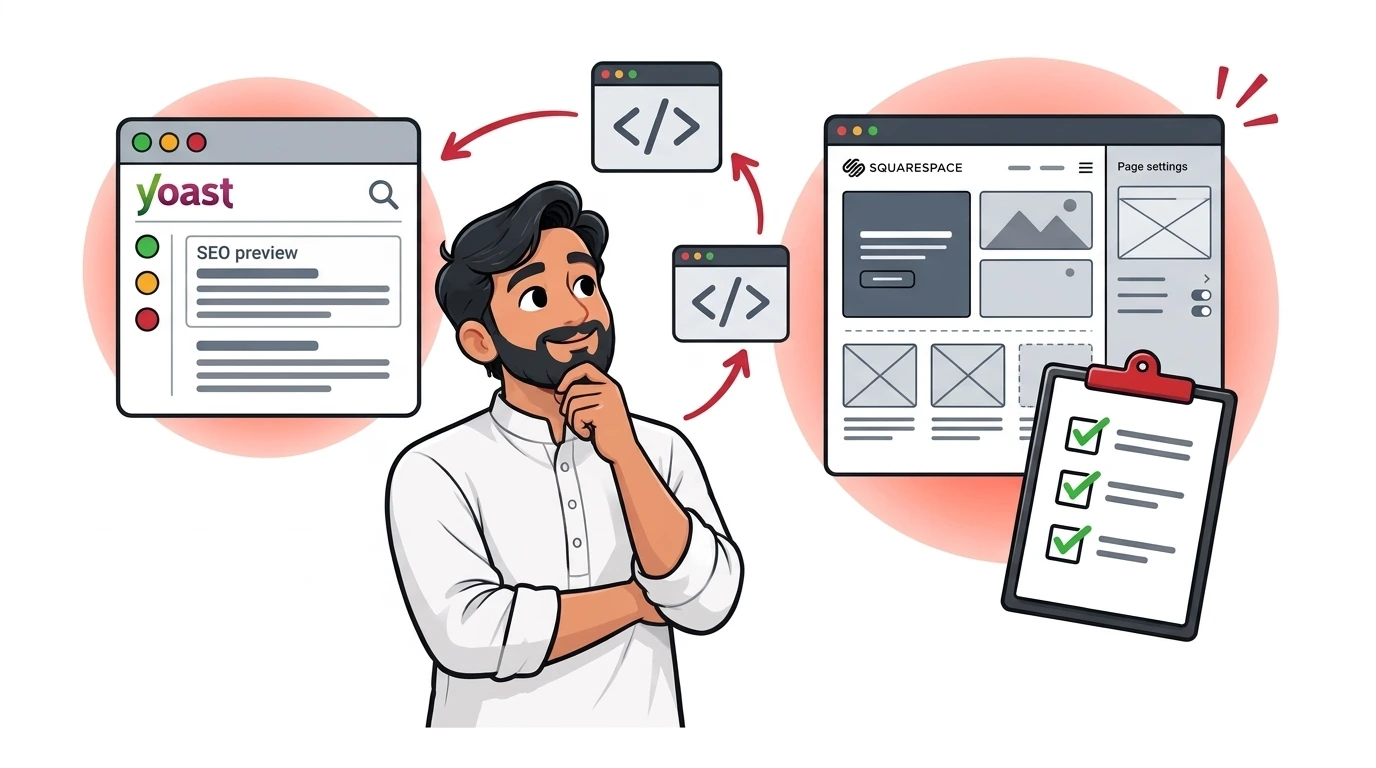
Can you actually use yoast seo for squarespace websites? The direct answer is no: Yoast SEO is a dedicated WordPress and Shopify plugin that cannot be installed on Squarespace's closed-source platform (for WordPress users, refer to our complete WordPress SEO setup guide).
Because Squarespace is a managed, proprietary content management system (SaaS), it does not support third-party PHP plugins or WordPress plugin files (.zip). However, Squarespace includes robust native SEO tools, and by pairing them with specialized modern alternatives, you can achieve identical—and often superior—technical search performance.
Feature Comparison: Yoast on WordPress vs. Squarespace Native
Many users assume they are missing essential SEO functionality without Yoast. When evaluating platform capabilities, our benchmarks on Wix vs Squarespace SEO and Squarespace vs Webflow SEO explain where native tools excel and where custom code is required. Here is how Squarespace handles standard Yoast features out of the box:
| SEO Feature | Yoast SEO (WordPress) | Squarespace (Native) | 2027 Workaround / Solution |
|---|---|---|---|
| Custom Meta Titles & Descriptions | Field box on each page edit screen | Built-in Page Settings > SEO tab | Fully supported natively in Squarespace |
| Automated XML Sitemaps | Generated at /sitemap_index.xml |
Automatically generated at /sitemap.xml |
Native, updates automatically on publish |
| Canonical Tags | Auto-generated self-referencing tags | Auto-generated self-referencing tags | Native, zero configuration needed |
| On-Page Content Analysis (Traffic Lights) | Green/Orange/Red content checklist | None | Use SEOSpace plugin (Chrome Extension) |
| Advanced JSON-LD Schema | Modular schema graph generator | Basic Organization & BlogPosting | Inject custom JSON-LD into Page Header Code Injection |
| Index / Noindex Controls | Page-level robots meta toggle | Native "Hide Page from Search" toggle | Native in Page Settings > SEO tab |
Best 2027 Alternatives to Yoast for Squarespace
1. SEOSpace (The Closest "Yoast for Squarespace" Tool)
SEOSpace is a dedicated SEO auditing tool engineered specifically for Squarespace. It operates via a Google Chrome Extension, analyzing your live Squarespace editor page-by-page. It provides real-time traffic light scores, keyword density checks, heading structure audits, and automated redirect recommendations.
2. Custom JSON-LD Schema Injection
Yoast's greatest strength on WordPress is its unified schema graph. On Squarespace (Business and Commerce plans), you can replicate advanced schema by adding custom JSON-LD directly into Settings > Advanced > Code Injection or individual Page Header Code Injection:
<script type="application/ld+json">
{
  "@context": "https://schema.org",
  "@type": "LocalBusiness",
  "name": "Acme Design Studio",
  "url": "https://www.example.com",
  "telephone": "+1-555-0199",
  "address": {
    "@type": "PostalAddress",
    "streetAddress": "123 Creative Way",
    "addressLocality": "Austin",
    "addressRegion": "TX",
    "postalCode": "78701"
  }
}
</script>
Step-by-Step Squarespace SEO Optimization Protocol
- Configure Site-Wide Title Formats: Navigate to
Marketing > SEO > Appearance. Set your Page Title format to%p | %sfor clean, uncluttered branding. - Set Clean Page Slugs: Ensure URL slugs are short, lowercase, and keyword-focused (e.g.,
/squarespace-seo/instead of/services-page-2-final/). - Optimize Image Alt Text: Add descriptive captions and filenames before uploading; Squarespace uses image file names as fallback alt text.
- Submit Native Sitemap to Search Console: Submit
https://yourdomain.com/sitemap.xmldirectly to Google Search Console and Bing Webmaster Tools.
For custom platform migrations, speed optimization, and schema engineering, explore our dedicated Squarespace SEO services.
Conclusion
While you cannot install Yoast SEO on Squarespace, you do not need it. By maximizing Squarespace's native settings, injecting custom JSON-LD schemas, and utilizing tools like SEOSpace, your site can rank just as effectively across Google and AI search engines.