If Search Console says your WordPress sitemap could not be fetched, test the exact submitted URL, inspect its HTTP response and XML body, check each child sitemap, and compare browser access with Google’s live fetch. Fix the demonstrated failure before resubmitting. A sitemap that opens in your browser can still be blocked for an unauthenticated crawler, served from an old cache or contain an unreadable response.
The important distinction is between retrieving the sitemap, parsing its contents and indexing the pages it lists. Those are different stages. This guide helps a freelancer identify which stage failed and gives a hosting or development team enough evidence to make a precise repair.
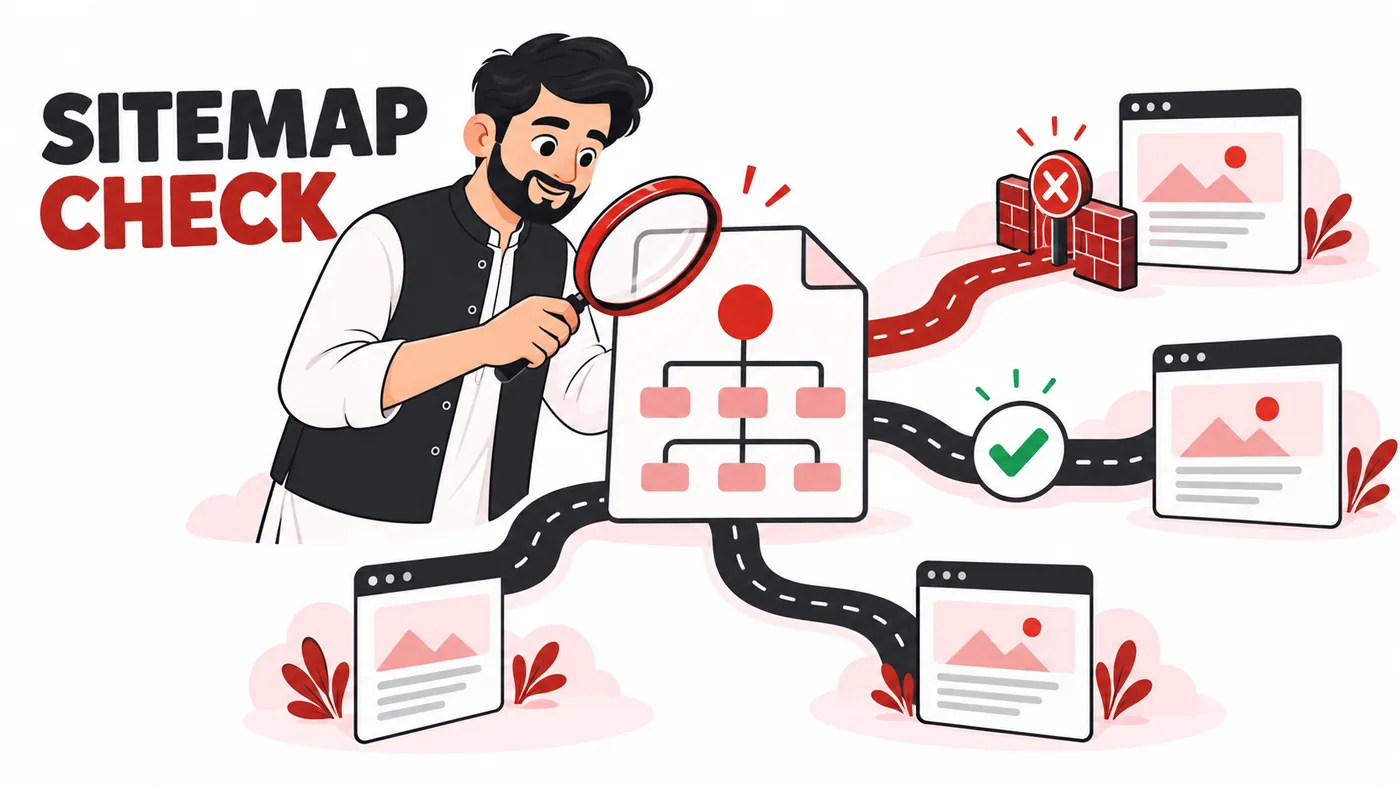
What the Search Console message means
Google’s Sitemaps report documentation distinguishes Success, Couldn’t fetch and a sitemap that was read but contains errors. Open the submitted row and inspect the details instead of treating the top-level label as a complete diagnosis. Record the submitted address, last read date and specific message.
A successful sitemap does not guarantee that every listed page will be crawled or indexed. Conversely, a current sitemap failure does not make Google forget URLs it learned earlier. Keep sitemap availability and page indexing in separate columns in your audit.
Research method and starting information
This workflow was reviewed on 13 October 2026 against Google Search Console Help and Rank Math’s sitemap troubleshooting documentation. The examples are diagnostic scenarios, not claims about a tested client incident. The approach is to change one confirmed cause at a time, then verify the exact request again.
Gather Search Console access, the active SEO plugin name, sitemap settings, hosting support access and any CDN or firewall configuration. You do not need to install another sitemap plugin merely because a report shows an error. Competing generators can make ownership and caching harder to understand.
Step 1: copy the exact submitted URL
Copy the address from Search Console. Do not retype it from memory or test a similar address. Differences between http and https, www and non-www, a sitemap index and a child file, or an old path can explain the whole incident.
For Rank Math, inspect its configured sitemap index rather than assuming that /sitemap.xml is the active file. WordPress core and SEO plugins may use different endpoints. The working URL is the one currently generated by the site’s chosen system, not necessarily the URL used by an earlier plugin.
Confirm the Search Console property. A URL-prefix property needs the correct scheme and host. A domain property covers broader variants, but your sitemap should still describe the intended canonical site. Save the exact address in the diagnostic notes.
Step 2: test without a logged-in session
Open the address in a private browser window. A logged-in administrator may bypass maintenance mode, security restrictions or caching. If the private request shows a login screen, challenge page or maintenance notice, the sitemap is not publicly available in the way you expected.
View the response body. A human-friendly XML stylesheet can make a sitemap look like a table; that presentation is not itself a problem. An HTML homepage, WordPress login form or error page returned at the sitemap URL is a different matter, even when the server labels the response 200.
Record what the anonymous visitor actually receives. A screenshot of a readable table is useful context, but save the response status and XML as stronger technical evidence.
Step 3: inspect the HTTP status and redirect path
An HTTP client can show the headers and final body. Use the example below only with a site you manage, replacing the hostname and path:
curl -sS -L --max-redirs 5 -D sitemap-headers.txt -o sitemap.xml 'https://example.com/sitemap_index.xml'Inspect the saved header file for every hop and the final status. Inspect sitemap.xml for actual XML rather than an HTML challenge. Do not infer success solely from a filename ending in .xml.
Observed response |
Likely investigation |
Next action |
|---|---|---|
404 |
Wrong endpoint, rewrite or generator disabled |
Confirm current sitemap settings and routing |
401 or login page |
Authentication or maintenance protection |
Make the production sitemap publicly accessible |
403 |
Security or firewall restriction |
Ask the host to inspect the specific request |
429 |
Rate limiting |
Check request rules and logs rather than disabling all protection |
5xx |
Origin or plugin failure |
Check server logs and reproduce the endpoint failure |
200 with HTML |
Fallback route or challenge |
Fix the response body, not only the status |
200 with valid XML |
Possible crawler-specific or intermittent issue |
Continue with child files and live fetch evidence |
Step 4: distinguish the index from child sitemaps
A sitemap index points to other sitemap files. Fetching the index successfully is only the first check. Open the post, page or category sitemap URLs that it lists, particularly the child implicated by the error report.
One child can fail because a particular content type triggers a PHP error or contains unexpected output. Another may redirect to an obsolete hostname. A blanket resubmission of the index will not repair either cause.
Build a short table containing child URL, status, content type, parsing result and response time. Test a representative set first, then expand if a shared template or rewrite rule is responsible. Avoid repeatedly fetching thousands of files when a single confirmed child error already identifies the problem.
Step 5: validate the XML body
Look for stray text before the XML declaration, PHP warnings, malformed tags, invalid escaping and truncated output. A sitemap can be visually plausible while a warning or unexpected character makes it unreadable to a parser.
Use an XML parser to validate the file rather than relying on visual inspection alone. Keep the validation result and a short excerpt around the failing line. If URLs include query strings, check that reserved characters are escaped correctly in XML.
Where a plugin generates the sitemap dynamically, repair the source of the output. Editing a downloaded XML file on your laptop does not change the next response from WordPress. Do not replace the live file manually without understanding how it will be regenerated.
Step 6: inspect caching and WordPress routing
Rank Math’s sitemap troubleshooting guide discusses rewrite, caching and plugin-related issues. Follow the remedy that corresponds to the observed failure. For an outdated cached sitemap, purge the relevant endpoint and apply the cache exclusions recommended for your actual setup.
If the endpoint is missing after a routing change, review permalink and rewrite settings. Save a configuration backup before altering server rules. Do not combine a permalink change, plugin replacement and cache purge into one untracked experiment; you will lose the ability to identify which action worked.
After each change, repeat the anonymous HTTP request and XML parsing check. A setting saved in the dashboard is not verification. The response served by the public endpoint is the result that matters.
Step 7: check Google’s access separately
Google’s report guidance recommends a live URL inspection to test whether the sitemap can be fetched. If your local request succeeds but Google’s fetch fails, inspect firewall, CDN, DNS and hosting logs for the relevant time and URL.
A Pakistani agency testing from Lahore may see a different response from a geographically distributed crawler or an overseas client. That does not prove a regional block exists; it gives you a reason to compare requests from another network and ask the hosting team for evidence.
Do not allow every request claiming to be Googlebot solely on its user-agent string. Follow the host’s verification process for legitimate crawlers. The useful support request is specific: exact URL, UTC timestamp, status, response body and the successful local control request.
An illustrative diagnostic case
A freelancer submits https://example.com/sitemap.xml after changing SEO plugins. The URL returns a styled page in the administrator’s browser, but an anonymous request shows an HTML fallback. The current plugin actually generates /sitemap_index.xml, and its two child files return valid XML.
The freelancer verifies the new index and children, updates the submitted sitemap and removes the obsolete reference in the site’s configuration. No hosting move or content rewrite is needed. The fix follows the evidence: the submitted endpoint was wrong, while the current generator worked.
In a second scenario, the correct endpoint returns 403 only when a firewall challenge is applied. Updating the sitemap submission would not solve that. The request must be investigated at the access-control layer. These scenarios show why one generic fix cannot address every message.
Step 8: resubmit and monitor the correct layer
Once the confirmed fetch or parse problem is repaired, submit the tested sitemap URL again. Record the repair time and check the latest read result. Google may retry failed retrievals, but repeated submission is not a substitute for restoring a stable endpoint.
Monitor sitemap success separately from the indexing of individual pages. If the sitemap becomes readable but pages remain excluded, move to the page-indexing diagnosis. If a new site still has accidental indexing restrictions, review its WordPress SEO settings.
What to include in a hosting support ticket
- The exact sitemap URL and child URL that fails.
- The UTC time of the failing request.
- The final HTTP status and every redirect hop.
- A small response-body sample showing XML, HTML or an error.
- The Search Console detail message and live-fetch result.
- The successful comparison request, if any.
- The plugin and CDN involved, plus recent relevant changes.
This lets support investigate a reproducible request rather than answering a vague complaint that Google does not like the site. Ask them to identify the failing layer before requesting broad security changes.
Common mistakes to avoid
Do not install a second generator, remove all firewall protection, change the domain or rewrite articles without evidence connecting those actions to the sitemap failure. Do not delete and resubmit the same unavailable URL repeatedly. Do not mistake an XML stylesheet issue for a parsing failure without checking the underlying file.
Also avoid treating the number of discovered pages as a ranking score. The sitemap’s job is discovery and communication of preferred URLs. Content quality, internal linking, canonical handling and access still affect the pages themselves.
Frequently asked questions
Why does the sitemap open for me but fail for Google?
You may be logged in, see a cached response or use a request path that does not trigger the same security rules. Compare anonymous requests, live fetches and logs before choosing the cause.
Does Success mean all pages are indexed?
No. It means Google fetched and read that sitemap successfully. Page indexing is a separate process with separate diagnostics.
Should I submit every child sitemap?
A working index can reference its children. Inspect child errors as needed, but do not multiply submissions simply to hide a broken index.
When should I resubmit?
After repairing a confirmed availability or parsing failure, or when a material sitemap change needs attention. Otherwise maintain a stable endpoint and monitor its read status.
Conclusion
Diagnose the exact sitemap request in order: address, anonymous access, HTTP response, child files, XML, caching and crawler access. The right repair becomes clear when you identify the failing stage instead of treating every fetch message as a content or indexing problem.