Direct answer: To filter several queries or page URLs in Google Search Console, open the Search results Performance report, add a Query or Page filter, select Custom (regex), choose whether values should match or not match, and enter an RE2-compatible pattern. Start with a specific reporting question, then test examples that should pass and examples that must fail.
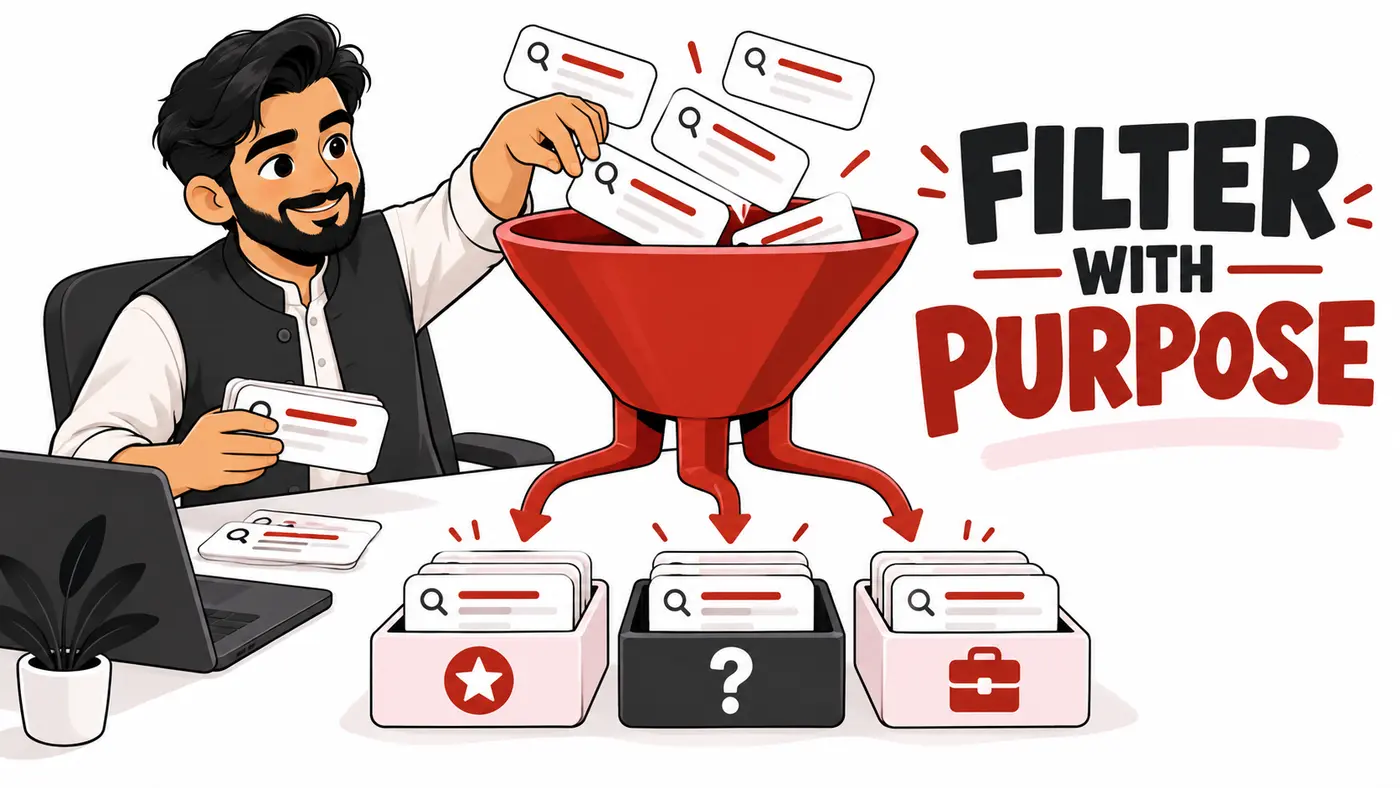
This guide is for freelancers who need reproducible client segments without writing a large reporting pipeline. It explains eight practical patterns, how to validate them, what the resulting numbers mean and where regex stops being useful. Examples are illustrative, not screenshots or performance claims from a client account.
Research method and prerequisites
The syntax and filtering behavior were checked against Google’s current advanced filtering documentation, its regex guidance and the RE2 syntax reference on October 14, 2026. The pattern library below is an original collection of sample inputs and expected outcomes, not a claim that the filters have been applied to your property.
You need access to the correct Search Console property, a meaningful reporting period and a clear definition of the group you want to study. Domain properties can contain several hosts, so a page filter may need a hostname as well as a folder. For client work, record the property, search type, dates, country, device and other active filters before interpreting results.
The minimum syntax you need
A regular expression describes a text pattern. A vertical bar means OR, parentheses group alternatives, a caret anchors the beginning and a dollar sign anchors the end. A dot matches a character; escape it when you mean a literal dot. Search Console uses partial matching and ignores case by default. For case-sensitive matching, its documentation describes the prefix (?-i).
RE2 does not support lookarounds or backreferences. Do not paste a negative-lookahead pattern from a tutorial for a different engine. To exclude a group, use the report’s “Doesn’t match regex” choice with a normal positive pattern. This keeps the expression understandable and avoids unsupported syntax.
| Symbol | Purpose | Example |
|---|---|---|
| | | Either alternative | audit|migration |
| () | Group alternatives | (seo|search) |
| ^ and $ | Start and end | ^seo audit$ |
| ? | Optional preceding item | reviews? |
| \. | Literal dot | example\.pk |
How to apply and validate a filter
- Open the correct property and Search results Performance report.
- Choose a complete period appropriate to the question.
- Add the Query or Page filter and choose Custom (regex).
- Choose Matches regex or Doesn’t match regex.
- Paste the pattern without code-fence markers or extra quotation marks.
- Inspect the resulting rows for false positives.
- Test a known expected match and a known non-match.
- Save the exact pattern and report settings with your interpretation.
Use a simple “containing” filter when one literal phrase is enough. Regex earns its complexity when alternatives, boundaries or variable URL structures are involved. A longer expression is not automatically a better segment.
Eight patterns with acceptance examples
1. Group brand-name variations
(shazzseo|shazz seo) groups two explicit brand spellings. It should match “shazzseo services” and “shazz seo consultant,” but not “seo consultant pakistan.” To study non-brand queries, invert the same expression using Doesn’t match regex. Add real misspellings only after observing them; do not invent a large list that captures unrelated words.
A founder name can belong in a broader brand-awareness segment, but keep that decision explicit. “Shahzaib” alone is ambiguous. A full name or carefully reviewed name variants are more defensible. If the brand is a common dictionary word, maintain a manual ambiguous-query bucket rather than pretending regex knows what every searcher meant.
2. Find questions beginning with a question word
^(how|what|why|when|where|can|does|do|is|are)\s should match “how to audit a website” and “can seo help a clinic.” It should reject “seo audit checklist” and “best hosting.” The start anchor makes this a leading-question segment rather than a search for question words anywhere in the phrase.
Do not label the result “AI queries.” Sentence-like questions can occur in ordinary search. The pattern reveals wording, not the feature or engine through which the query was made. Inspect the landing pages and decide whether they answer those questions clearly.
3. Group commercial modifiers
\b(price|pricing|cost|quote|hire|agency|consultant)\b should match “seo consultant lahore” and “website audit cost,” but reject “enterprise seo process” unless another listed word is present. This is a commercial-language screen, not a conversion classifier. A person researching prices may still be far from purchase.
Review each cluster’s page destination. If pricing searches reach an introductory article rather than a service or pricing explanation, the next action may be improving navigation and answer coverage—not creating a second page immediately.
4. Find comparison language
\b(vs|versus|alternative|alternatives|compare|comparison)\b should match “wordpress vs webflow” and “payoneer alternatives,” but reject “wordpress setup.” The group identifies comparison wording; it does not justify publishing another generic Top 10 article. Check whether an existing comparison already satisfies the intent.
5. Group Pakistan city modifiers
\b(lahore|karachi|islamabad|rawalpindi|multan)\b should match “seo agency lahore” and “coworking islamabad,” but reject “seo agency pakistan.” This allows city-wording analysis; it does not prove the searcher’s physical location. Use the country dimension separately when needed.
For Pakistani businesses, observed Roman Urdu and Urdu spellings may require additional literal alternatives. Avoid using ASCII word-boundary assumptions for Urdu script. Review actual query text and test explicit strings rather than automatically transliterating every city name.
6. Isolate one exact URL folder
^https://example\.pk/services/ should match “https://example.pk/services/seo/” but reject “https://example.pk/blog/services-guide/” and a different hostname. Replace the sample domain with the real property host. The example is intentionally anchored so a folder-like phrase elsewhere in a URL does not count.
If the site has flat WordPress slugs rather than a /services/ folder, this filter will not discover service pages. Use an explicit approved URL list or another architecture-aware rule. Do not infer content type from a folder that the site does not use.
7. Compare two sections
^https://example\.pk/(services|guides)/ should match either section while excluding /news/. Group the alternatives correctly. Without grouping, an OR can broaden the second alternative in unexpected ways. Keep a small test set containing both valid sections, one wrong section and one wrong hostname.
8. Select a literal query set
^(seo audit|technical seo audit|website audit)$ selects exactly the three phrases. It should reject “free seo audit tool” and “website audit pakistan.” This is useful for a defined benchmark, but it intentionally omits long-tail variants. Describe that limitation in the report rather than calling it the entire audit topic.
A worked analysis: from filter to decision
Imagine a freelancer investigating audit-service demand for a client. First, they define the business question: are people seeking paid audit help reaching the right pages? They export relevant visible queries, inspect modifiers and build an agreed commercial segment. Next, they inspect the Pages view for that segment and note whether service pages or articles receive the clicks.
If the segment lands mainly on an article, they review its call to action and contextual links. If the service page receives impressions but few clicks, they inspect query intent and search-result presentation before rewriting a title. If impressions fall across all pages, they investigate demand and technical changes instead of assuming one heading caused it.
These are hypothetical branches, not measured results. The value is a repeatable sequence: question, definition, acceptance tests, segment, destination, evidence and action. Every step can be challenged by another analyst.
Why filtered totals may not reconcile
Google explains that privacy and data-serving limits affect Search Console query reporting. Anonymized queries are not shown in the query table, and query filtering excludes anonymized query data from the filtered totals. Consequently, brand and non-brand regex views need not add up to the unfiltered property total. See Google’s performance data filtering explanation.
Do not assign the residual automatically to non-brand. Label it as unclassified or unavailable in the analysis. Also avoid summing overlapping topic filters: a query containing both “audit” and “pricing” may belong to two screens. Mutually exclusive reporting requires a defined classification process, often after export.
Troubleshooting unexpected results
- No rows: test one observed literal phrase, widen the period and inspect the other active filters.
- Too many rows: review partial matching, grouping and missing boundaries.
- Invalid expression: remove unsupported lookarounds, unmatched parentheses or copied formatting.
- Wrong pages: remember a Page filter evaluates the URL, not its title or visible text.
- Numbers change: verify the dates, search type, country, device and segment version.
- AI-generated pattern fails: validate it against the RE2 reference and your acceptance examples.
A reusable filter register
Save a register with the segment name, reporting question, exact expression, inclusion mode, dimension, property, expected examples, rejected examples, owner and review date. Include a note explaining what the filter cannot establish. This makes monthly reporting reproducible when another freelancer takes over the account.
Review the register after a domain move, URL restructure, rebrand or product launch. Preserve the old version so historical comparisons retain meaning. A changed definition can create a trend that looks like growth even when underlying performance did not improve.
When regex is the wrong tool
Use native dimensions for device and country. Use a spreadsheet or database for complex, mutually exclusive classification. Use content review to decide intent. Use dedicated search-appearance reporting where available rather than claiming a question-word pattern measures AI Overview visibility. Regex can organize known text; it cannot reveal hidden query data or prove a ranking cause.
Frequently asked questions
Does a regex filter change rankings?
No. It changes your report view, not your website or Google’s index.
Can I combine several intentions in one expression?
Yes, but name the segment accurately and test each alternative. Complex expressions are harder to maintain and may conceal unrelated queries.
Should I use a built-in brand filter instead?
If your property offers one, compare its definition with your reporting need. A custom regex is useful when you require explicit, reviewable brand strings. Record which method produced each report; do not treat the two as interchangeable.
Can these filters find new keywords with no impressions?
No. They organize the report’s available data. They are not a general keyword-discovery database.
Conclusion
Start with a decision, not a complicated expression. Build a small pattern, test positive and negative examples, inspect the resulting rows and explain its limits. Pair the result with the SEO KPI guide and the search intent guide to turn useful segments into actions.
Need help applying this?
Get a practical review focused on the issue, evidence and next actions.
Contact Shahzaib