Direct answer: Confirm that the affected dimension is Landing page, then investigate whether the relevant sessions contain a valid page-view journey. Google states that Landing page can show “(not set)” when a session has no page_view event. Trace a small sample of event sequences before changing tags. Do not replace the missing value with an invented URL or add synthetic page views merely to make the report look complete.
The same label appears in several GA4 dimensions, but its causes are not interchangeable. A missing campaign value, a missing source and a missing landing page need different evidence. This guide focuses on the entry-page question, not every possible “(not set)” row.
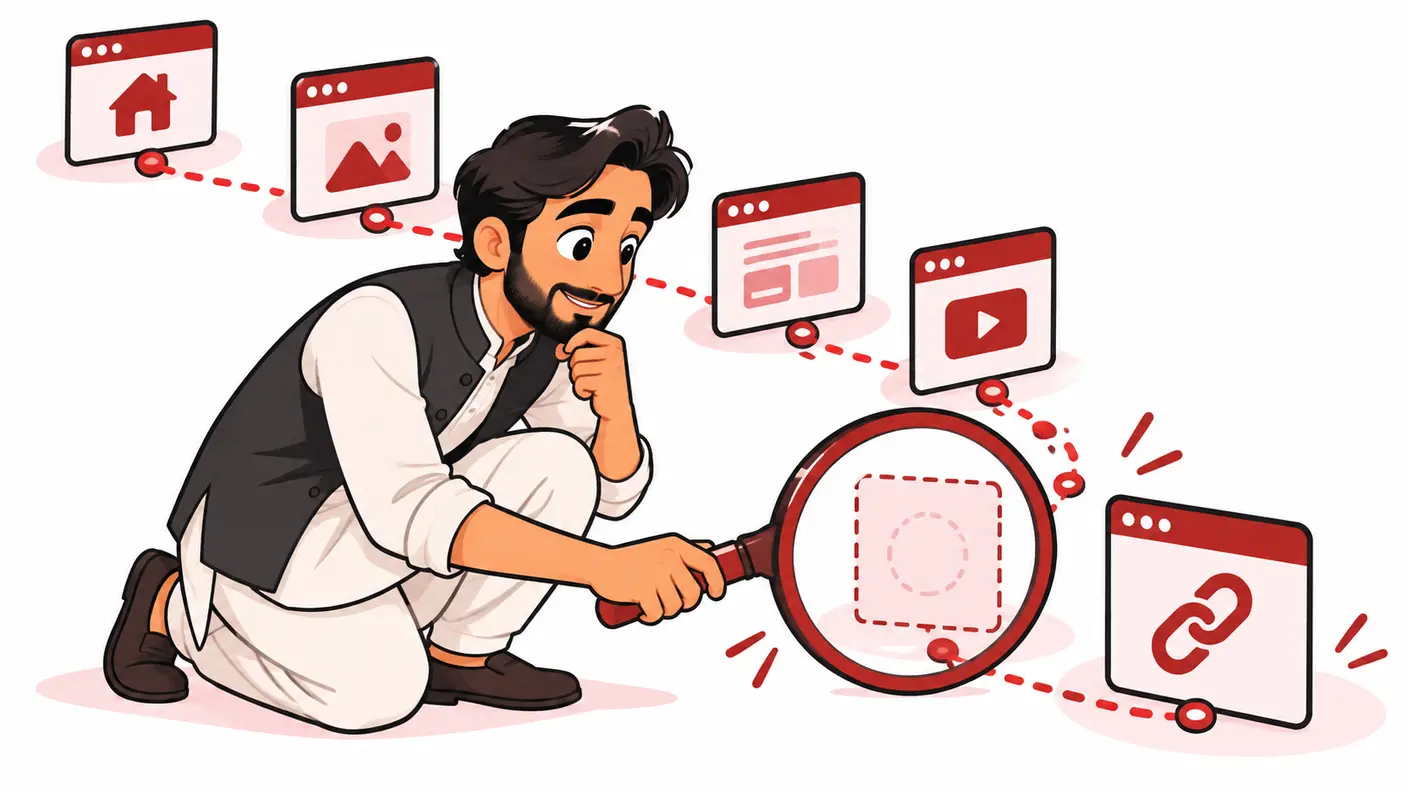
Scope, sources and prerequisites
Google's current missing-value, session and page-view documentation was reviewed on 15 October 2026. The investigation register and worked examples below are a proposed diagnostic method, not a report of a live client test. You need authorised access to the correct Analytics property and someone who can inspect the website's collection implementation.
Google's missing-value guidance explicitly distinguishes landing-page issues from session source/medium issues. Preserve that distinction in your ticket. The site's broader KPI measurement guide provides context for why landing-page analysis matters.
Begin with read-only report checks. Tag changes can affect every subsequent visit, so agree an approver and rollback route before implementation. A cleaner table is not worth degrading the underlying measurement.
Step 1: make the report reproducible
Record the property, stream, report or exploration, date range, timezone, dimension and metric. Save all filters and comparisons. Confirm whether you are looking at Landing page, Landing page plus query string or another similarly named field.
Check a completed reporting period rather than treating the newest incomplete data as final. Compare the same view across periods. If a report was customised recently, inspect its dimension and metric choices before assuming the website changed.
Write down the count and the relevant total with their definitions. For example, twenty affected sessions out of four hundred sessions in the same filtered report is five percent. That is an illustrative calculation, not a recommended universal tolerance or a claim about your property.
| Question | Why it matters |
|---|---|
| Which exact dimension is missing? | Prevents applying a source fix to a page problem |
| Which stream and platform? | Separates web navigation from other collection |
| When did the pattern change? | Helps compare with releases and configuration |
| Which devices or event types dominate? | Creates a focused test hypothesis |
| Is the period fully processed? | Avoids treating preliminary observations as final |
Prioritise material changes, not a perfect percentage
Look at both the affected count and its share. Five unexplained sessions on a small website can require a different response from a sudden, sustained increase after a release on a busy service site. No universal acceptable percentage is proposed here. Prioritise patterns that undermine a real reporting decision, such as comparing the performance of campaign landing pages.
Write a stopping condition for the investigation. For example: identify the affected template, reproduce the missing page view, correct the implementation and verify new collection. If the current test cannot reproduce the historical pattern, preserve that uncertainty and monitor rather than making an unrelated tag change. An unresolved hypothesis is not permission to edit the whole property.
Step 2: separate the possible evidence patterns
Do not start with a long list of presumed causes. First classify what you actually observe: normal page journeys, event-only activity, a specific template failure or an unexplained reporting combination. Give each pattern a small test sample.
Google's session documentation explains session identifiers and notes that Measurement Protocol and Data Import do not automatically include the same session identifier handling as the browser libraries. If server events are involved, have the implementation owner review their context rather than assuming they behave like ordinary browser page views.
A session with no observed page view does not automatically prove a bot, a malicious actor or an SEO penalty. Those are separate hypotheses requiring separate evidence. Keep the ticket's language proportional to what is known.
Step 3: inventory collection paths
List the WordPress plugin, GTM container, theme snippet, custom scripts and server senders that can send events to the stream. Record which path owns page views and which owns custom interactions. Ask whether any page-view automation was intentionally disabled.
Google's page-view guide describes automatic and manually sent page views. A manual design requires an explicit implementation, not simply turning off the default and hoping another tag covers every route. Conversely, adding a second automatic sender can introduce duplicates.
Review change history around the first sustained increase: a new consent configuration, form integration, theme, virtual-navigation feature or server event workflow. Timing suggests where to investigate; it does not establish causation by itself.
Document the intended design in one paragraph. If nobody can say which component owns page views, resolve that ownership before making another tag. Two teams independently “fixing” the same stream can create a harder problem.
Step 4: reproduce controlled browser journeys
Use approved debugging tools and non-personal test activity. Record the intended journey, consent state, entry URL, visible navigation and observed events. Keep browser event evidence separate from the processed report result.
- Open a representative public page in a fresh test session.
- Handle the consent interface according to the approved test scenario.
- Check whether the expected page_view is sent to the intended stream.
- Inspect page-location context and the order of relevant events.
- Navigate to a second page or virtual route and compare behaviour.
- Repeat on the affected template or device class.
- Record a normal control journey alongside the failing one.
A successful home-page test does not validate every landing template. A script can be present on articles but absent from a custom campaign page. Test the affected class rather than repeatedly reloading the same working URL.
Do not send extra page views on every click as a repair. Page views should describe real page or deliberately defined virtual-page transitions. An invented view can make the landing-page field look populated while corrupting the meaning of navigation data.
Step 5: investigate consent and event-only paths carefully
Consent-related differences need review by the implementation owner. Google documents consent-mode mistakes among the potential causes of missing values. Compare the approved state transitions with observed behaviour; do not bypass consent to reduce a report percentage.
If a server workflow sends a later business event, ask what session and page context it is designed to carry. A billing or CRM event is not a new website page view. Its measurement purpose may be legitimate even when an entry-page breakdown is not useful for that event.
Keep unsupported attribution out of the repair. Do not assign every unexplained session to the homepage, Google organic or the last page an analyst happened to see. Missing evidence should remain missing until a valid collection design supplies it.
Worked example: a template-specific gap
Imagine a website where articles collect page views normally, but a new campaign template sends a contact interaction without the expected page view. This is a hypothetical diagnostic scenario, not an observed ShazzSEO result.
The analyst records the report filter and compares one affected campaign page with a normal article. The developer confirms that the campaign template omitted the agreed Google-tag implementation. The team restores the intended collection path through its supported setup, tests both templates and checks that no duplicate page views were introduced.
The accepted result is correct future collection on the tested routes. Historical missing landing pages are not reconstructed by this change. The report gets a dated annotation explaining the collection gap and the verification period.
A second possible example is an event-only server integration. In that case, copying the template fix would be inappropriate. The team instead reviews the integration's intended context and decides which reports make sense for that dataset. The label alone cannot choose the remedy.
A correction decision table
| Confirmed evidence | Appropriate direction | Avoid |
|---|---|---|
| Missing intended browser page view | Repair its supported collection path | Add page views to every interaction |
| Overlapping manual and automatic views | Clarify ownership and remove duplication | Disable all views without a replacement |
| Misconfigured report combination | Correct the report and document scope | Change working website tags |
| Event-only integration with unclear context | Review its measurement contract | Invent homepage attribution |
Make one reversible change at a time. Preserve the prior tag or container version and define the expected result. Recheck both the originally failing journey and the working control. A repair should improve the intended path without breaking another one.
Verify and report honestly
Confirm event behaviour immediately through controlled tests, then review processed data over comparable completed periods. The size of the sample and the site's traffic influence what you can infer. A low-volume site cannot establish a reliable percentage change from a handful of visits.
For a Pakistani agency serving overseas clients, align property timezone and reporting dates in the incident note. A deployment made late in Pakistan may fall on a different reporting day for the client. Record the actual implementation time instead of giving an ambiguous date-only explanation.
State what remains unmeasured. “The tested campaign template now sends the expected page view” is defensible. “All missing values are fixed forever” is not. A small remaining share may have a different cause and deserves separate investigation if material.
Troubleshooting and frequently asked questions
Does “(not set)” mean traffic is fake?
No. It identifies missing dimension information, not the identity or intent of a visitor. Investigate the collection and report evidence before making a traffic-quality claim.
Will adding UTM parameters fix the landing page?
Not necessarily. Campaign labels address a different measurement question. Confirm page-view evidence first instead of applying a source-attribution fix to an entry-page field.
Can I repair old rows by changing the tag?
A current implementation change affects future collection. Do not claim it retroactively reconstructs missing historical journeys. Keep a reporting note and use existing evidence within its limits.
Should I extend session timeout?
Not solely to make a missing-value row smaller. Session settings should reflect the measurement model and visitor behaviour. Test a specific hypothesis before changing a property-wide setting.
How do I know the fix did not add duplicates?
Repeat one clean entry and one legitimate navigation transition, and verify the intended number of views. Check all collection paths rather than relying on a higher total as proof of success.
Conclusion
Make the report reproducible, trace event sequences and repair only a confirmed collection or reporting fault. Keep missing landing-page evidence separate from campaign attribution and never manufacture page views to fill a blank. The goal is meaningful data, not cosmetic completeness.
Need help applying this?
Get a practical review focused on the issue, evidence and next actions.
Contact Shahzaib