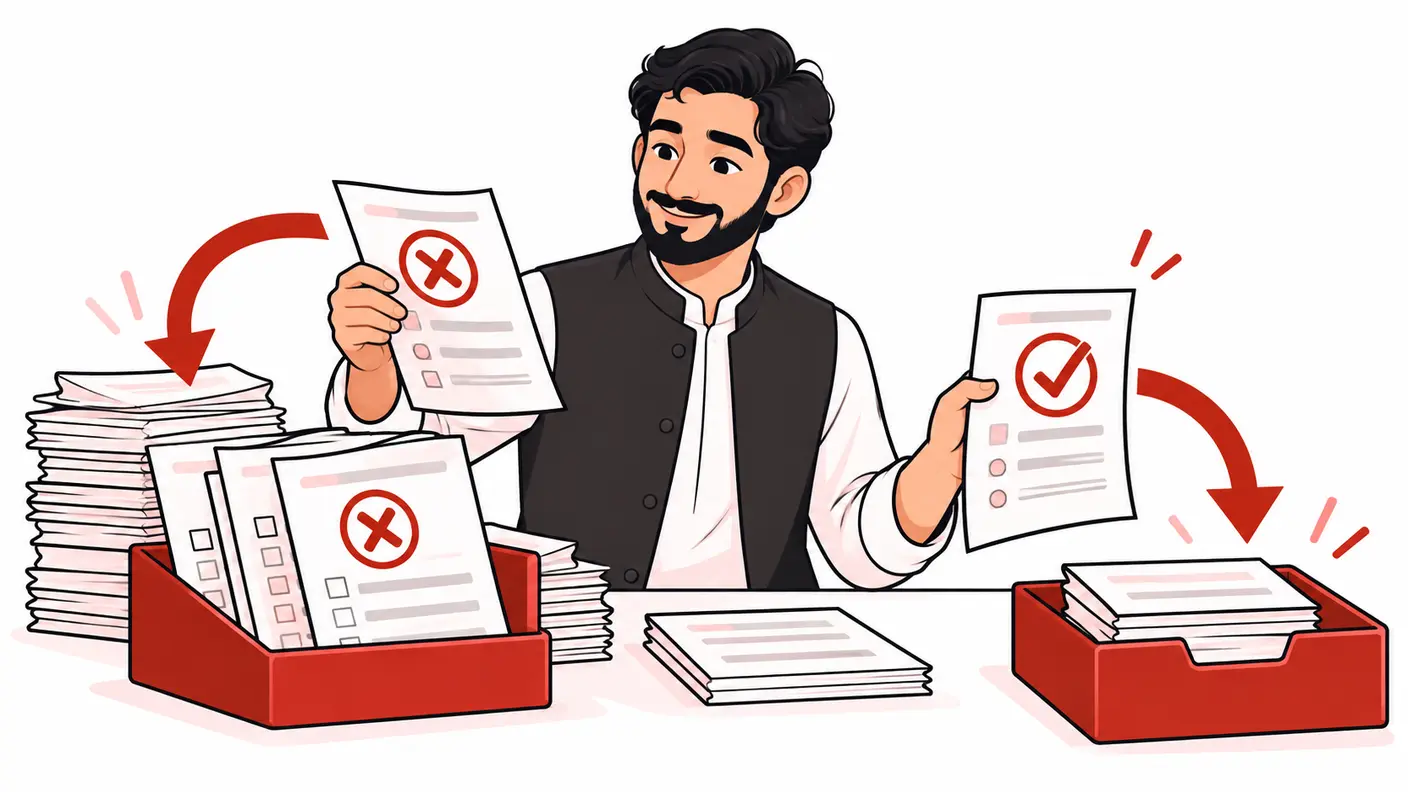
Direct answer: Fire your lead event when the form system confirms an accepted submission, not when someone merely clicks Submit. Choose one authoritative success signal, map it to a consistent GA4 event, exclude personal form values and test failed validation, server errors, repeat clicks and success-page refreshes. Keep submission attempts and confirmed leads as separate metrics.
A form can be useful to visitors while its analytics are misleading. A click may fail validation; a successful browser animation may precede a server rejection; a thank-you page can be refreshed. The measurement design must explain which real-world state each event represents.
Scope and research method
Google's current enhanced-measurement, recommended-event, custom-event and privacy documentation was reviewed on 15 October 2026. The success contract and acceptance tests below are a proposed implementation framework, not a claim that a particular WordPress form plugin has been tested. Consult the form vendor's current integration documentation before writing a callback.
This guide concerns enquiry forms. Purchases, account registrations and medical or financial intake workflows require their own definitions and controls. For the broader business measurement model, see the GA4 and Search Console KPI guide.
Define a confirmed lead for this business
Write one sentence that the editor, developer and receiving team can all verify. For example: “An enquiry is accepted when the server saves a valid request and returns the form's documented success state.” This is stronger than “the button was clicked” but still does not mean the enquiry is qualified or a customer has paid.
Decide whether spam-screened submissions count at acceptance or only after review. Both can be useful, but they must have different names. Do not change the definition halfway through a campaign without a dated reporting note.
| Event layer | Meaning | Suggested reporting use |
|---|---|---|
| Form viewed or started | Interaction began | Journey diagnosis |
| Submission attempted | A send action occurred | Friction analysis |
| Enquiry accepted | The agreed success condition passed | Confirmed submission metric |
| Lead qualified | A later business review passed | Sales-quality analysis |
A Pakistani agency reporting to an international client should agree which system owns each stage. The website may observe acceptance, while the CRM records qualification later. Separate totals are more honest than implying the website knows the final sales outcome.
Compare the available success signals
| Method | Best fit | Main limitation |
|---|---|---|
| Documented success callback | AJAX forms with a reliable integration | Must reflect confirmed acceptance |
| Controlled thank-you journey | Forms that redirect only after success | Refreshes and direct visits need controls |
| Browser submission trigger | Compatible conventional forms | Must be validated against actual success |
| Server or CRM confirmation | Authorised integrated measurement | Requires identity, consent and duplicate design |
Documented callback
Use the form system's supported success event when it accurately represents the agreed state. Ask the developer whether it fires after validation, persistence and spam handling, and whether it can repeat. Do not invent a plugin event name from a generic tutorial.
Thank-you page
A dedicated page can simplify a conventional journey, but a URL view is not inherently a new submission. Test direct entry, refresh, back navigation and repeated redirects. Prefer a verified success state over assuming that any visit to a path containing “thank-you” is a lead.
Browser trigger
Browser-level form events can help observe attempts, but custom forms may override normal behaviour. Google's custom-event documentation explains using deliberate data-layer events for interactions not handled by standard methods. Choose the signal supported by the implementation rather than the easiest trigger to configure.
Server confirmation
A server-side integration can observe acceptance more directly, but it is not automatically more accurate. It still needs a clear event contract, authorised context and duplicate handling. Do not send private customer records to Analytics merely because the server has access to them.
Step 1: inventory existing senders
List the form plugin's analytics integration, GTM tags, hard-coded scripts, enhanced measurement and any server sender. Record which event each produces and what triggers it. A site can have both a browser and a server path implementing the same business metric.
Google's enhanced-measurement guidance includes form interactions such as form_start and form_submit. Verify what the automatically collected event means on your actual form before treating it as accepted lead evidence.
Do not delete useful diagnostic events solely because you add a confirmed-lead event. Instead, stop dashboards from adding attempts and successes as though they were separate customers. Assign one owner to the authoritative success metric.
Step 2: define the event contract
Google lists generate_lead among its recommended events. Use it when your defined outcome genuinely represents a lead; otherwise choose an accurately described event. Document the business meaning rather than borrowing a name for appearances.
The contract should include the triggering success condition, event name, approved parameters, source component, duplicate policy and test cases. Useful parameters can include a controlled form identifier, service category and placement. They should not include the user's answers.
A conceptual data-layer message after confirmed success could look like this:
window.dataLayer = window.dataLayer || [];
window.dataLayer.push({
  event: 'enquiry_accepted',
  form_id: 'service_enquiry',
  form_location: 'contact_page'
});
This is not a ready-made plugin integration. A developer must place it in the documented confirmed-success path, not in a click handler. In GTM, an exact custom-event trigger can map that internal event to the agreed Analytics event. Test the actual published configuration before relying on it.
Step 3: prevent duplicates at the right boundary
Ask what one accepted submission means to the application. Ideally, the application has a stable internal submission identity and does not create a second record simply because the user double-clicked. Browser-only suppression cannot repair duplicate business records on the server.
Use the application's supported deduplication controls. Do not send a raw customer identifier to GA4 as a workaround. An internal server register can help distinguish one accepted request from two deliberate requests without exposing that register to Analytics.
If a browser callback can fire twice, correct that callback path or use a carefully scoped per-submission guard. A blanket once-per-session rule may hide a second legitimate enquiry. A once-per-page rule may still count a refresh incorrectly. The guard must match the actual business unit being counted.
Where browser and server events coexist, decide which is authoritative and how the integration avoids double-counting. Do not assume that adding an arbitrary event_id parameter makes every GA4 event automatically deduplicate. Verify the specific collection method and reporting behaviour.
Step 4: test failures before successes
- Try an empty required field: no confirmed-lead event should occur.
- Try invalid input using approved non-personal test data: record the validation outcome.
- Simulate an authorised server failure on staging: an attempt must not become a success.
- Submit one valid test enquiry: confirm the application record and one intended event.
- Double-click or retry the same submission: verify the agreed duplicate policy.
- Refresh or revisit the success page: confirm it does not invent another accepted enquiry.
- Submit a second intentional enquiry: check that legitimate activity is not suppressed.
Record application acceptance and Analytics receipt in separate columns. A tag firing in preview proves only that the tag executed. Confirm the expected event in the property's debugging tools and later in processed reports where appropriate.
Use consent states consistent with the site's policy. Do not bypass controls to make the analytics count match every application record. Document expected measurement gaps and keep operational totals separate.
Keep an acceptance-evidence register
Use one row per test case with the form identifier, test time, expected application outcome, observed application record, expected event count, observed event count and reviewer. Record only safe test identifiers, not submitted personal values. A failed case needs an owner and a retest, not a note saying it “probably works.”
Compare both the positive and negative controls after deployment. The accepted enquiry should still be observed, while the empty form and error case should remain excluded from the confirmed-lead metric. If the form vendor changes its callback behaviour in an update, rerun this same pack. That makes the measurement definition maintainable instead of depending on one developer's memory.
Worked example: false leads from a submit-button tag
Imagine a service form that records a lead on every Submit click. In an illustrative test, an empty form, a failed server request and a valid enquiry each produce the same analytics event. The business receives only the valid enquiry. These are hypothetical observations, not results from a live ShazzSEO client.
The corrected design keeps attempts as a separate diagnostic signal and sends the lead event only after documented acceptance. The test pack repeats all three cases, adds a double-click and checks a success-page refresh. The release passes only when failed cases produce no confirmed lead and the valid case produces the expected application record and event.
The improvement is a more defensible definition, not a promised conversion-rate increase. A lower lead total after correction may reflect removal of false positives rather than weaker marketing performance. Explain the measurement break in the next client report.
Protect form data
Google's PII guidance matters to form values, URLs and titles. Never send names, email addresses, phone numbers, CNICs, private enquiry text or similar values as ordinary event parameters. Check thank-you URLs and automatically collected fields too.
Keep sensitive test data out of screenshots and tickets. Use approved dummy inputs and remove test records through the business's normal process. A form for a clinic may require extra care because even a service category can reveal sensitive context.
Agree measurement responsibilities during client onboarding. The developer owns the application success signal, the analyst owns the event mapping, and the business owns the definition and data-handling policy.
Troubleshooting and frequently asked questions
GA4 has fewer leads than the form inbox
Compare date ranges, timezone, consent, test submissions, spam filtering and metric definitions. Do not assume the browser should observe every server record. Investigate a sample rather than forcing totals to match with synthetic events.
The event fires twice after an update
Recheck callback registration and all senders. A new plugin integration may overlap with an older GTM tag. Reproduce one accepted submission and trace both paths before removing one.
Should every form be a lead?
No. Newsletter signups, support requests and sales enquiries serve different purposes. Give them distinct definitions and reporting treatment.
Can I use a button-click trigger temporarily?
Label it as an attempt or contact interaction, not a confirmed submission. Replace it with an appropriate success signal before reporting it as leads.
Will a success message alone prove acceptance?
Only if the application's documented behaviour supports that interpretation. Test errors and persistence rather than relying on the wording of an animation.
Conclusion
Define acceptance, choose one authoritative signal, keep private values out and test unsuccessful journeys as carefully as successful ones. Reliable form measurement counts the business outcome you can verify, not the easiest browser action to detect.
Need help applying this?
Get a practical review focused on the issue, evidence and next actions.
Contact Shahzaib