Direct answer: Do not delete a Google Business Profile simply because you see two similar listings. First establish whether they represent the same business, a genuine second location, two eligible businesses sharing an address, or an ownership problem. Then choose the appropriate Google workflow. A duplicate merge, account removal and ownership request are different actions with different consequences.
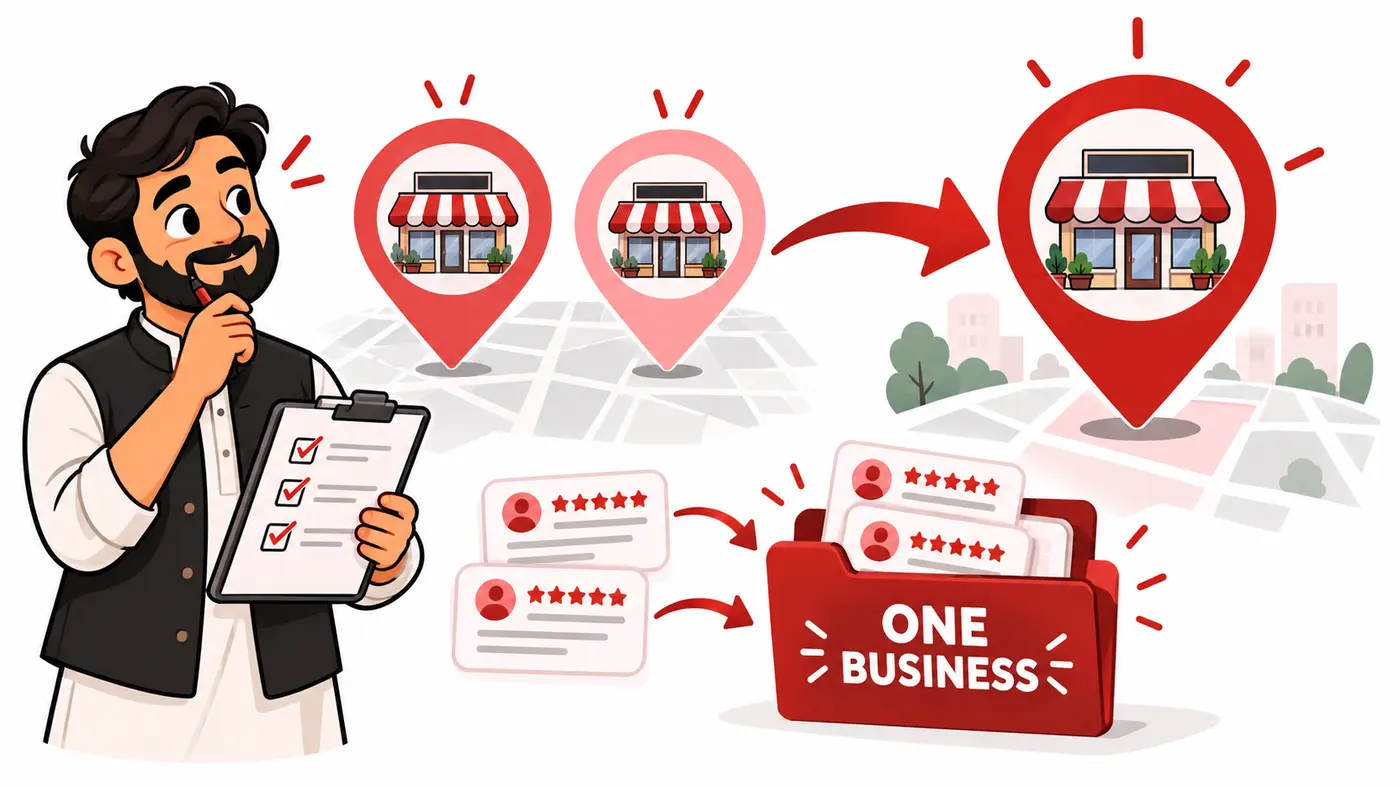
This guide helps Pakistani shop owners, service businesses and local SEO freelancers build a defensible case before changing a valuable profile. It includes a decision table, evidence worksheet, three worked scenarios, a support brief and post-resolution checks. The examples are fictional and are not claims of successful merges or recovered reviews.
What this guide is based on
Google’s duplicate-profile, business-representation and review-transfer guidance was reviewed on October 14, 2026. Links appear beside the relevant policy points. The worksheet and workflow are an operational framework for organizing the case; they do not replace Google’s review or establish eligibility by themselves. Screens and labels can vary by account and language, so follow the action presented in the live interface.
Before starting, obtain the owner’s authorization. You need the public Maps links for all suspected profiles, access information, the real business identity and a clear explanation of how each listing arose. Keep account credentials and sensitive documents out of public community posts.
Classify the situation before taking action
| Situation | First action | Do not do |
|---|---|---|
| Same business duplicated on Maps | Document both records and review the merge route | Delete the valuable record without checking consequences |
| Correct listing managed by someone else | Use ownership/access recovery | Create another listing to bypass the owner |
| Two distinct businesses wrongly combined | Prepare evidence for a duplicate-status appeal | Make the businesses look identical |
| Business moved premises | Investigate the existing record and relocation history | Treat the move as an automatic reason for a new profile |
| Multiple services from one business | Review services within the appropriate profile | Create a listing for every keyword or service |
| Independent second location | Check location eligibility | Assume all matching brand names are duplicates |
A shared address is a clue, not sufficient proof. Likewise, the same business name can legitimately appear at separate branches. The decision should follow the real-world business structure rather than the listing that has the most reviews.
Google’s core policy boundary
Google says duplicate profiles for the same business are not permitted. Its duplicate and ownership guidance provides routes for access requests, incorrect-duplicate appeals and Maps merge suggestions. Genuine shared-address businesses must be distinct and eligible; permanent signage may be required as evidence. Merge requests are reviewed. Reviews are combined when profiles are merged, but replies may be lost.
Those conditions do not mean every pair qualifies. Treat them as the boundary for your evidence, not a promise of a particular outcome. Do not alter names, categories or addresses to manufacture apparent eligibility.
Step 1: build a profile inventory
Search the business name, phone number, address and common old spelling in Search and Maps. Open each candidate listing and copy its share link. Name your records Profile A, B and C so discussion remains unambiguous. Capture the date and a screenshot of the public identity and current status.
- Public Maps URL and visible business name.
- Address, map pin and service area where visible.
- Phone number, website and primary category.
- Hours and whether the place is shown open or closed.
- Visible review count and representative review history.
- Photos indicating the actual business or premises.
- Management access and the authorized business owner.
- Known creation, move, rebrand or agency-handover history.
Do not rely on the first search result alone. Similar names, transliteration and a neighboring unit can confuse the initial investigation. Record discrepancies without “correcting” them until you understand why they exist.
Step 2: establish real-world continuity
Ask the owner to explain the business timeline. Was an agency hired twice? Did an employee create another listing after losing the login? Did the business move? Was a new company opened, or was the same company renamed? Does each location independently serve customers?
Write a dated narrative using observable facts. For example: “The same salon operated at Address A until June, then moved to Address B; staff created a new profile rather than updating the existing record.” This is more useful than “Google duplicated us.” Separate verified facts from uncertain recollections and request evidence for disputed dates.
Step 3: choose the route
Ownership or login problem
If the correct record already exists but the business cannot manage it, use the access/ownership process described in Google’s guidance. If the owner forgot the Google Account login, investigate account recovery. A new profile does not solve the underlying control problem and can add a second issue.
For an agency, make the business owner responsible for ownership decisions. Request the access needed to perform the agreed work rather than collecting passwords or silently moving primary ownership to the agency.
A true duplicate on Maps
Identify the records representing the same business and prepare the requested merge suggestion using Google’s linked Maps workflow. Specify both public URLs and the accurate business information. If the interface does not show the correct counterpart, stop and ask support to review the evidence rather than selecting a vaguely similar place.
Keep the case factual. Review counts can help identify history but are not proof that the two records are the same business. Do not promise the owner that every photo, post or reply will survive.
Incorrect duplicate status
If two real businesses were incorrectly combined, explain how they differ. Prepare separate names, customer-facing operations and relevant signage evidence. Support needs a distinction it can evaluate, not cosmetic profile edits made solely to defeat duplicate detection.
Step 4: preserve a record before changing anything
Save screenshots of the current visible data, important review replies and management roles. These records support diagnosis and follow-up; they are not a restorable Google backup. Copy any business-authored text or photos you are authorized to retain into the business’s own records.
Set a single case owner and a change log. Note who submitted an action, which record it concerned and when. Avoid having the owner, receptionist and two agencies submit conflicting requests while changing names and categories.
What “remove from your account” does not prove
Account management and public Maps visibility are separate concerns. Google warns that removing a duplicate can remove its content and linked managers. Read the exact confirmation and the account-removal guidance before proceeding. Do not use a dashboard cleanup action as an assumed substitute for a reviewed public merge.
If the only goal is to end an agency’s access, handle the role correctly. If the goal is to consolidate public records and their history, choose the appropriate duplicate workflow. The same “remove” wording can otherwise encourage a costly wrong action.
Pakistan-specific evidence preparation
Addresses in Pakistan may use building names, shop numbers, blocks, streets and landmarks inconsistently. Keep a worksheet showing the real address and the variants already used by the website, signage and documents. Explain a translation or formatting difference; do not invent a new unit number to make listings appear separate.
For a shop in a Lahore plaza, include the real shop number and photos that make the storefront identifiable. For two businesses in one building, show their actual distinct operations. For a service-area business, review the operating model rather than exposing a private address merely to resemble a storefront.
Use the Pakistan Business Profile verification guide for eligibility and verification context. This duplicate guide concerns resolving existing records, not obtaining a guaranteed verification method.
Three worked scenarios
One salon, two service-based listings
A fictional Karachi salon has one listing for hair services and another for makeup at the same premises. The owner, team and trading identity are the same. The investigation records both URLs and the service split, then prepares the appropriate consolidation case. It does not create a third listing named after another high-volume service.
The useful question is business identity, not whether the services differ. After resolution, the owner should maintain a coherent services presentation and direct customers to the correct review link.
Two distinct shops in a shared plaza
A fictional Lahore repair shop and a clothing retailer have similar abbreviated names and one shared building address. They are not automatically duplicates. The case documents separate shop numbers, names, storefronts and operations, then asks for review of any incorrect duplicate status.
Do not request a merge simply because the map pins overlap. Improving the evidence of distinct businesses is the correct investigative path.
A relocated business with split review history
A fictional Islamabad service business has an older record and a newly verified record created after moving. Google’s review-transfer guidance says not to create a new profile merely because location or ownership changes. It explains review-transfer routes and exceptions. The owner should document continuity and ask support to assess the actual situation.
These scenarios are reasoning examples. They do not establish that your business qualifies for a merge or that Google will retain every historical item.
A reusable support brief
Use this structure with factual values, not sensitive data posted publicly:
- Business identity and your authorized role.
- Profile A public URL and current status.
- Profile B public URL and current status.
- What happened, with dates where known.
- Why the records are the same business—or why they are distinct.
- Accurate current name, location and contact details.
- Relevant evidence organized by file name.
- The requested outcome and any review-history concern.
- Previous case number and actions already taken.
Keep the request short enough to review. A clear two-paragraph chronology plus an evidence index is preferable to an emotional account containing contradictory details.
Troubleshooting and follow-up
If the request is declined, compare the reason with your classification. Did you confuse ownership with duplication? Is the business actually a separate entity? Does the evidence contradict the listing? Respond to the specific issue rather than resubmitting the same material or creating another profile.
If reviews or replies appear different after a change, record the before-and-after state and the case reference. Ask support to examine the issue under its applicable guidance. Do not fabricate replacements or ask customers to post duplicate reviews to rebuild a count.
If the owner cannot access the surviving record, resolve access before making further edits. Repeated broad changes during an unresolved case make the timeline harder to interpret. There is no universal completion time or guaranteed visibility result; use the status and instructions in the actual support case.
Verify the final state
- Search the business by name, phone and address again.
- Check that customers reach the correct active record.
- Verify the owner has appropriate access.
- Review contact information, pin, hours and website.
- Inspect review history and note unresolved discrepancies.
- Update website Maps embeds, review links and customer messages.
- Correct obsolete directory links where practical.
- Record the outcome and remaining support tasks.
Consolidation is a data-quality task, not a guaranteed ranking boost. Continue the local SEO checklist for Pakistani businesses after the profile state is stable.
Frequently asked questions
Can two businesses share an address?
Possibly, when they are genuinely distinct and eligible. Shared premises alone do not justify a merge or prove eligibility.
Should I keep whichever profile has more reviews?
Not as the sole rule. Start with identity, continuity and ownership, then explain the history to Google.
Can I guarantee that reviews transfer?
No. Google reviews the request and applies its policies. Preserve evidence and explain concerns without promising an outcome.
Will deleting a duplicate fix rankings?
No ranking result is guaranteed. The immediate goal is an accurate, manageable customer-facing record.
Conclusion
Classify the problem, preserve evidence and use the appropriate route. A careful identity-and-access investigation is safer than deleting first and attempting recovery later. Keep the owner in control, document every action and validate the public record after Google’s review.
Need help applying this?
Get a practical review focused on the issue, evidence and next actions.
Contact Shahzaib